One Monitor or Many? The Designer’s Workflow, Focus, and Long‑Term Health
A research-driven analysis of single-monitor vs. multi-monitor setups for graphic designers: productivity, ergonomics, cognitive focus, and real-world cases.

A research-driven analysis of single-monitor vs. multi-monitor setups for graphic designers: productivity, ergonomics, cognitive focus, and real-world cases.
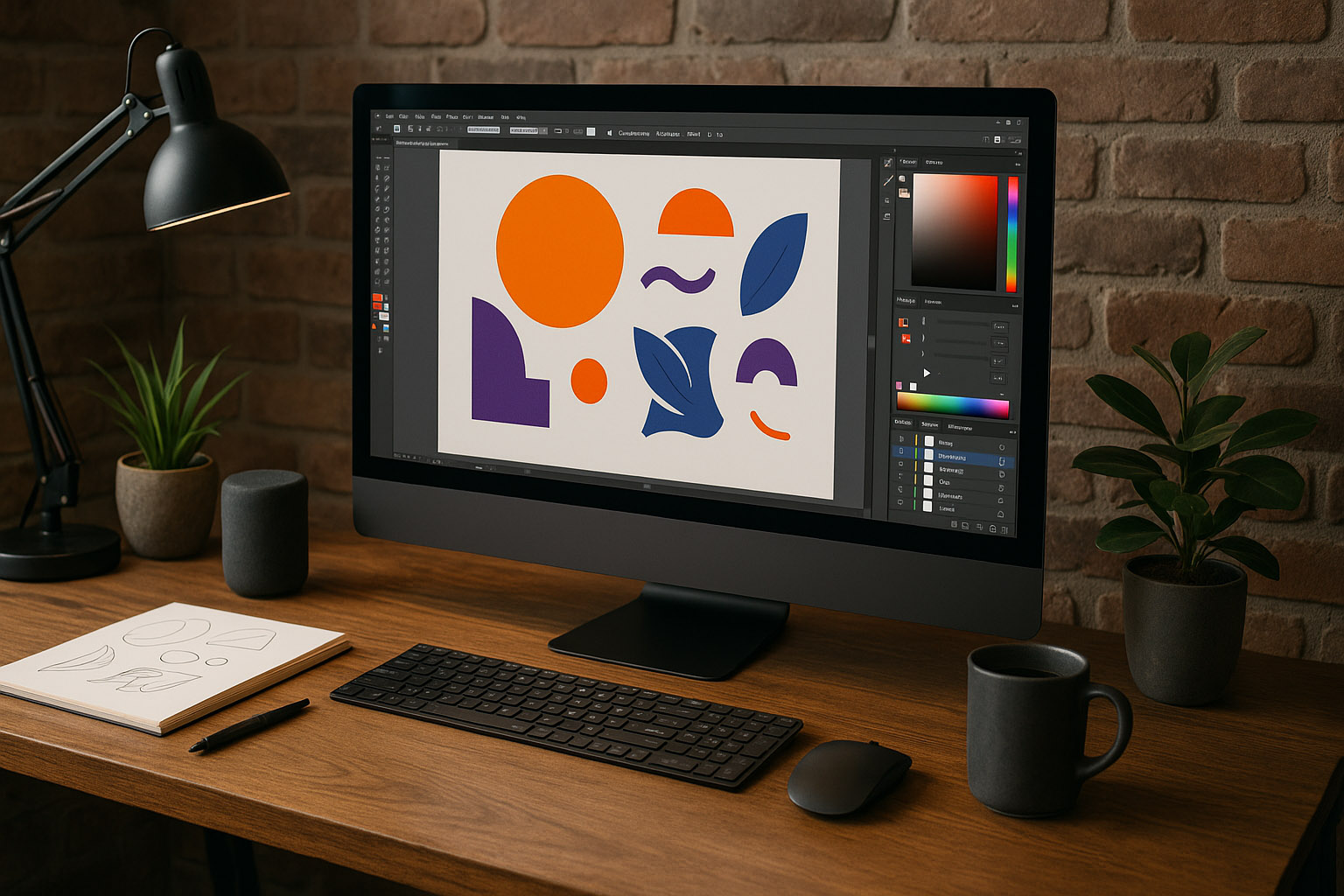
Monitors are not just displays — they are a designer’s workspace, cognitive frame, and physical environment. They influence how we think, how fast we work, and how healthy we remain after years of long sessions.
For a long time, the industry standard suggested: “More monitors = more productivity.”
But with modern high‑resolution displays, virtual desktops, gesture navigation, and better understanding of human ergonomics, designers are re‑evaluating workflows.
This article explores whether single‑monitor setups can outperform multi‑monitor stations in focus, ergonomics, and long‑term sustainability.
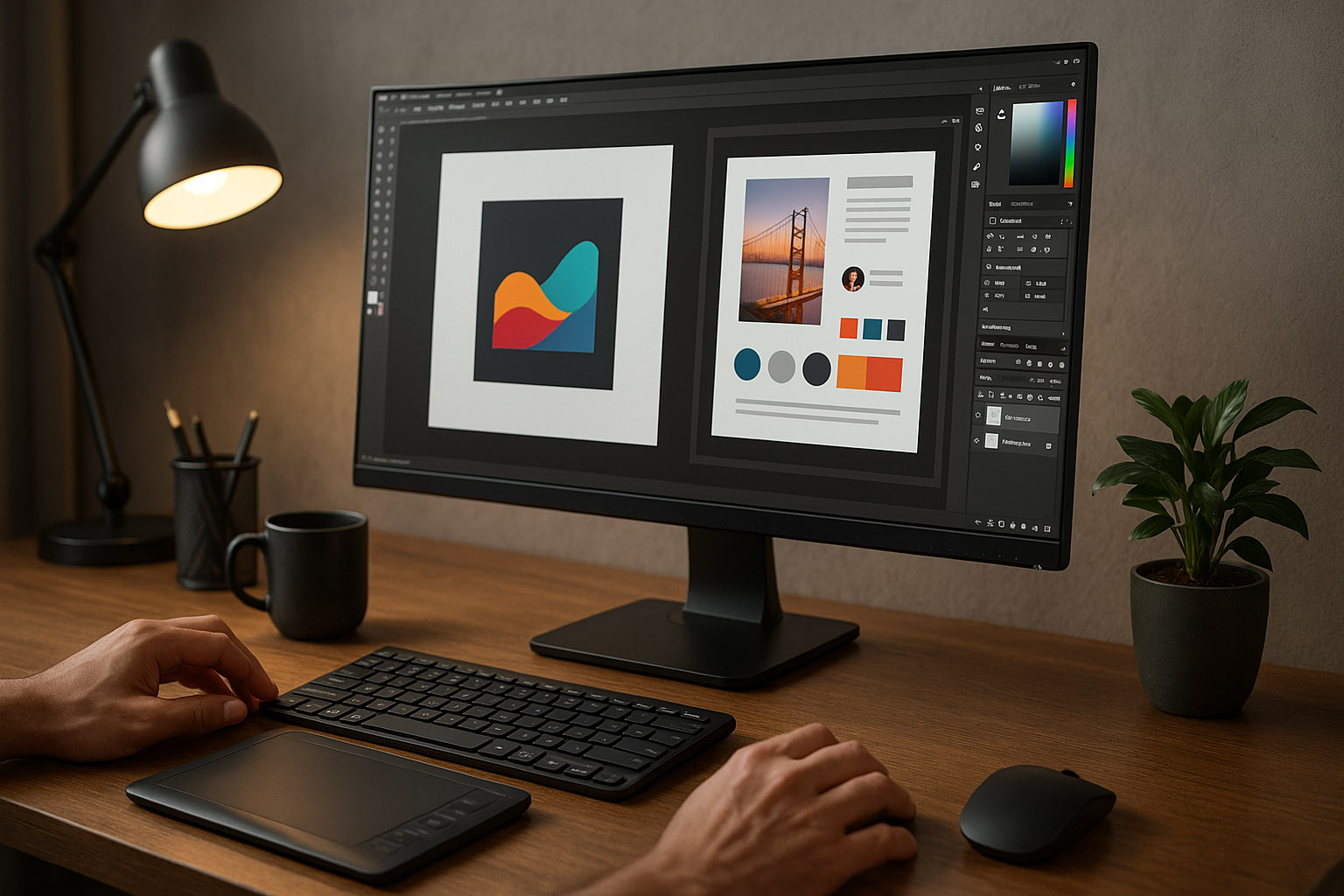
Graphic design requires deep concentration.
Multiple‑monitor setups introduce:
Studies show that shifting your gaze horizontally between screens breaks micro‑focus cycles. Each shift takes 3–9 seconds to rebuild full concentration.
Virtual desktops, on the other hand:
Designers often report entering deeper flow states on single monitors than multi‑monitor setups.
Dual‑monitor designers often rotate their head hundreds of times during an 8‑hour shift.
A Stanford ergonomic report (2019) found:
Designers usually position their “main” monitor directly ahead and the secondary at an angle — causing constant rotation in one direction only. This creates long‑term muscular imbalance similar to sleeping on the same side every night.
Everything is centered.
Virtual desktops on macOS and Windows allow clean separation of tools, browsers, references, and layouts.
Secondary monitors often act as “notification magnets” — Slack, mail, Spotify, YouTube, etc.
Designers describe the mental effect as “studio-like instead of cockpit-like.”
Surprisingly, research from the University of Utah indicated designers using virtual desktops:
“Virtual desktop switching feels like changing rooms without leaving your chair. It is geometrically cleaner than looking left or right.”
Some workflows genuinely benefit from multiple displays:
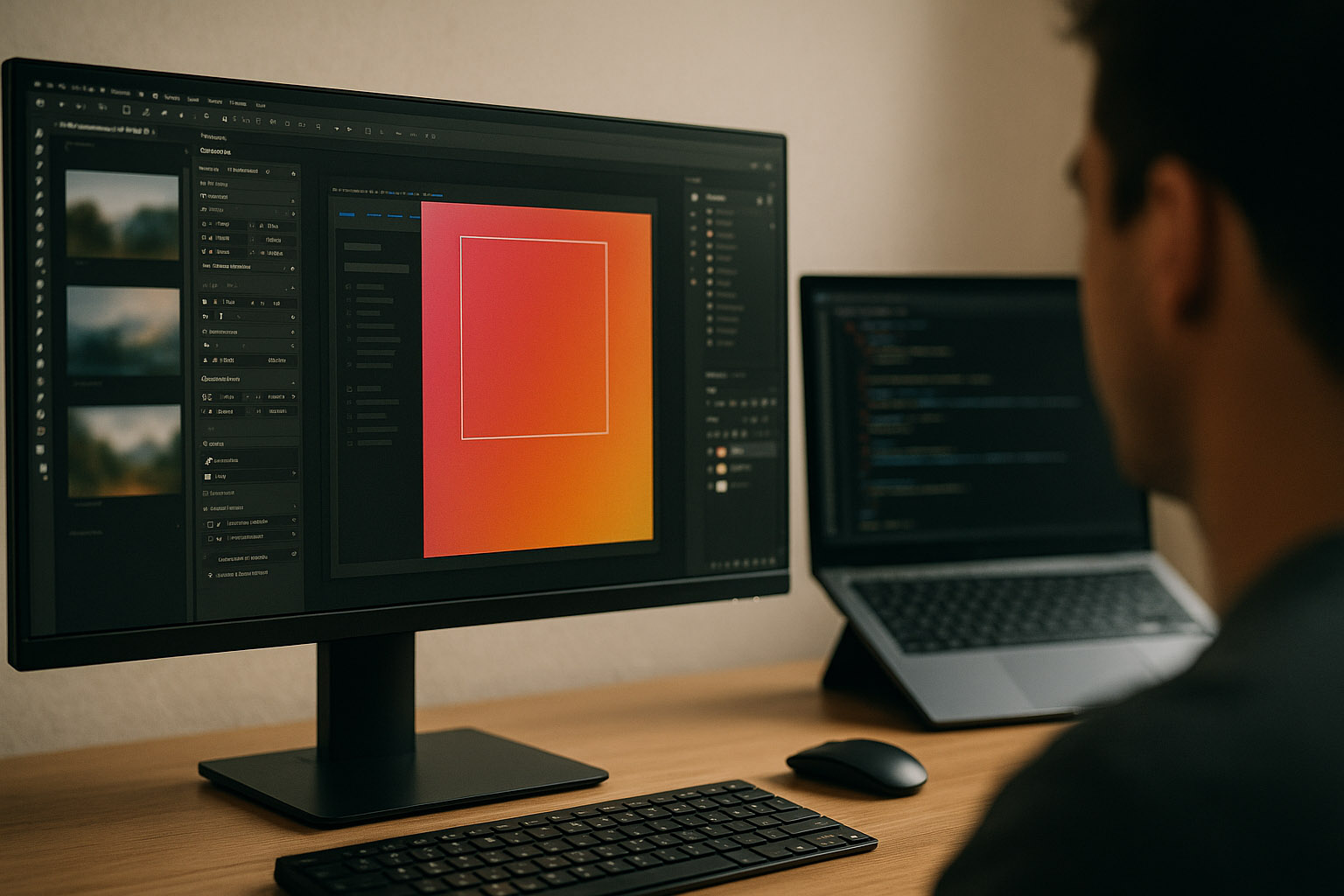
Less lateral distraction, smoother focus tunnels.
Even 2 mm bezels create perceptual segmentation.
Secondary screens bias color perception.
Muscle elasticity drops; 20‑year‑olds don’t feel what 40‑year‑olds feel.
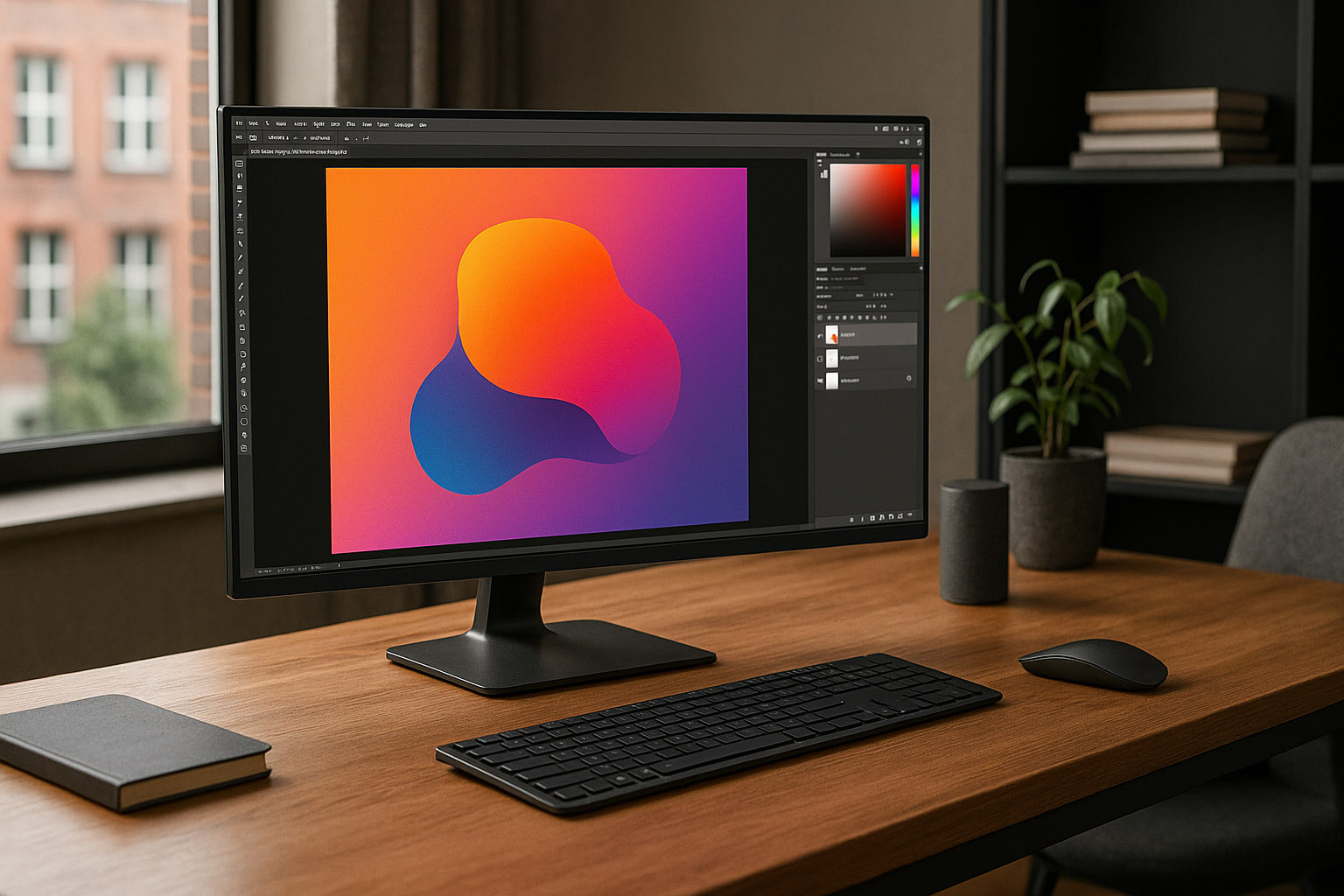
Switched from two 27" monitors to a single 32" 4K screen. Results:
“My desk feels like a studio, not a cockpit.”
Kept two monitors for timeline + preview. After years of neck strain switched to an ultrawide. Achieved:
Reported more fatigue, clutter, and context switching. After moving to one ultrawide per designer, satisfaction and productivity rose.
Single monitor = better for your brain. Multi‑monitor = better for specialized speed.
For most graphic designers — especially branding, UI/UX, illustration, and concept work — a single well‑configured monitor with mastered virtual desktops may be the modern “pro workflow.”

News, insights, case studies, and more from the rausr team — straight to your inbox.
Send us your brief, your wildest idea, or just a hello. We’ll season it with curiosity and serve back something fresh, cooked with care.