Designing on iPad: A New Era or Just a Portable Experiment?
Exploring how creating graphic design on iPads changes workflow, creativity, and quality — from speed and comfort to print output and the role of AI-driven tools.

Exploring how creating graphic design on iPads changes workflow, creativity, and quality — from speed and comfort to print output and the role of AI-driven tools.
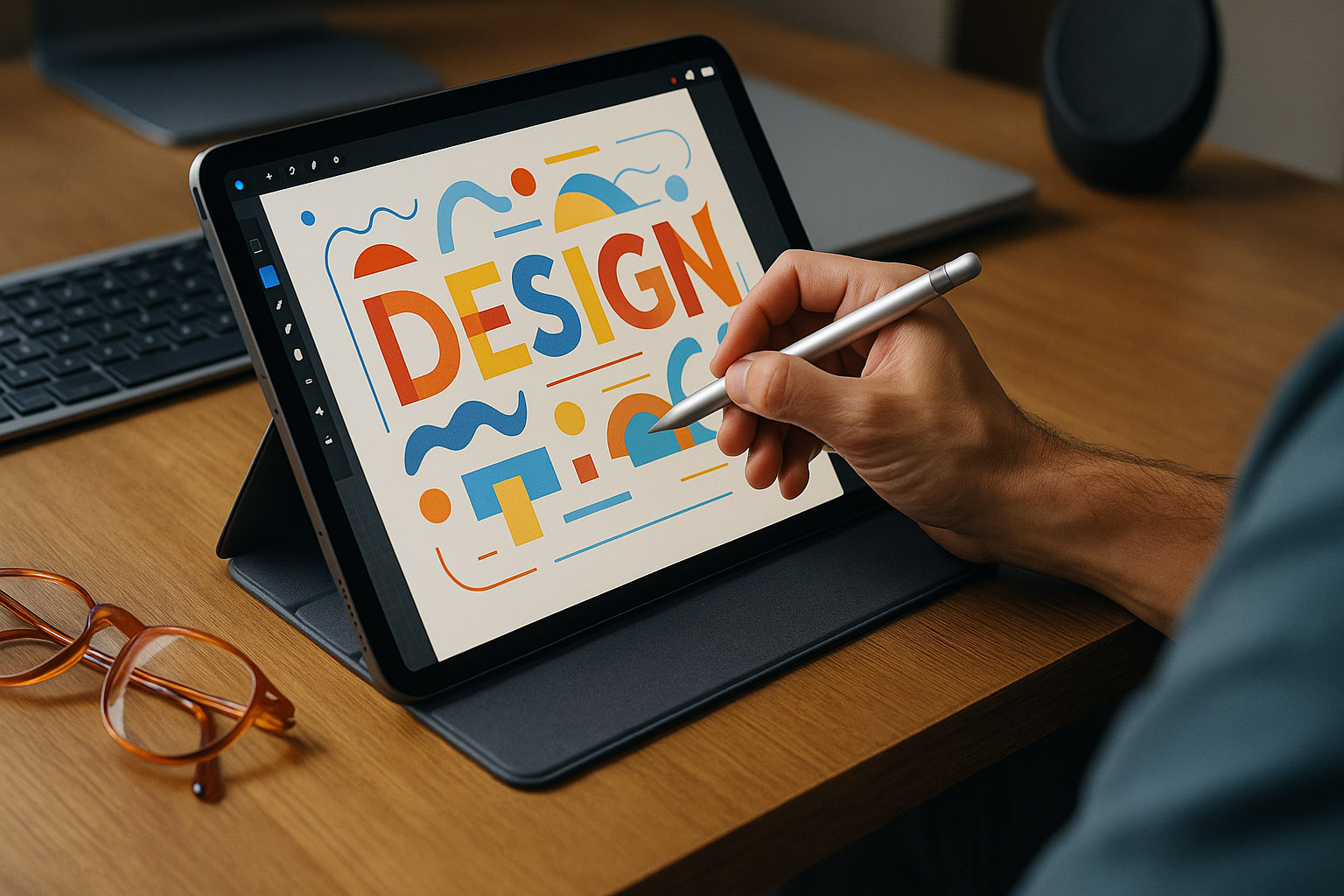
Over the last decade, the iPad has quietly transformed from a casual consumption device into a serious design workstation.
With apps like Procreate, Affinity Designer, Figma, and Adobe Fresco, designers can now sketch, illustrate, and even prepare print-ready layouts — all on a 13-inch touchscreen.
But can an iPad truly replace the traditional laptop or desktop setup for graphic designers? Or is it still just a portable complement?
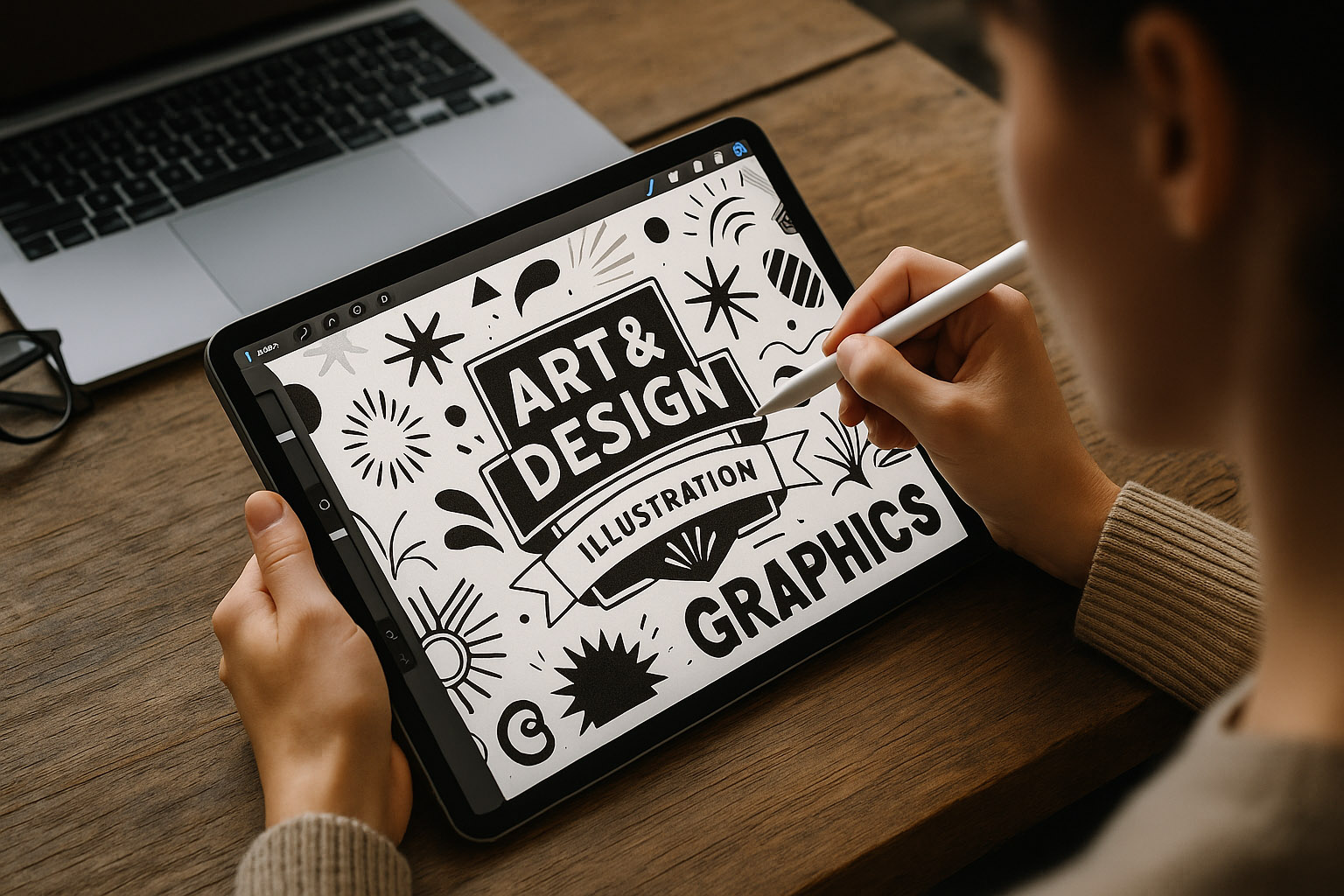
Designing on an iPad is tactile.
The Apple Pencil delivers fluid pressure sensitivity, simulating real-world sketching in a way a mouse never could. The lack of interface clutter creates a sense of creative flow — you touch, draw, and think almost simultaneously.
Unknown fact: Some illustrators use screen protectors with paper-like texture, not for protection but for restoring the tactile feedback of traditional drawing paper — it reduces fatigue and improves precision.
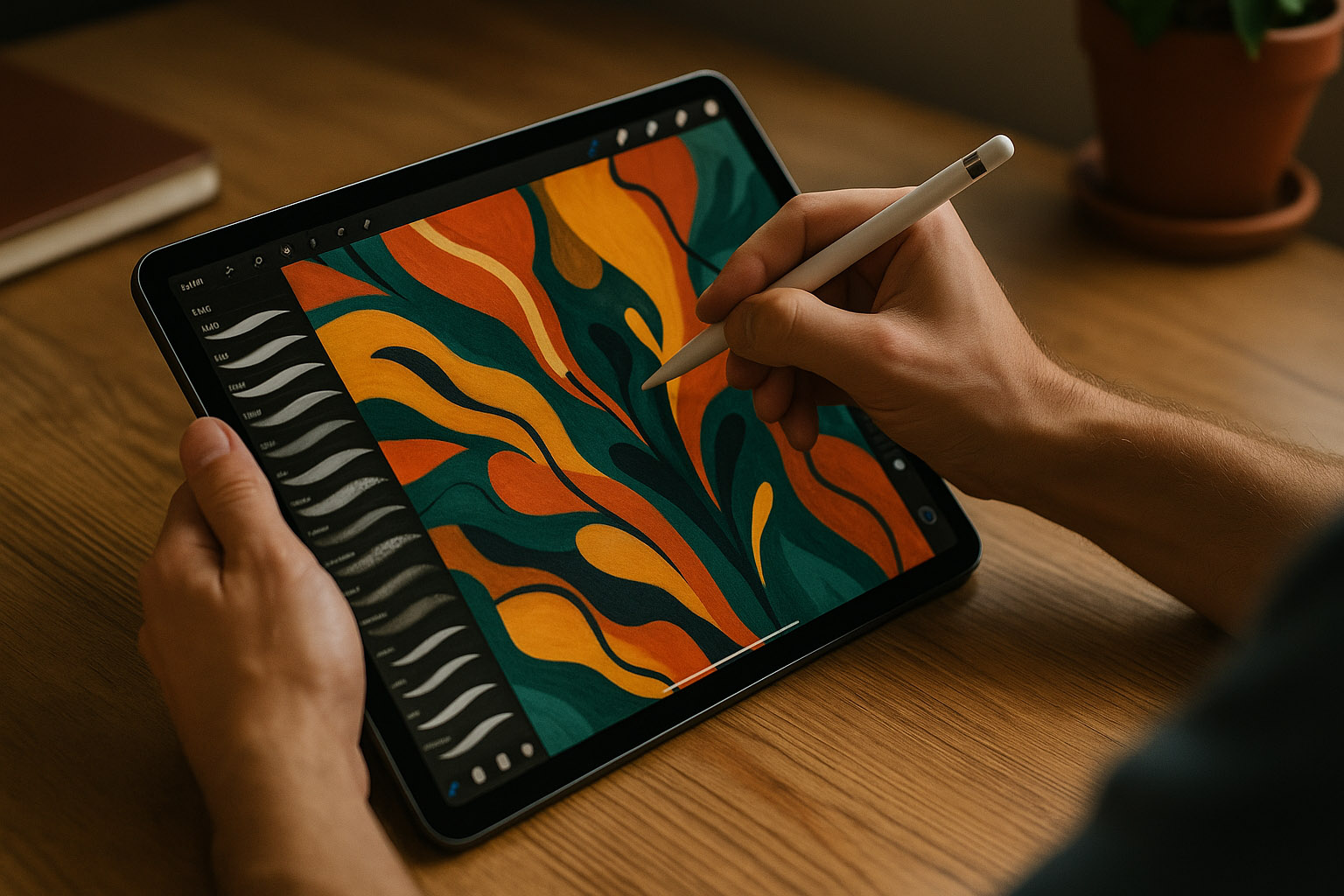
In theory, designing on iPad accelerates creativity — no mouse, no cables, instant ideation.
However, structured tasks like UI design, typography-heavy projects, or large print documents still benefit from desktop tools.
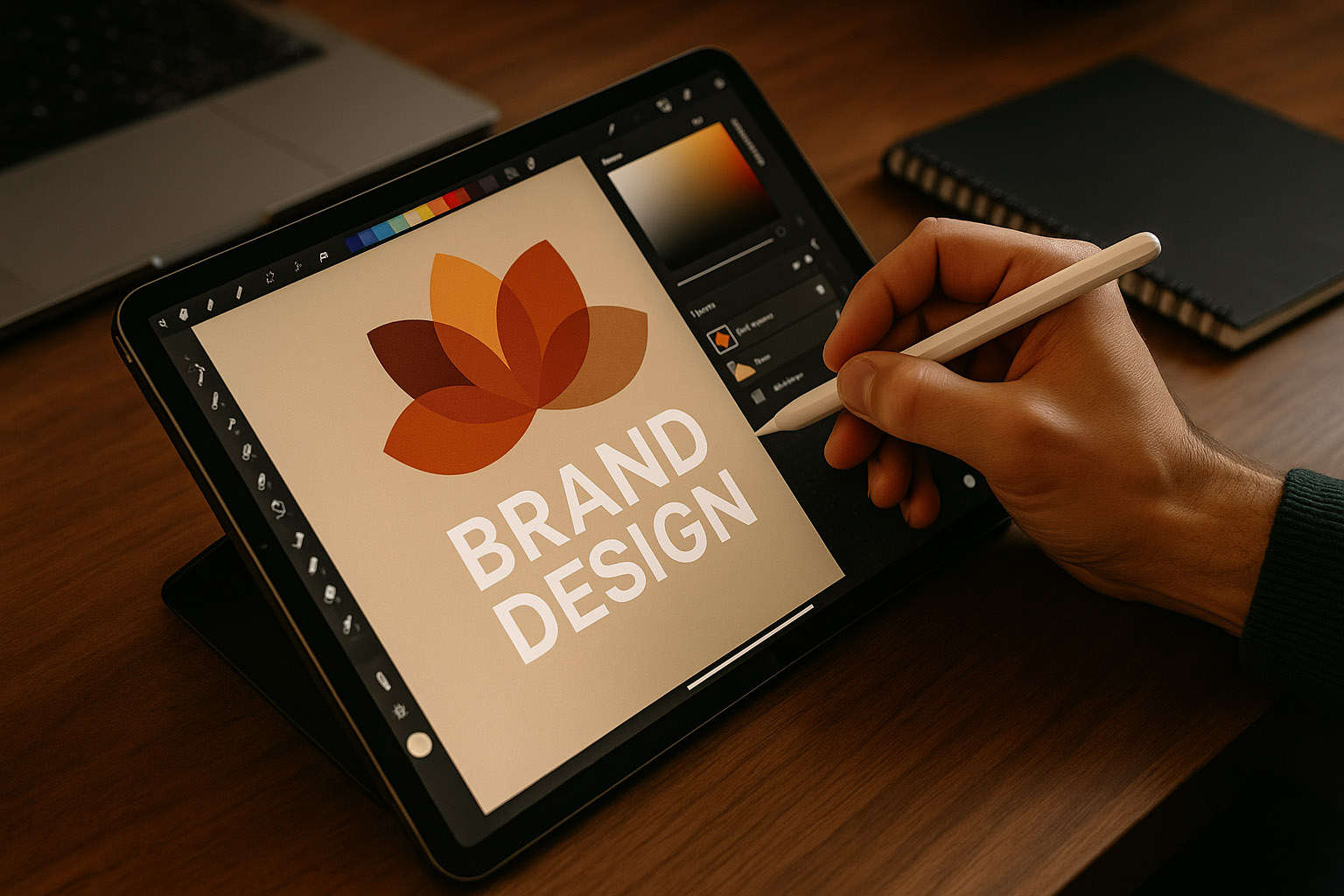
A common misconception: iPad designs are “less professional.”
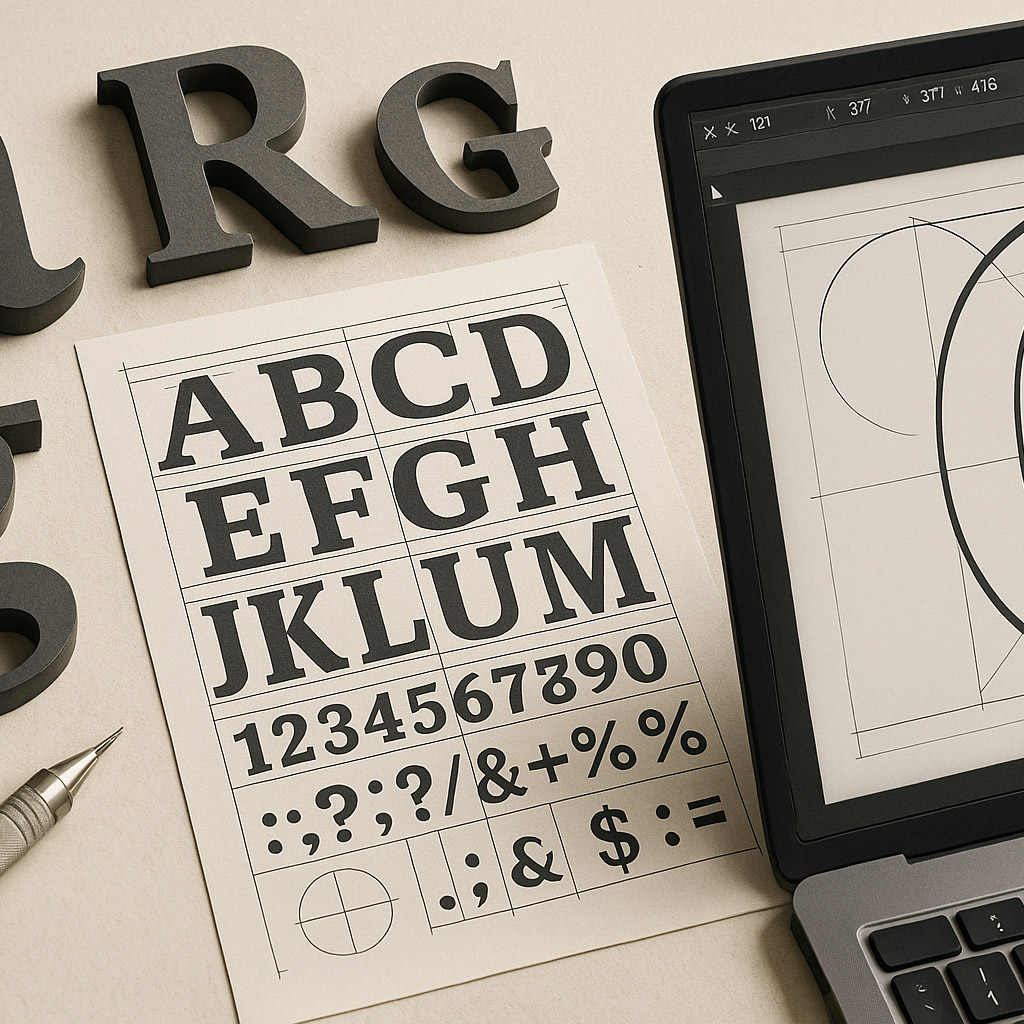
In reality, Procreate and Affinity Designer both support CMYK color profiles, 300+ DPI canvases, and vector exports compatible with Adobe Illustrator and InDesign.
Print design on iPad:
Hidden insight: Some print designers now perform first drafts on iPad before transferring files to desktop for prepress — the tactile sketching phase helps conceptualize layout faster and more naturally.
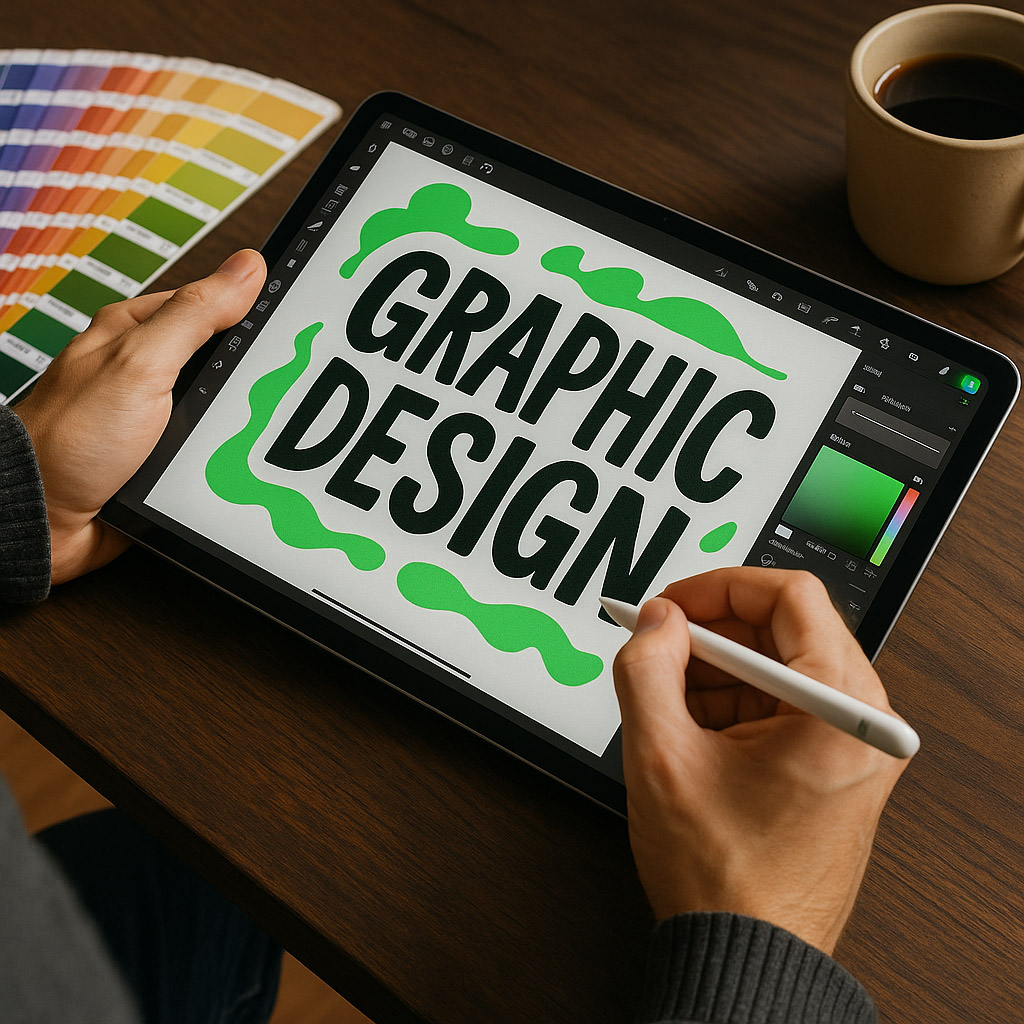
The hardware ecosystem around iPad has grown almost as much as its software:
Pricing overview:
| Setup | Estimated Cost |
|---|---|
| iPad Air + Pencil | €800–€1,100 |
| iPad Pro + Keyboard + Pencil | €1,600–€2,300 |
| Full studio setup (with stand & accessories) | €2,500–€3,000 |
AI-driven tools are starting to merge with mobile workflows.
Apps like Canva Magic Studio, Procreate Dreams, and Adobe Firefly now offer prompt-based generation, background cleanup, and instant layout variations — all from a touch interface.
While this reduces repetitive tasks, it raises the question:
Will AI make the tactile aspect of iPad design redundant, or amplify it?
Some experts suggest a hybrid approach — where AI handles the mechanical, leaving humans to focus on emotional and conceptual creation.
Unknown fact: In 2024, Apple filed a patent for gesture-based generative prompts, where designers could draw a symbol to trigger AI actions (e.g., sketching a circle to generate a logo variation).
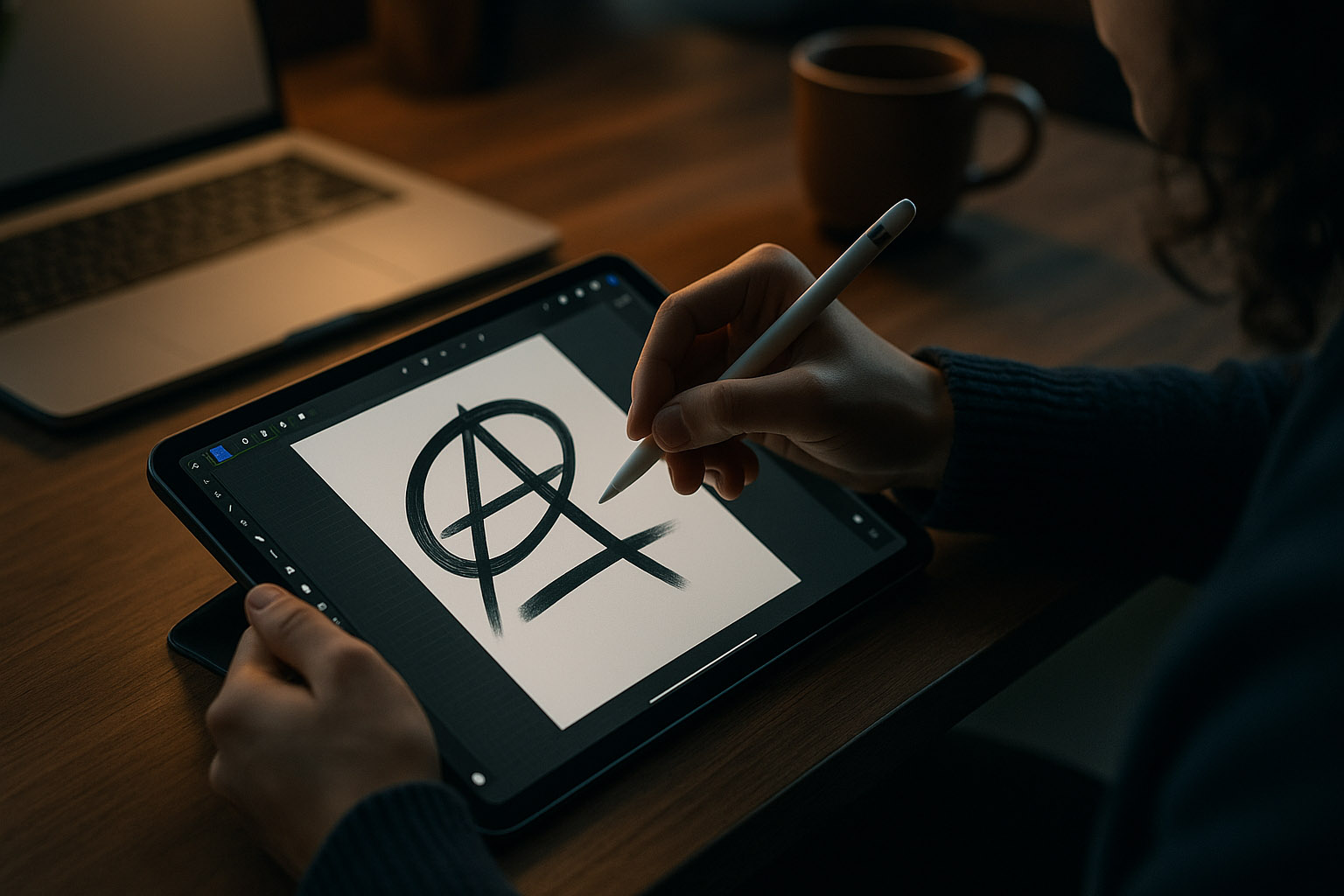

The iPad has matured from a toy into a legitimate design workstation — for the right stages of the process.
Concepting, sketching, storyboarding, and digital illustration thrive on its immediacy and tactile connection.
But for print production, multi-monitor editing, or 3D rendering — the desktop still reigns.
“The iPad doesn’t replace the designer’s desk — it extends it.”
News, insights, case studies, and more from the rausr team — straight to your inbox.
Send us your brief, your wildest idea, or just a hello. We’ll season it with curiosity and serve back something fresh, cooked with care.