Is Figma the UX/UI Industry Standard? And What About Adobe XD?
Figma seems to rule the design world, but why? Is Adobe XD really out of the game? And what’s next for interface design in the AI era?

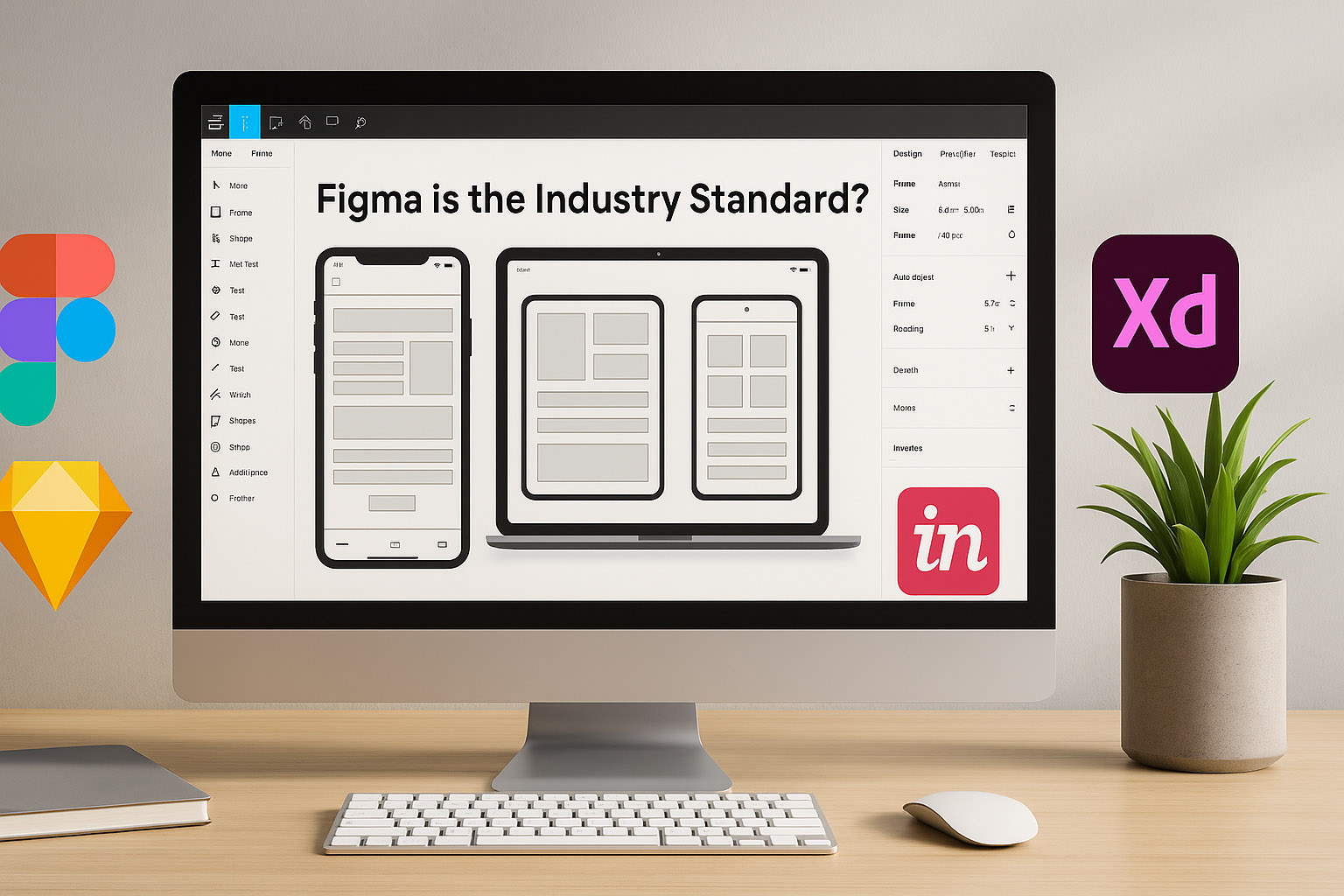
Figma seems to rule the design world, but why? Is Adobe XD really out of the game? And what’s next for interface design in the AI era?
Ask a UX/UI designer what tool they use, and nine times out of ten, the answer is: Figma.
But why is that?
Let’s break it down. Figma didn’t just show up with pretty UI — it changed the way teams work. It’s web-based, real-time collaborative, cross-platform (Mac/Windows/Linux), and totally removed the “final_final_version_v23.sketch” chaos from design life.
Figma’s history is rooted in solving collaboration headaches. Launched in 2016, it was one of the first to offer simultaneous multi-user editing, much like Google Docs but for design. This meant designers, developers, product managers, and stakeholders could all work together in one place without endless file versions or confusing handoffs.
Beyond collaboration, Figma’s thriving community has built thousands of plugins and widgets that extend functionality—from accessibility checkers to icon sets—making it highly customizable and adaptable to any workflow.
Another key feature is its developer handoff capabilities. Figma generates clean, inspectable code snippets and CSS directly from designs, bridging the gap between design and development seamlessly. This reduces friction and accelerates product launches.
Adobe XD launched with a clean, fast interface. Lightweight. Simple. Loved by many.
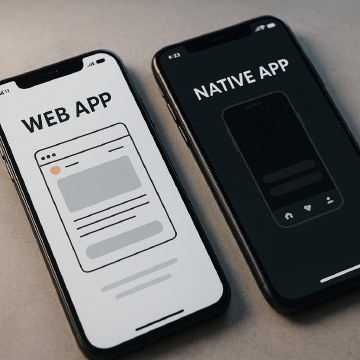
But Adobe was late to the game. And their collaboration model felt like a bolt-on, not a native feature. That’s where Figma won. While Adobe focused on the Creative Suite, Figma quietly became the Slack of UX design — multiplayer, browser-native, and perfect for remote teams.
Adobe’s strategy centered on integrating XD tightly with Photoshop, Illustrator, and other Creative Cloud apps, aiming to attract designers already embedded in Adobe’s ecosystem. However, this integration came at the cost of flexibility and cross-platform accessibility, limiting XD’s appeal outside Adobe-heavy shops.
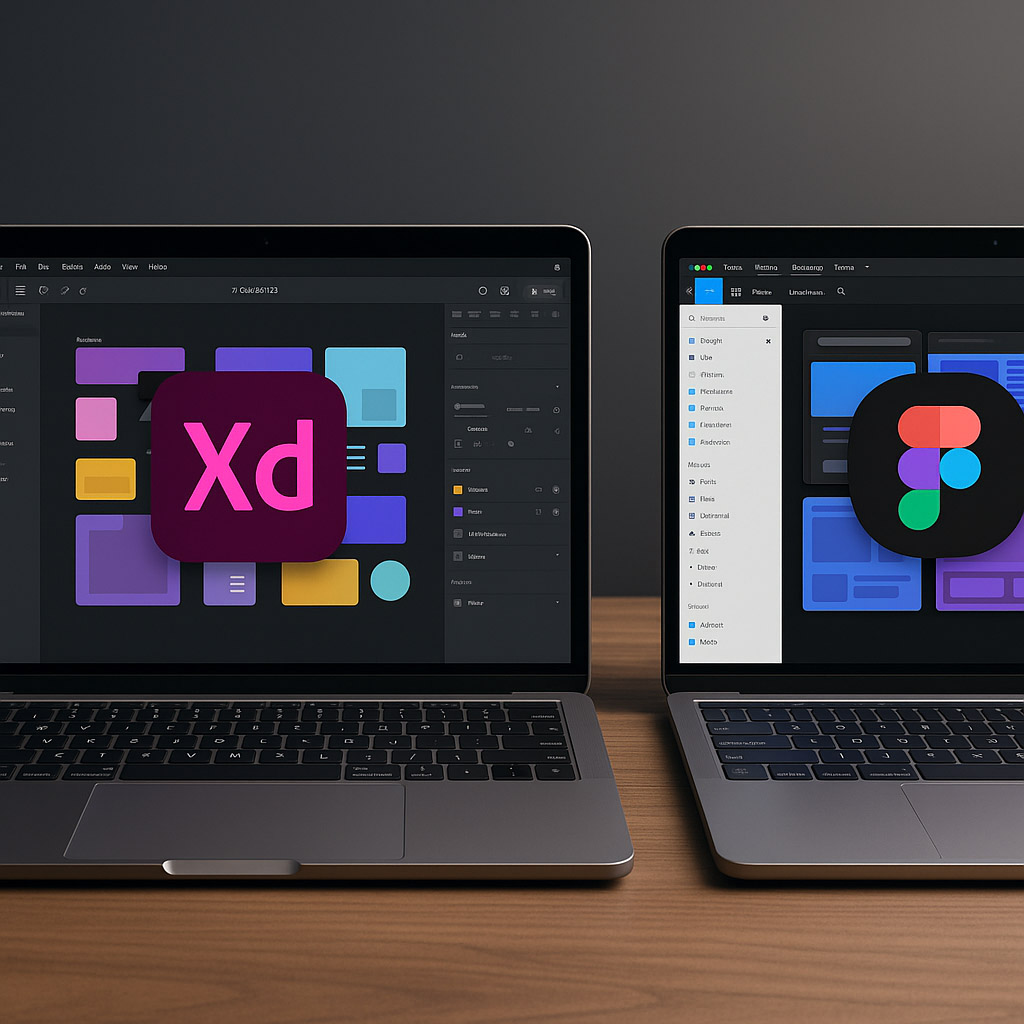
XD also struggled with collaboration features; its cloud sync and coediting lagged behind Figma’s real-time editing, causing teams to stick with Figma or other tools. Despite that, Adobe XD still fits well in workflows where high-fidelity prototyping and animation within the Adobe ecosystem are priorities, especially in agencies and studios deeply invested in Adobe products.
Here’s the current tool map:
| Tool | Platform | Notes |
|---|---|---|
| Figma | Web, Desktop | Most adopted; free for small teams |
| Adobe XD | Desktop | Best for Adobe users |
| Sketch | macOS only | Mac-only; once dominant |
| Framer | Web | Advanced motion; dev-friendly |
| Penpot | Web, OpenSrc | Free, open-source |
| UXPin | Web | Design + code workflows |
That’s not fantasy. It’s a real scenario.
If AI tools (like Uizard, Galileo AI, or even Copilot inside Figma) evolve fast enough to:
“…then traditional tools must evolve fast or die.”
Real-world examples show how fast AI is becoming “the designer”:
Right now, AI is a feature. In a few years, it could be the whole tool.
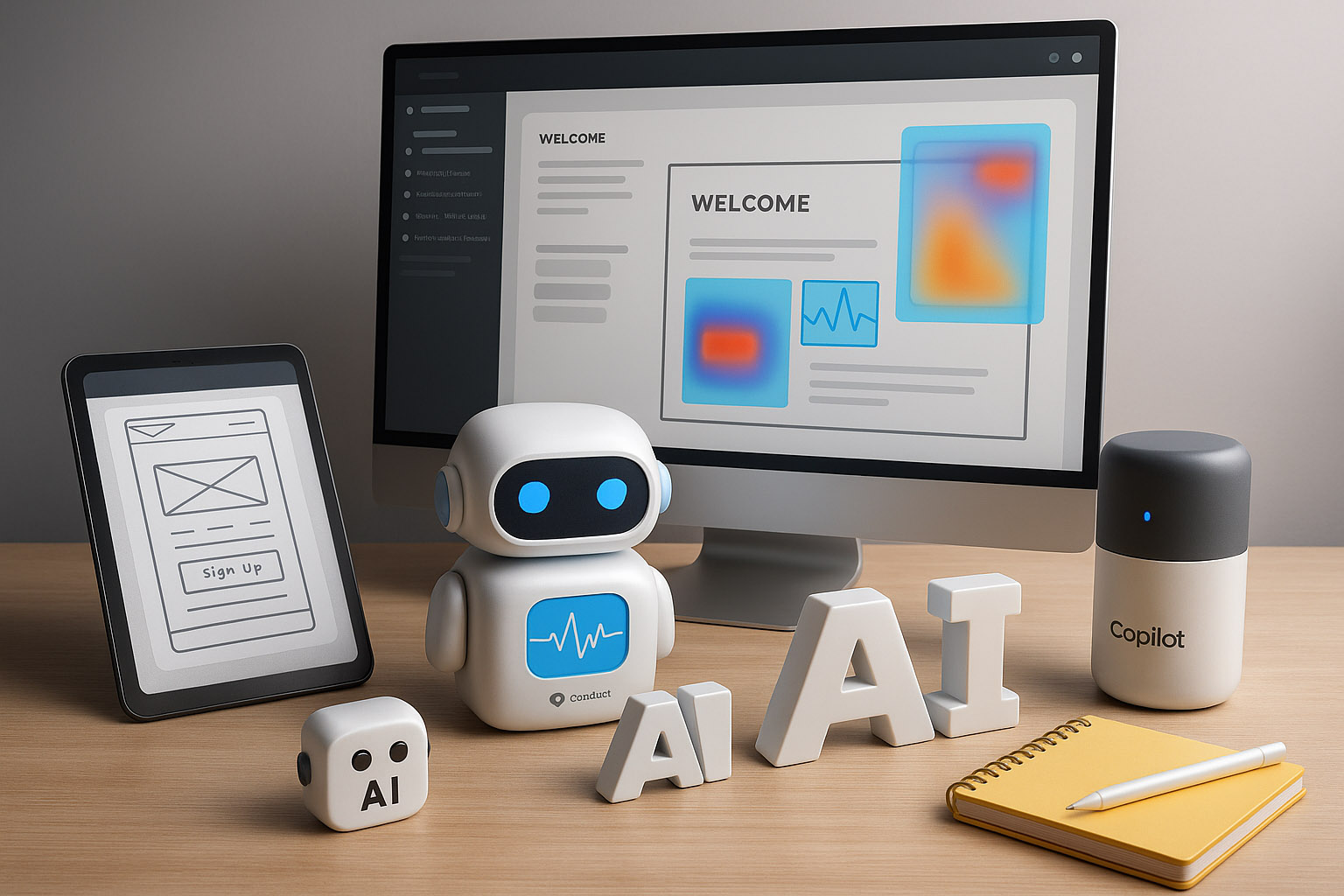
For freelancers, lightweight tools with strong prototyping and easy sharing (like Figma’s free tier) are ideal. Small teams benefit from tools that balance collaboration with cost-effectiveness, such as Figma or Penpot. Enterprises require robust governance, security, and integration features—where Figma Enterprise or Adobe XD’s Creative Cloud integration still shine.
“Figma earned its crown because it solved real collaboration pain, not because it had the best features. Adobe XD is still good, especially for people deep in the Adobe ecosystem. Other tools like Framer and UXPin are now pushing design into design+dev fusion, and AI is starting to walk around.”
News, insights, case studies, and more from the rausr team — straight to your inbox.
Send us your brief, your wildest idea, or just a hello. We’ll season it with curiosity and serve back something fresh, cooked with care.