How to Choose an Optimal Computer for Graphic Design
What matters most in a design computer today: RAM, CPU, GPU, storage, laptops vs desktops, Mac vs Windows, and what students or professionals should actually buy.


What matters most in a design computer today: RAM, CPU, GPU, storage, laptops vs desktops, Mac vs Windows, and what students or professionals should actually buy.
People often ask the computer question in the wrong way.
They ask:
But a design computer is not one spec. It is a balance of bottlenecks.
For some designers, the biggest slowdown is not the CPU at all. It is not enough RAM, a weak scratch-disk setup, too little storage, a laptop that throttles under long exports, or a GPU that matters far more in 3D than in 2D.
So the better question is not “what is the most powerful machine?”
It is:
This article pairs naturally with Why Adobe Still Rules, Twinmotion: Real-Time Rendering for Designers, and Adobe Illustrator Beyond Print.
“The best design computer is rarely the most expensive one. It is the one whose weakest part does not interrupt your actual workflow.”
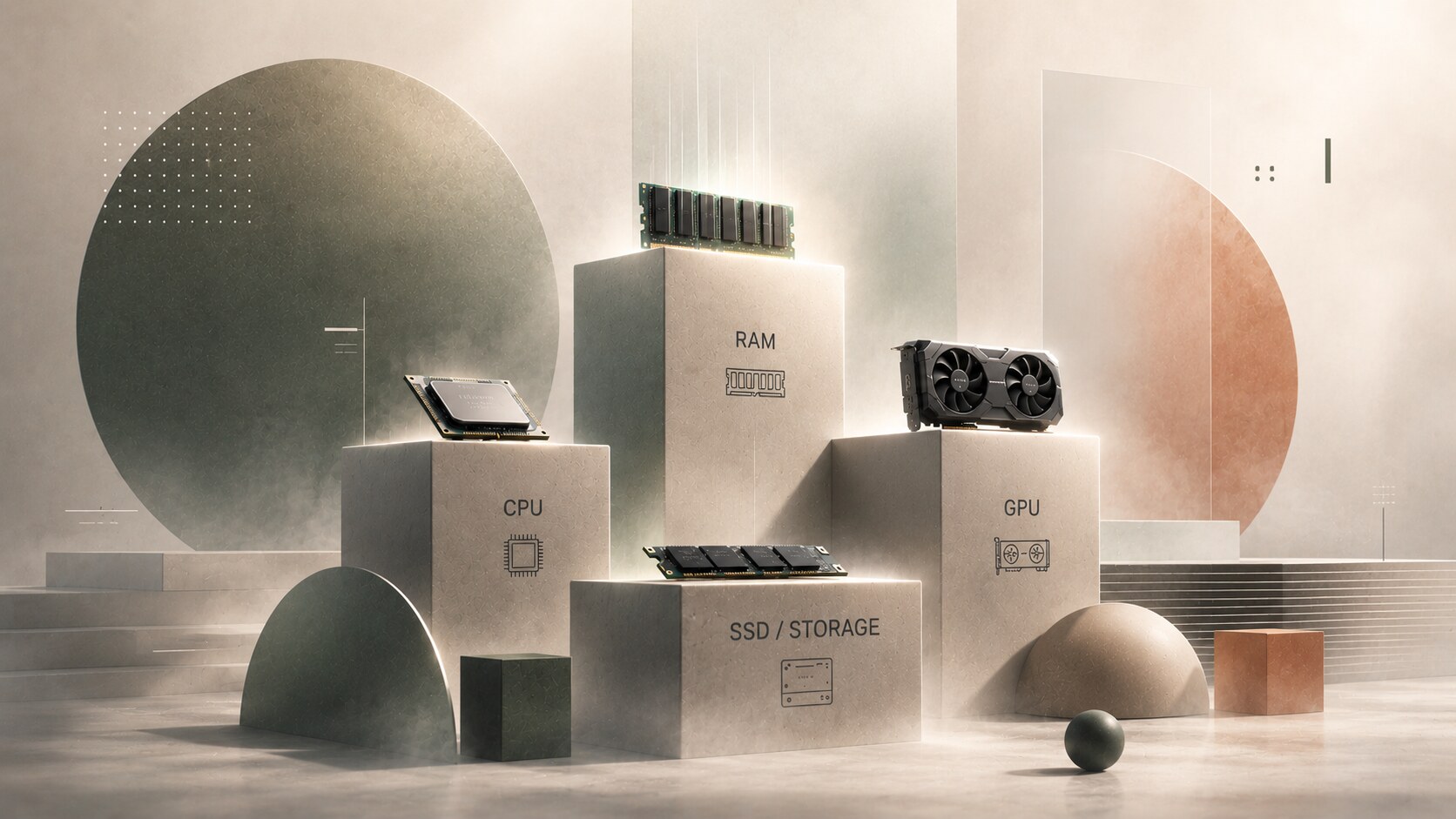
For graphic design, four parts usually determine whether a computer feels smooth or irritating:
The CPU handles a lot of general app behavior. RAM determines how comfortably you can keep large files and multiple apps open. The GPU helps with accelerated features and becomes much more important once 3D enters the picture. Storage affects scratch performance and how gracefully the system behaves under load.
The reason people get confused is that these parts do not matter equally in every workflow. A simple way to think about it is this:
That is why there is no single “designer computer.” There is only a computer that fits your part of design.
Unknown but useful detail: Adobe now explicitly notes that Photoshop is not tested with GPUs older than seven years. That is a quiet reminder that “still works” and “still optimal” are not the same thing.

This is the question almost everyone asks first.
The short answer is simple. For 2D graphic design, insufficient RAM usually hurts more often than a CPU that is merely “very good” instead of “top-tier.” But for heavy exports, batch processing, and some effects, CPU still matters a lot.
Adobe’s current Photoshop, Illustrator, and InDesign requirements all list 8 GB minimum and 16 GB recommended. That is useful as a floor, not as an ideal target.
In real work, 16 GB is the minimum comfortable level for many students and lighter freelance work. 24–32 GB is a much safer zone for professional 2D work. 64 GB+ starts making sense when files get huge, many Adobe apps stay open at once, or you move regularly between 2D, motion, and 3D.
Why RAM often feels more important: because once memory gets tight, the whole system becomes annoying. Tabs reload. Previews lag. Photoshop hits scratch space harder. App switching becomes sticky. The machine may not look “slow” in benchmarks, but it feels slow in real life.
CPU matters most when you regularly do:
So if someone is choosing between more RAM plus a slightly weaker CPU and a faster CPU plus cramped RAM, the first option is often the better lived experience for many 2D designers.
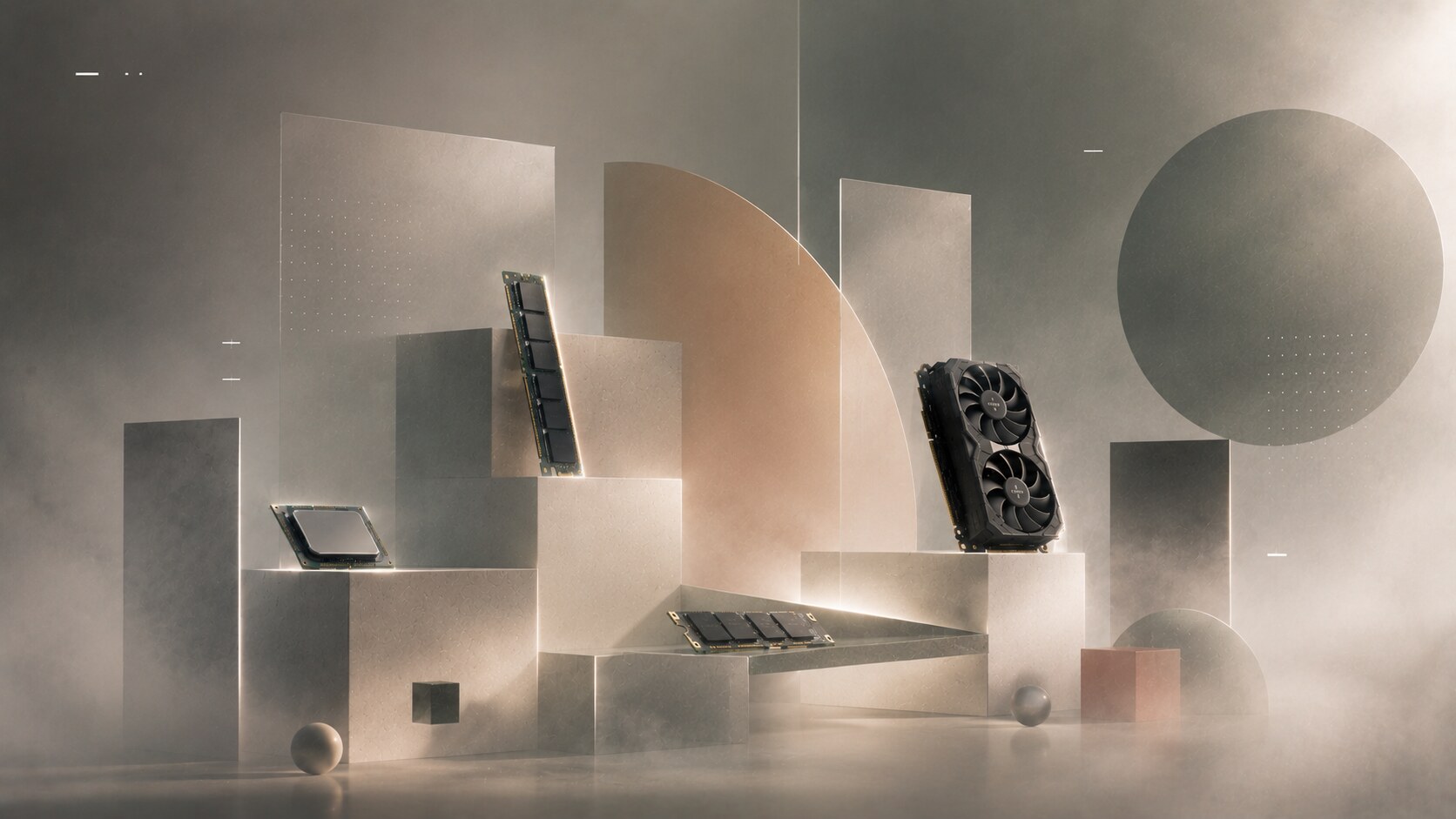
For Photoshop, Illustrator, and InDesign, the GPU is helpful, but for many 2D designers it is not the first place to spend aggressively.
The official guidance is revealing. Photoshop requires a GPU with DirectX 12 on Windows and uses GPU acceleration for features like Camera Raw, Neural Filters, and Select and Mask. Illustrator asks for modest VRAM levels for GPU performance and smooth pan and zoom behavior. InDesign only asks for relatively light VRAM levels for optimum GPU performance.
That means a modern, decent GPU matters. It does not mean every 2D designer needs a giant gaming-class card.
For pure 2D work, the better priority order is often enough RAM first, then a fast SSD and scratch setup, then a strong CPU, and only after that a competent modern GPU.
A top-end GPU becomes easier to justify when:
“For 2D graphic design, a good GPU is useful. A great GPU is optional. Running out of memory or storage speed is usually the more boring, more common problem.”
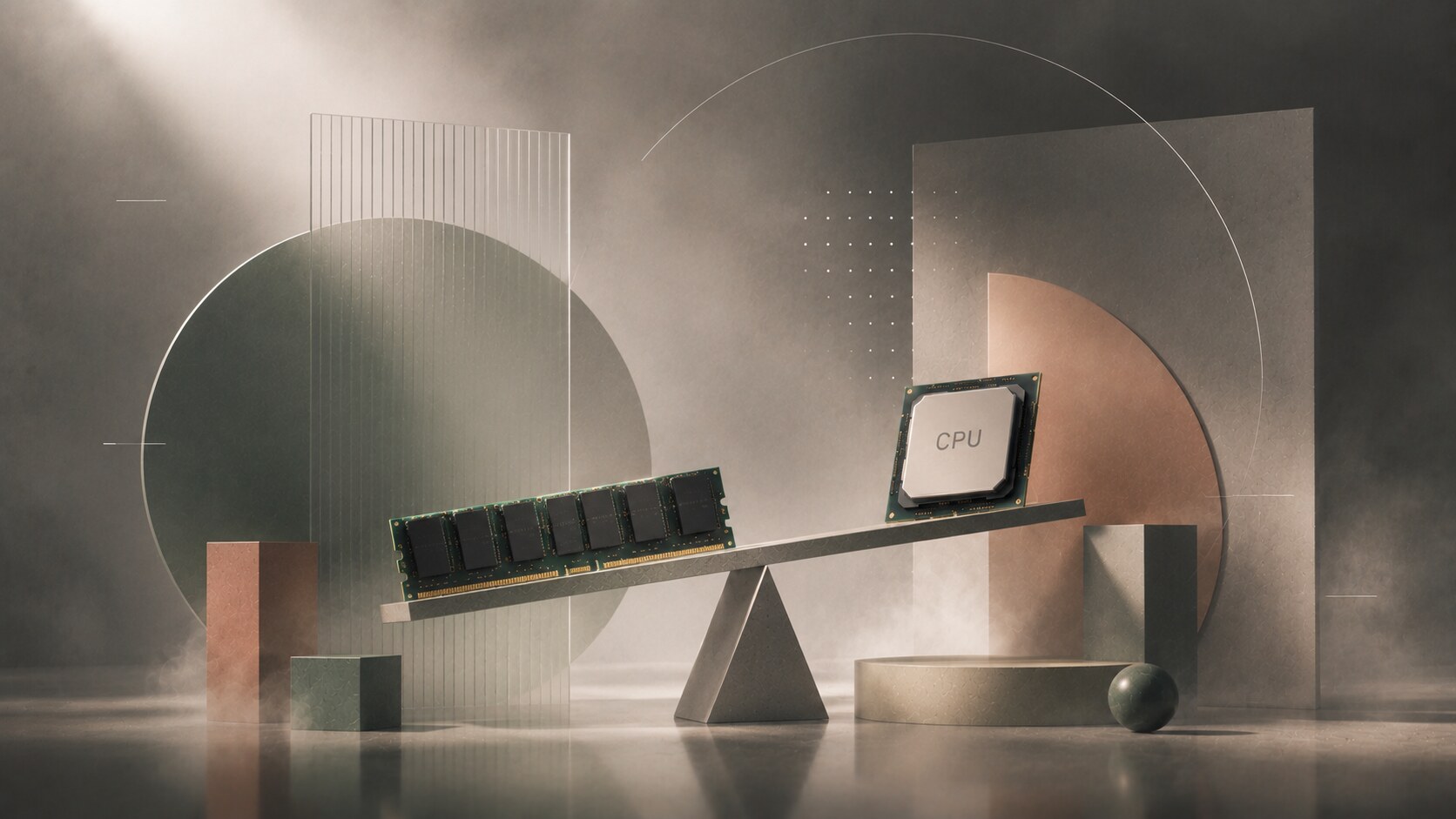
Once you move from layout and image editing into 3D, the machine priorities shift.
Blender’s official ecosystem and Autodesk’s Maya documentation both point in the same general direction: GPU matters a lot for rendering and viewport performance, compatibility matters, and VRAM matters more than many beginners expect.
In Blender’s Cycles ecosystem, GPU rendering is tied to vendor-specific technologies such as CUDA / OptiX for NVIDIA, HIP for AMD, oneAPI for Intel, and Metal for Apple Silicon and Mac.
For 3D, the big question is not only how fast the GPU is. It is also how much VRAM it has, how stable the drivers are, and whether the app or renderer is actually optimized for it.
This is where professional GPUs still make sense in some workflows.
Autodesk’s 2026 Maya certification documents still list many Radeon Pro and NVIDIA professional RTX / Quadro-class cards as certified hardware. That does not mean a consumer GeForce card is bad. Autodesk also lists tested GeForce cards. But it does mean professional cards still have a real place when certification, enterprise support, driver validation, or officially approved studio pipelines matter.
For freelancers, students, and many generalist 3D designers, a strong consumer GPU often gives better price-to-performance.
For enterprise / VFX / CAD-adjacent / certification-sensitive work, pro GPUs still have a reason to exist.
“Simple rule: If you are 2D-first, do not overspend on GPU. If you are 3D-first, do not underspend on GPU.”

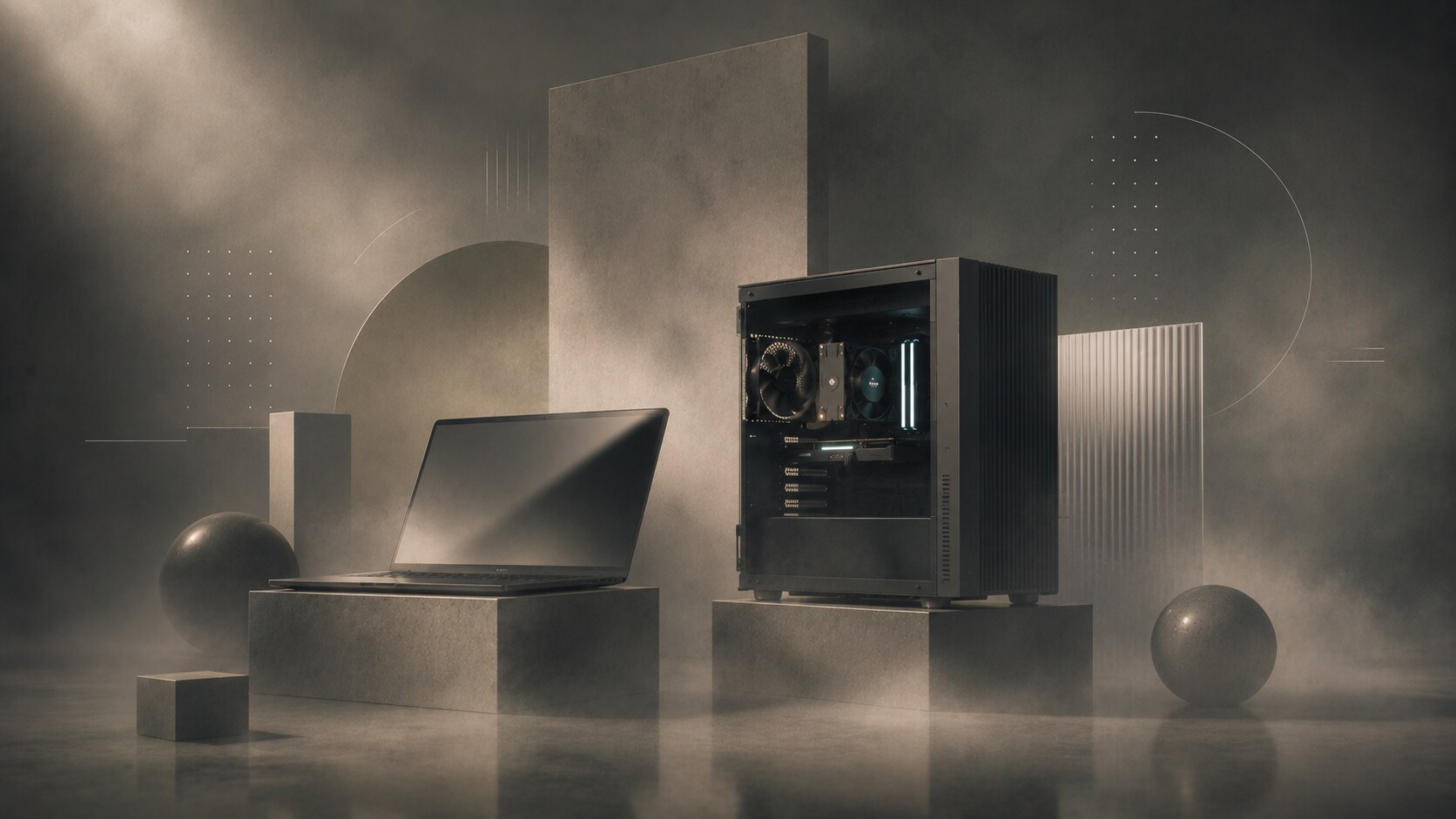
Laptops are now much better than they used to be. For many designers, especially students and mobile freelancers, a laptop is completely enough.
But desktops still have real advantages. They sustain cooling better under long heavy loads, they are easier to upgrade and repair, they offer more ports and display flexibility, they allow more internal storage options, and they usually give better price-to-performance at the same power level.
The difference becomes obvious during:
Photoshop’s own requirements quietly hint at one desktop advantage: Adobe recommends not only a fast internal SSD, but also separate high-speed scratch storage. That is much easier to build comfortably into a desktop system.
So the desktop argument is not nostalgia. It is still strongest when you want:
For many professionals, the smartest setup is still one portable laptop for meetings, travel, and light work, plus one real desktop for the heavy lifting.
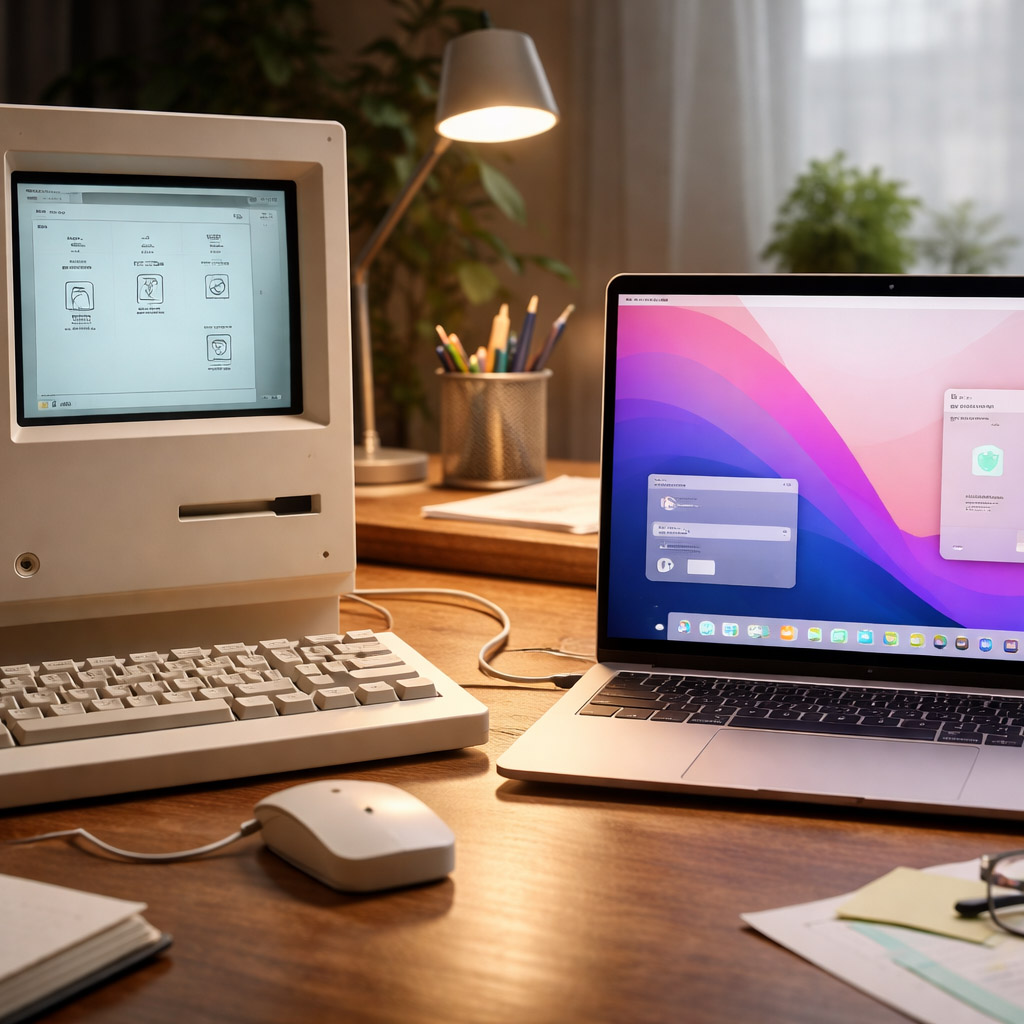
Macs became deeply associated with graphic design for historical reasons that were genuinely structural.
The biggest one is desktop publishing.
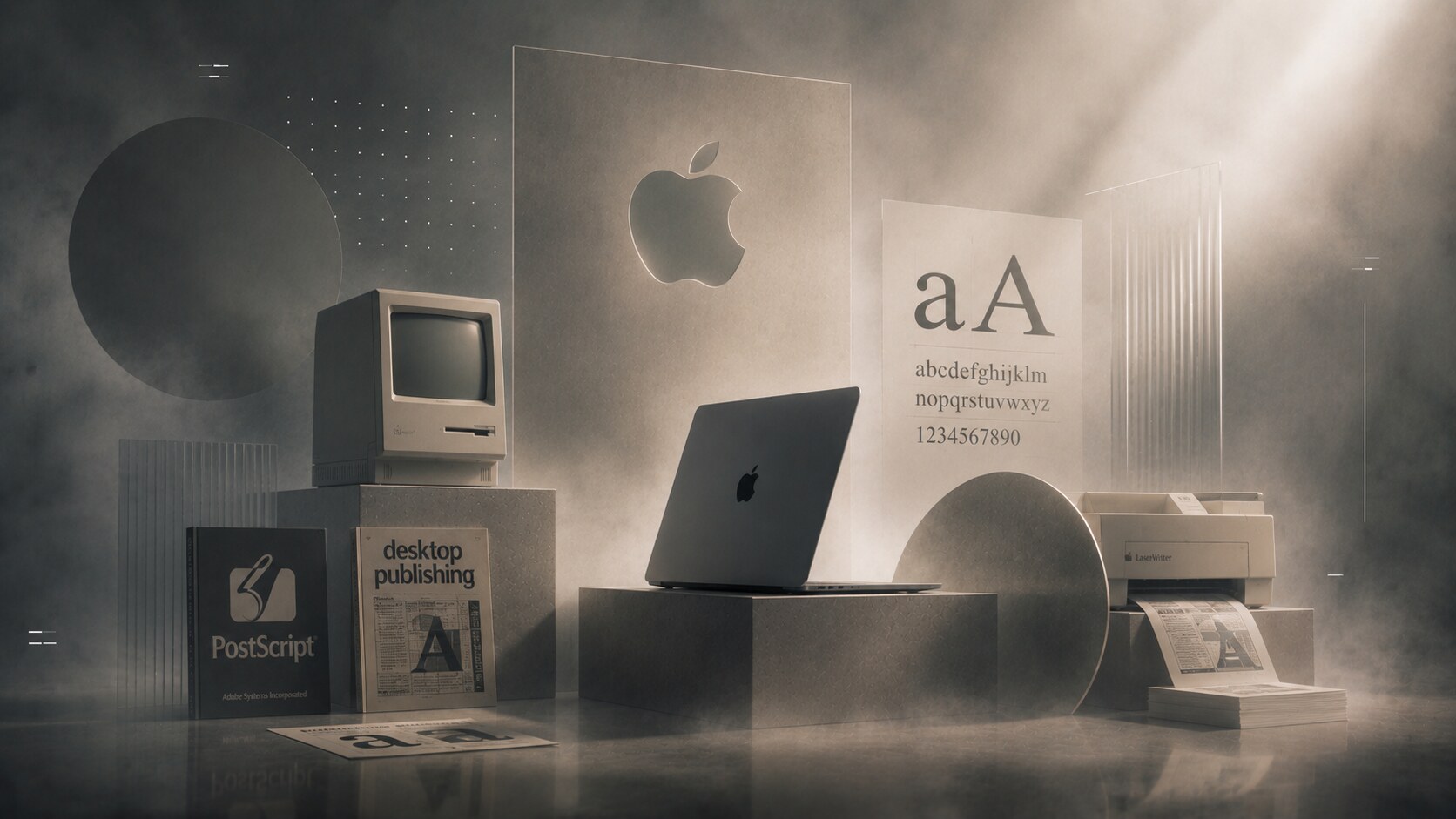
Adobe’s own PostScript history says the language was at the forefront of the desktop publishing revolution. Apple’s Macintosh world, Adobe PostScript, printers like the LaserWriter, and page-layout software created a pipeline that made Macs disproportionately important in publishing and design culture.
So yes, Apple’s design orientation mattered. Steve Jobs and later Apple leadership clearly cared about design culture, materials, interface feel, and visual discipline. Apple’s own design history still frames that identity explicitly.
But Macs did not become design-standard merely because Steve Jobs was design-obsessed. They became standard because the early DTP stack was powerful, typography and print culture aligned with Mac workflows, creative software matured there early, agencies and schools taught on that platform, and habit eventually became infrastructure.
Today, the “Mac standard” is weaker than it used to be in absolute terms. Windows machines are fully viable for design work.
But Macs still carry advantages many designers value: very strong displays, solid battery life on laptops, stable Apple Silicon performance-per-watt, quieter systems, and a creative-culture bias in studios, schools, and agencies.
Unknown but important detail: the Mac’s design dominance was not only about the computer itself. It was about the whole publishing chain around it. Hardware taste alone never creates an industry standard. Workflow ecosystems do.
Most students do not need a dream workstation. They need a machine that does not punish them while they learn several tools at once.
For a design student focused mainly on 2D, the most sensible baseline is:
The real student priorities are:
What students often overspend on is:
If a student also wants to learn 3D seriously, the recommendation changes:
Professionals should be much less romantic than students.
Do not ask: what is the “best” machine?
Ask:
For a 2D professional, a good baseline looks like:
For a hybrid or 3D designer, the center of gravity shifts toward:
If you work in an Autodesk-heavy, support-sensitive, or enterprise-certified environment, professional GPUs still deserve a serious look, not because they are always faster per dollar, but because:
“Students buy for possibility. Professionals should buy for repetition.”
If your world is mostly Photoshop, Illustrator, InDesign, browser tabs, PDFs, branding, and print, then the smartest priorities are usually enough RAM, a fast SSD, a strong CPU, and a decent GPU.
If your world includes Blender, Maya, rendering, real-time visualization, and heavy 3D scenes, then GPU and VRAM rise sharply in importance, and desktop logic starts making more sense again.
Macs remain influential in design not only because Apple likes design, but because Apple helped build the historical publishing stack that shaped the profession. That legacy still echoes.
The final rule is simple:
News, insights, case studies, and more from the rausr team — straight to your inbox.
Send us your brief, your wildest idea, or just a hello. We’ll season it with curiosity and serve back something fresh, cooked with care.