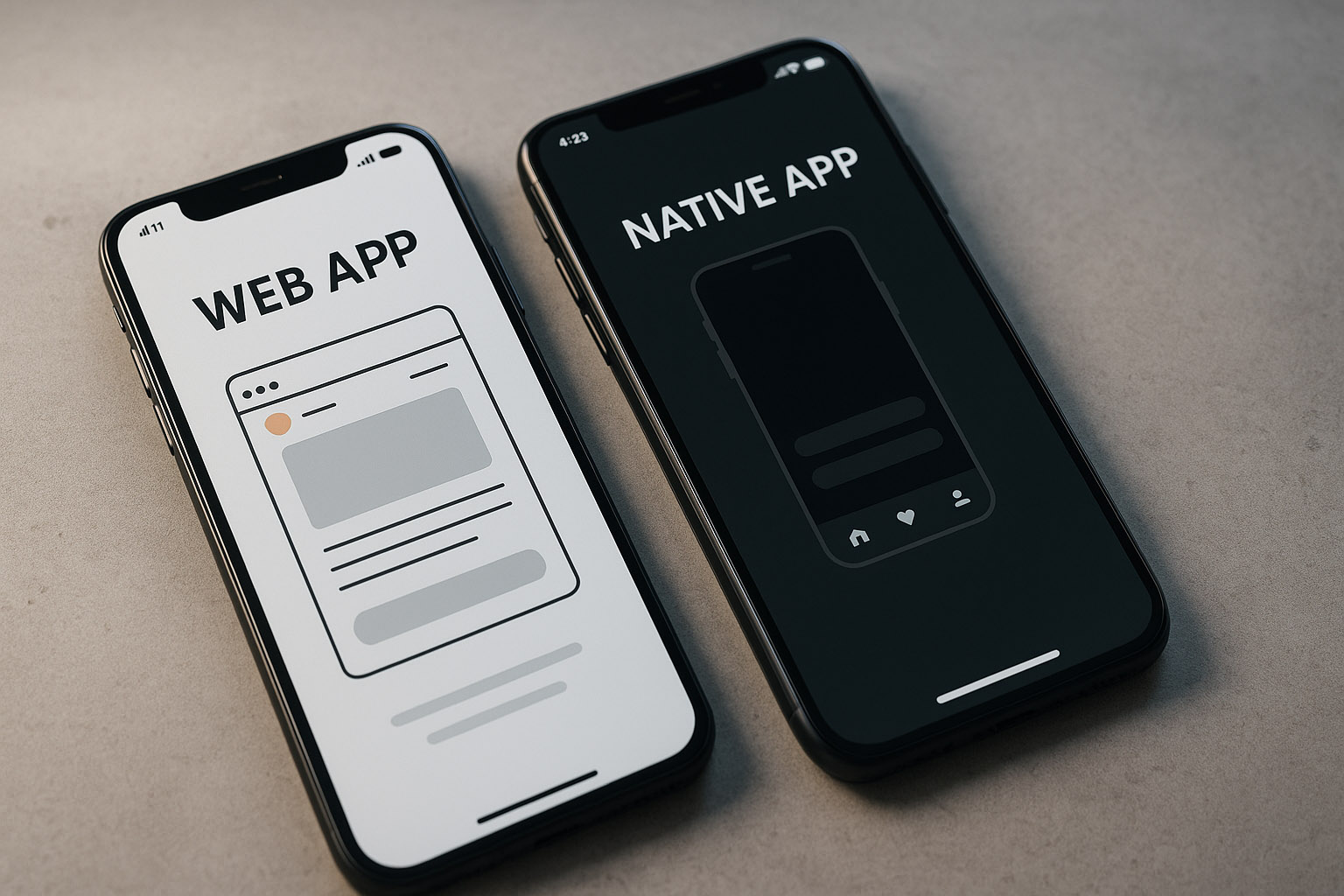
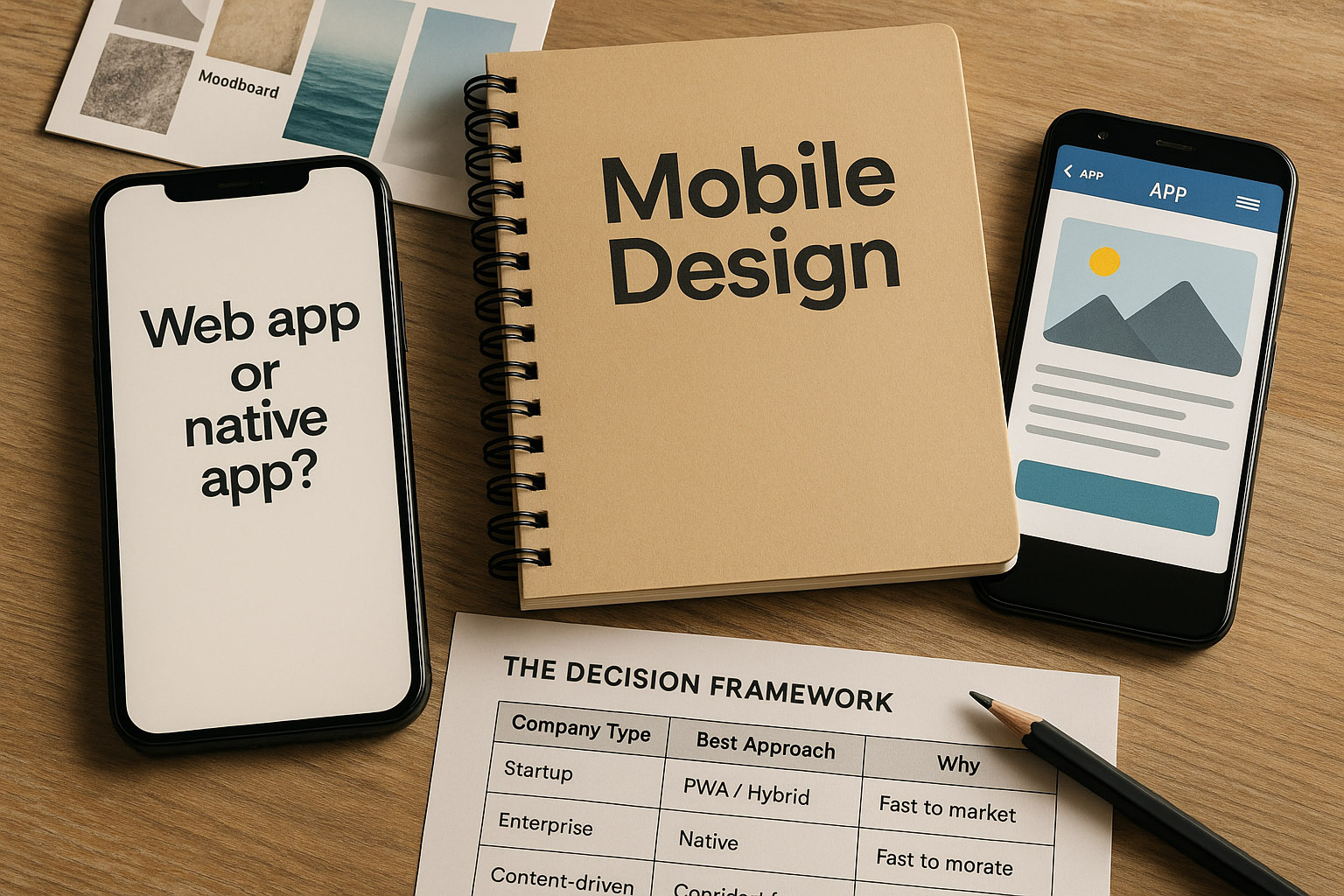
In an era where mobile users dominate the internet, every company faces a critical design question:
Should you invest in a mobile-optimized web app, or go all-in and build a native mobile app for iOS and Android?
This isn’t just a technical or financial choice — it’s a design philosophy decision. How users interact with your brand, how often they return, and how they feel using your product all depend on this foundation.
Web Apps: The Universal Gate
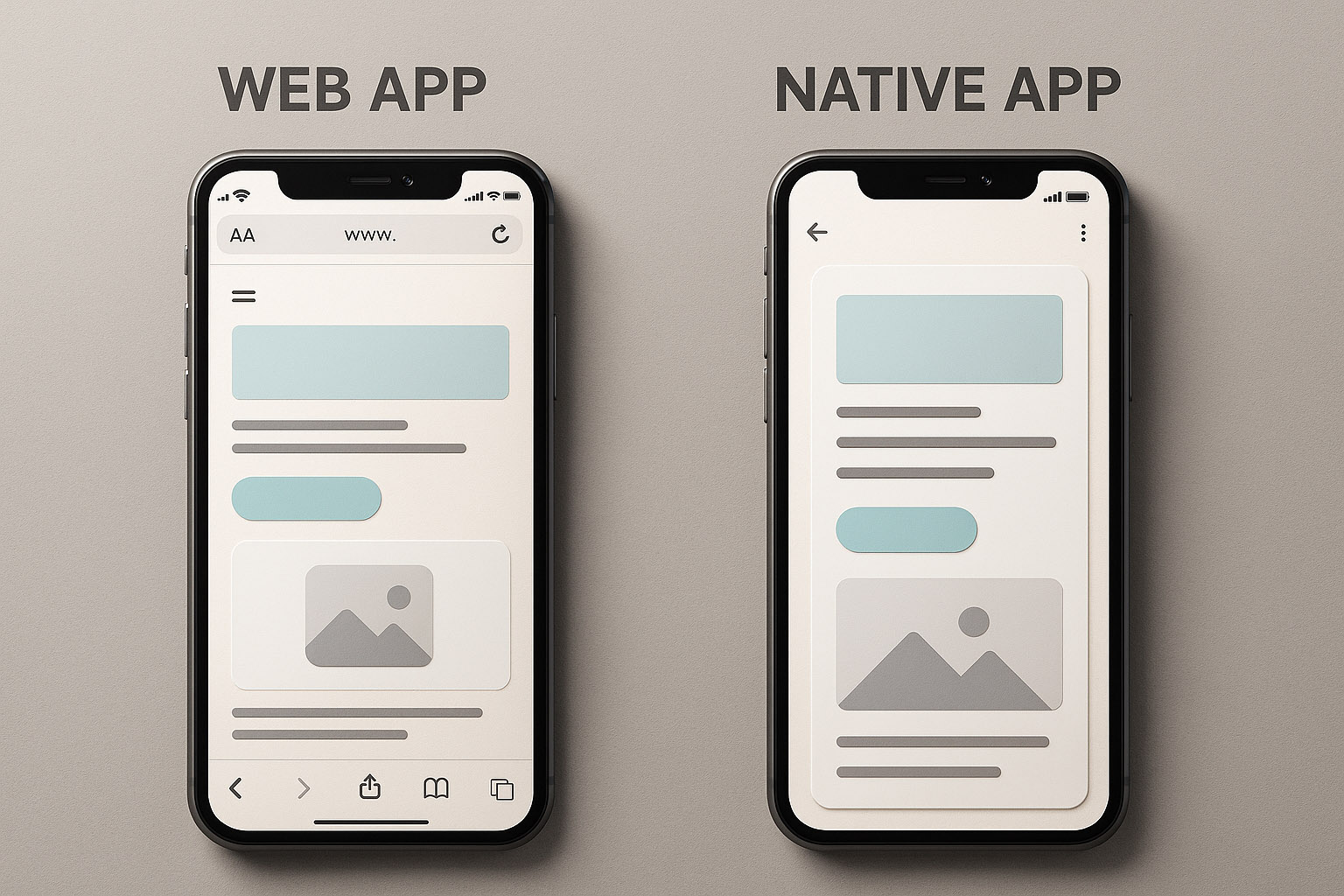
Web apps are essentially websites designed to behave like mobile apps. They run directly in the browser and can reach anyone, anywhere, instantly.
✅ Pros
- Cross-platform by nature: Works on any device with a browser.
- No installation barrier: Instant access — no App Store friction.
- Faster updates: Changes roll out instantly without app store approvals.
- Lower cost: One codebase, one deployment.
❌ Cons
- Limited hardware access: Features like Bluetooth, NFC, or push notifications are restricted.
- Performance gaps: Animations and transitions can feel less fluid.
- Weaker offline mode: Unless it’s a progressive web app (PWA), users need an internet connection.
Design implication:
Web apps often rely on responsive design systems and fluid layouts. Designers work with browser breakpoints, scalable typography, and flexible UI components instead of fixed screen grids.
Native Apps: Immersive and Personal
Native apps are purpose-built for a specific platform — Swift or SwiftUI for iOS, Kotlin or Jetpack Compose for Android.
✅ Pros
- Superior performance: Built to leverage hardware and OS-level optimizations.
- Access to device features: Camera, sensors, gestures, haptics — everything.
- Offline capabilities: Full control over local storage and data caching.
- Deeper engagement: Push notifications and native UI feel drive retention.
❌ Cons
- Higher cost: Two separate apps mean double the design and development work.
- App store friction: Users must find, download, and update the app.
- Maintenance complexity: Each platform has its own design language and update cycles.
Design implication:
Native design follows platform-specific guidelines — Apple’s Human Interface Guidelines (HIG) vs. Google’s Material Design. Designers often create two versions of UI elements like buttons, icons, and transitions to match platform norms.
Design Differences: It’s More Than Resizing
Good mobile design isn’t just “shrinking” a desktop layout. It’s rethinking interactions for touch, gesture, and speed.
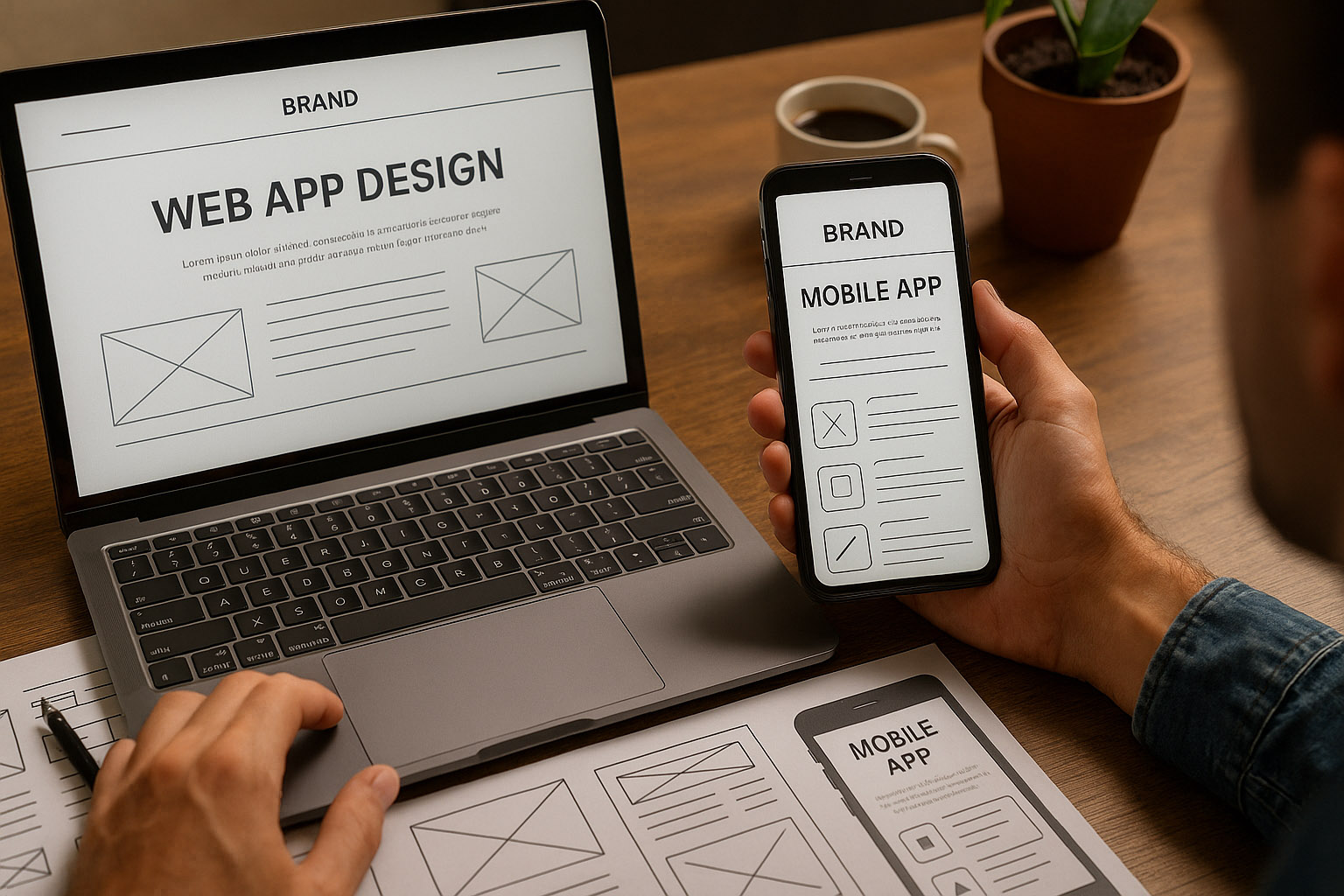
| Design Element | Web App Approach | Native App Approach |
|---|
| Navigation | Sticky headers, burger menus | Bottom tabs, swipe gestures |
| Typography | Fluid scaling across viewports | Consistent system fonts (SF Pro / Roboto) |
| Motion | Limited by browser rendering | Rich, GPU-accelerated microinteractions |
| Accessibility | Depends on HTML semantics | Deep OS-level integration |
| Branding | Consistent across devices | Customized per ecosystem |
Unknown insight:
Even though users expect design consistency, A/B testing shows that Android users respond 25% better to bolder color contrasts, while iOS users prefer cleaner, muted palettes — small but impactful behavioral difference.
Hybrid & PWA: The Middle Ground
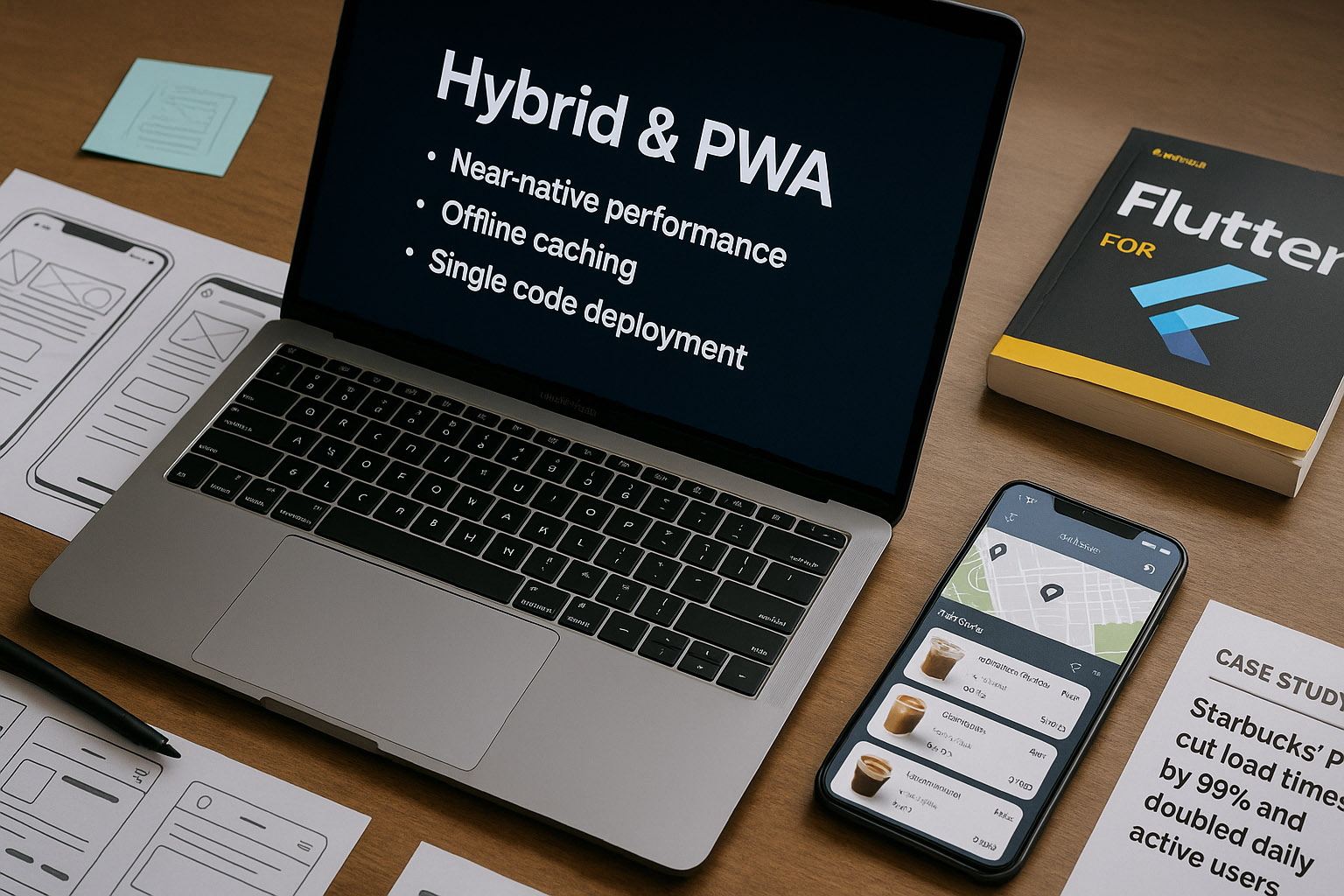
Many companies now choose Progressive Web Apps (PWAs) or hybrid frameworks like Flutter, React Native, or Capacitor to bridge both worlds.
These solutions:
- Provide near-native performance
- Enable offline caching
- Allow single-code deployment across iOS, Android, and web
Case study:
Starbucks’ PWA cut load times by 99% and doubled daily active users in low-connectivity regions — proving that great UX doesn’t always require a native app.
Great Examples
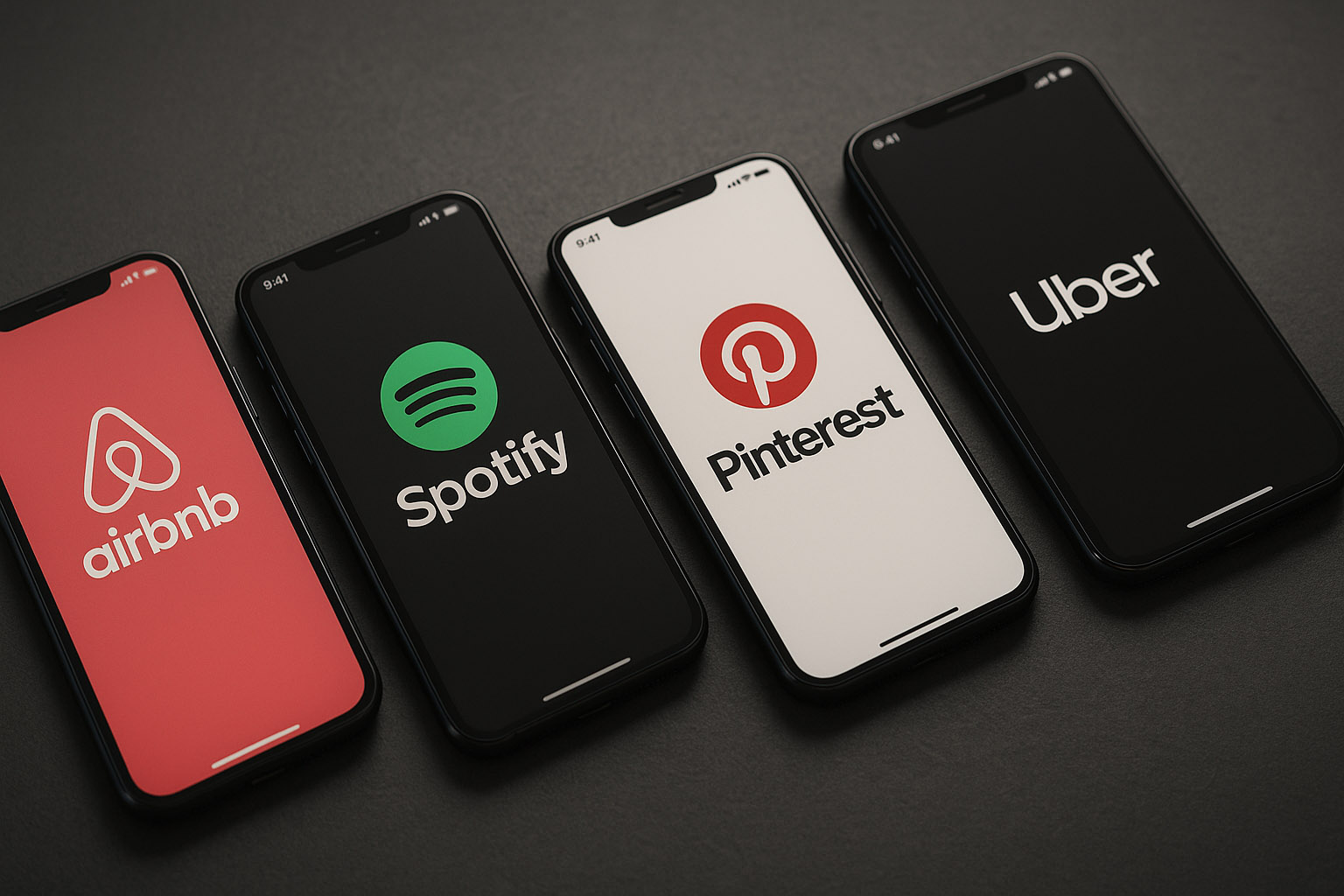
- Airbnb — transitioned from React Native back to native, focusing on complex interactions and smoother UI transitions.
- Spotify — hybrid model: native shell with web-based content delivery for flexibility.
- Pinterest — rebuilt mobile web using PWA principles, improving engagement by 60%.
- Uber — its web app loads in under 3 seconds even on 2G networks, thanks to modular design and AI-driven optimization.
Not-So-Great Examples
- Instagram’s web app (early versions) lacked essential features like direct messaging and offline use — frustrating users.
- Banking apps that overuse hybrid frameworks often suffer from sluggish animations and inconsistent UI.
- Some airline apps still refresh full pages instead of using smooth state transitions — a UX relic from the 2010s.
The Decision Framework
| Company Type | Best Approach | Why |
|---|
| Startup | PWA / Hybrid | Fast to market, budget-friendly |
| Enterprise | Native | Performance, brand control, long-term scalability |
| Content-driven platform | Web-first | SEO benefits, accessibility, lower maintenance |
| Productivity tools | Native | Offline-first, richer interaction needed |
Hidden Realities
- Many “native apps” quietly embed web views to save time (even Facebook does it).
- Some luxury brands intentionally don’t make apps to preserve brand exclusivity.
- Native apps can age faster — when OS design shifts, updates are mandatory to avoid looking outdated.
Conclusion
The best solution isn’t universal — it’s context-driven.
If your users prioritize speed, discoverability, and reach, a web-first approach might win.
If they demand deep interaction, performance, and personalization, go native.
“For most brands, the future lies in hybrid ecosystems — flexible, scalable, and beautifully designed for every screen. Because in the end, it’s not about iOS or Android, app or web —
it’s about making mobile experiences human.”