Mobile Web vs. Native App: What’s Better for Modern Companies?
An interesting question – should businesses invest in a powerful mobile web experience or go all-in with native Android and iOS applications — exploring pros, cons, and real design insights.
Mobile Web vs. Native App: What’s Better for Modern Companies?
Introduction
Explore this article
In an era where mobile users dominate the internet, every company faces a critical design question: Should you invest in a mobile-optimized web app, or go all-in and build a native mobile app for iOS and Android?
This isn’t just a technical or financial choice — it’s a design philosophy decision. How users interact with your brand, how often they return, and how they feel using your product all depend on this foundation.
Web Apps: The Universal Gate
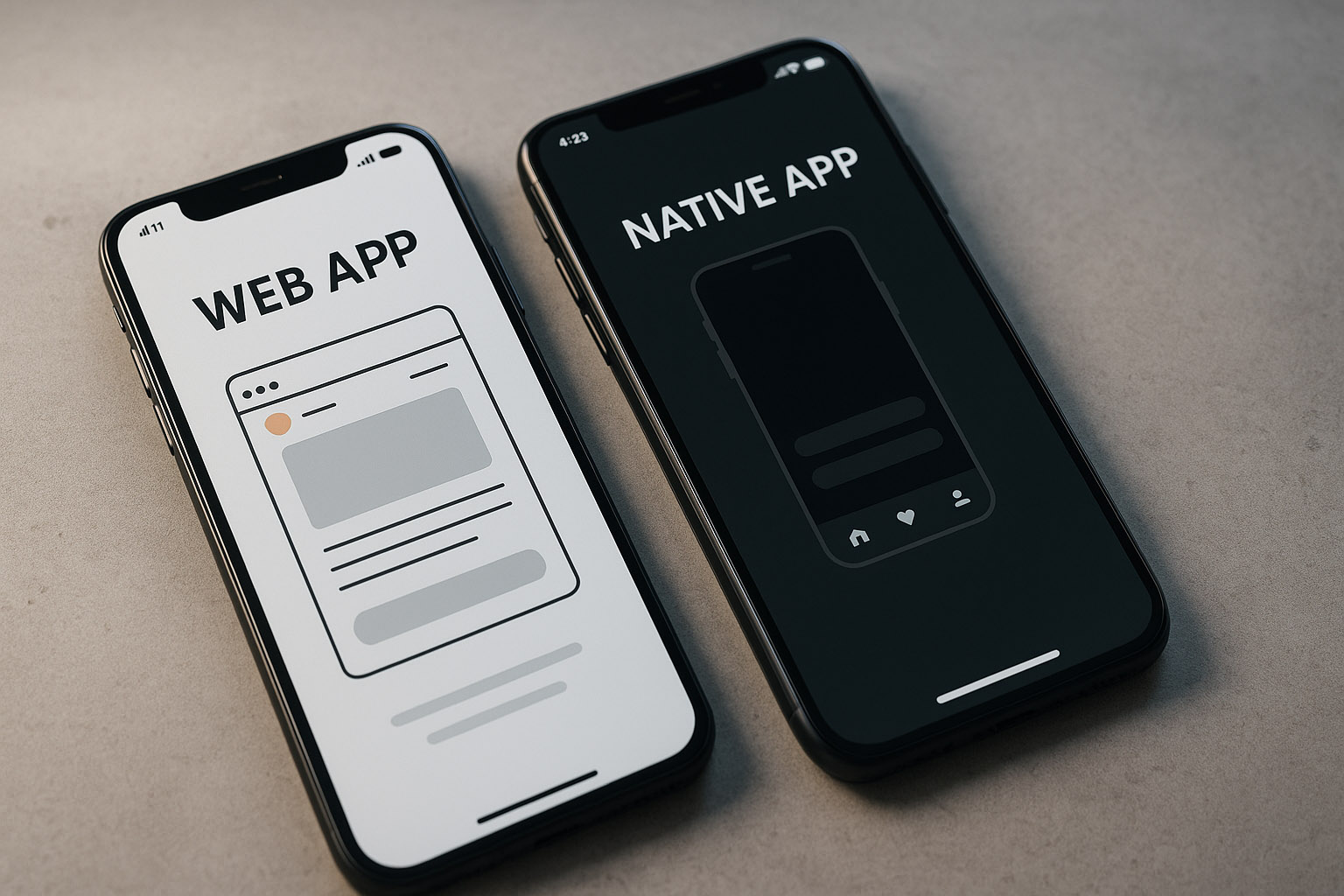
Web apps are essentially websites designed to behave like mobile apps. They run directly in the browser and can reach anyone, anywhere, instantly.
✅ Pros
Cross-platform by nature: Works on any device with a browser.
No installation barrier: Instant access — no App Store friction.
Faster updates: Changes roll out instantly without app store approvals.
Lower cost: One codebase, one deployment.
❌ Cons
Limited hardware access: Features like Bluetooth, NFC, or push notifications are restricted.
Performance gaps: Animations and transitions can feel less fluid.
Weaker offline mode: Unless it’s a progressive web app (PWA), users need an internet connection.
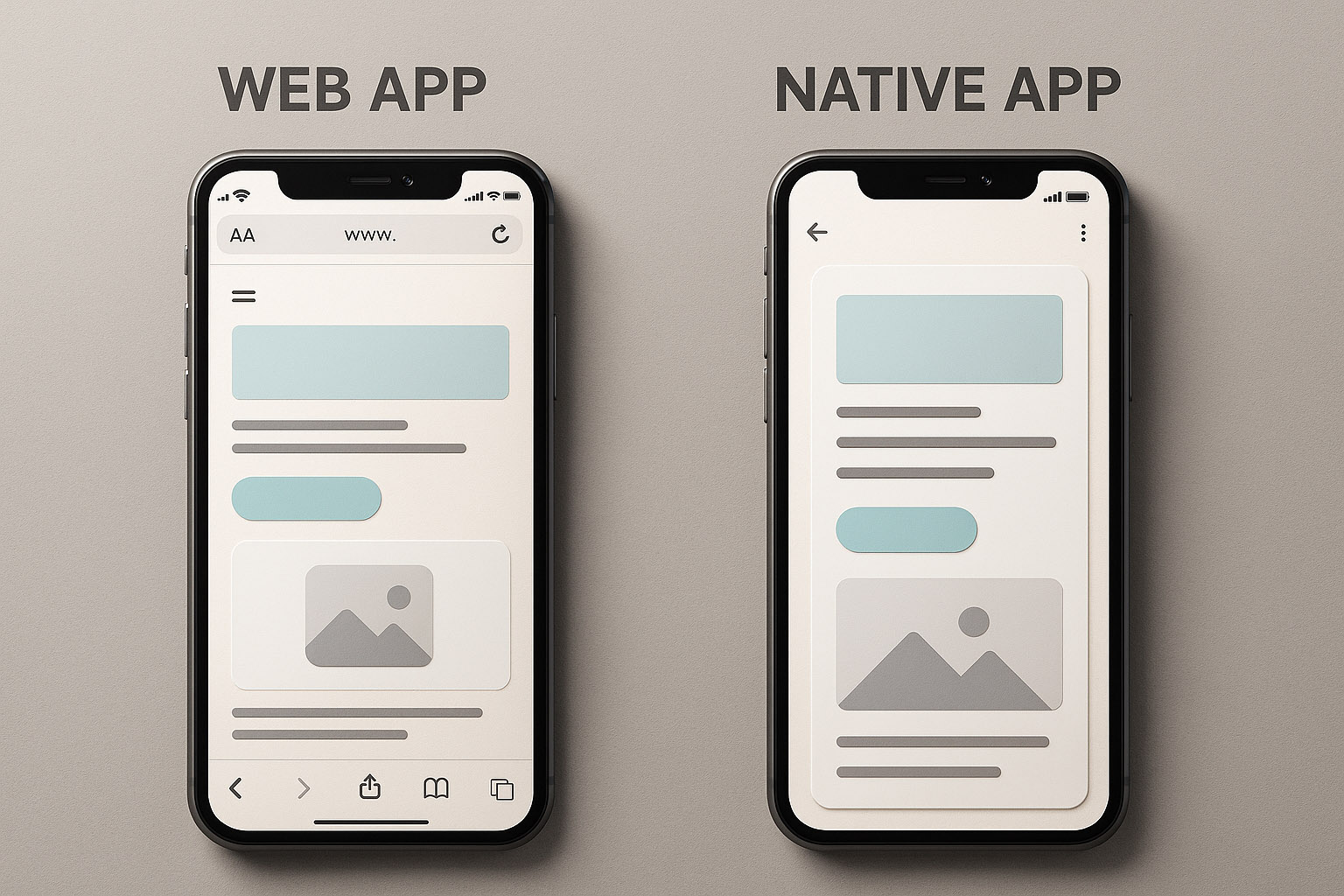
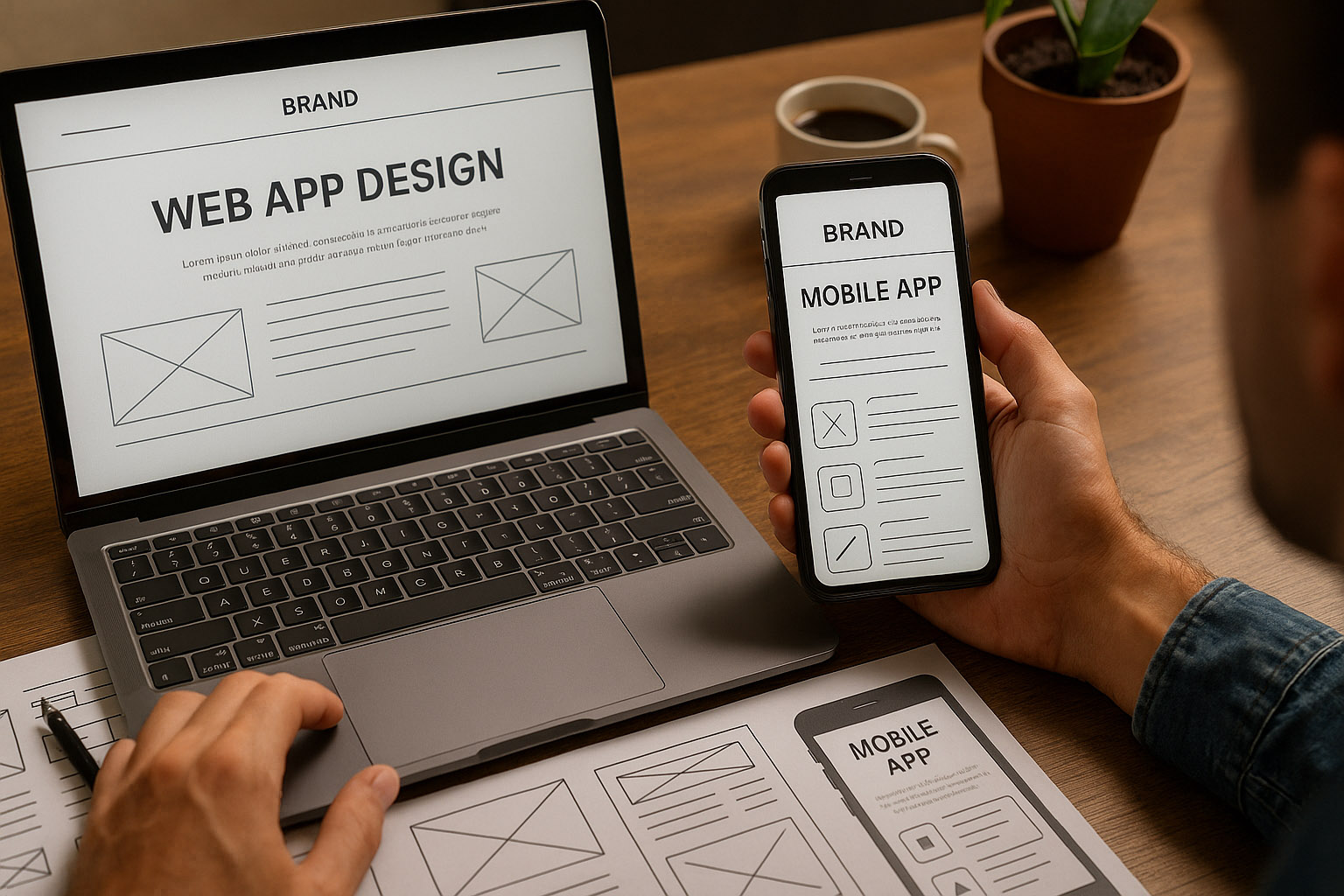
Design implication: Web apps often rely on responsive design systems and fluid layouts. Designers work with browser breakpoints, scalable typography, and flexible UI components instead of fixed screen grids.
Native Apps: Immersive and Personal
Native apps are purpose-built for a specific platform — Swift or SwiftUI for iOS, Kotlin or Jetpack Compose for Android.
✅ Pros
Superior performance: Built to leverage hardware and OS-level optimizations.
Access to device features: Camera, sensors, gestures, haptics — everything.
Offline capabilities: Full control over local storage and data caching.
Deeper engagement: Push notifications and native UI feel drive retention.
❌ Cons
Higher cost: Two separate apps mean double the design and development work.
App store friction: Users must find, download, and update the app.
Maintenance complexity: Each platform has its own design language and update cycles.
Design implication: Native design follows platform-specific guidelines — Apple’s Human Interface Guidelines (HIG) vs. Google’s Material Design. Designers often create two versions of UI elements like buttons, icons, and transitions to match platform norms.
Design Differences: It’s More Than Resizing
Good mobile design isn’t just “shrinking” a desktop layout. It’s rethinking interactions for touch, gesture, and speed.
Design Element
Web App Approach
Native App Approach
Navigation
Sticky headers, burger menus
Bottom tabs, swipe gestures
Typography
Fluid scaling across viewports
Consistent system fonts (SF Pro / Roboto)
Motion
Limited by browser rendering
Rich, GPU-accelerated microinteractions
Accessibility
Depends on HTML semantics
Deep OS-level integration
Branding
Consistent across devices
Customized per ecosystem
Unknown insight: Even though users expect design consistency, A/B testing shows that Android users respond 25% better to bolder color contrasts, while iOS users prefer cleaner, muted palettes — small but impactful behavioral difference.
Hybrid & PWA: The Middle Ground
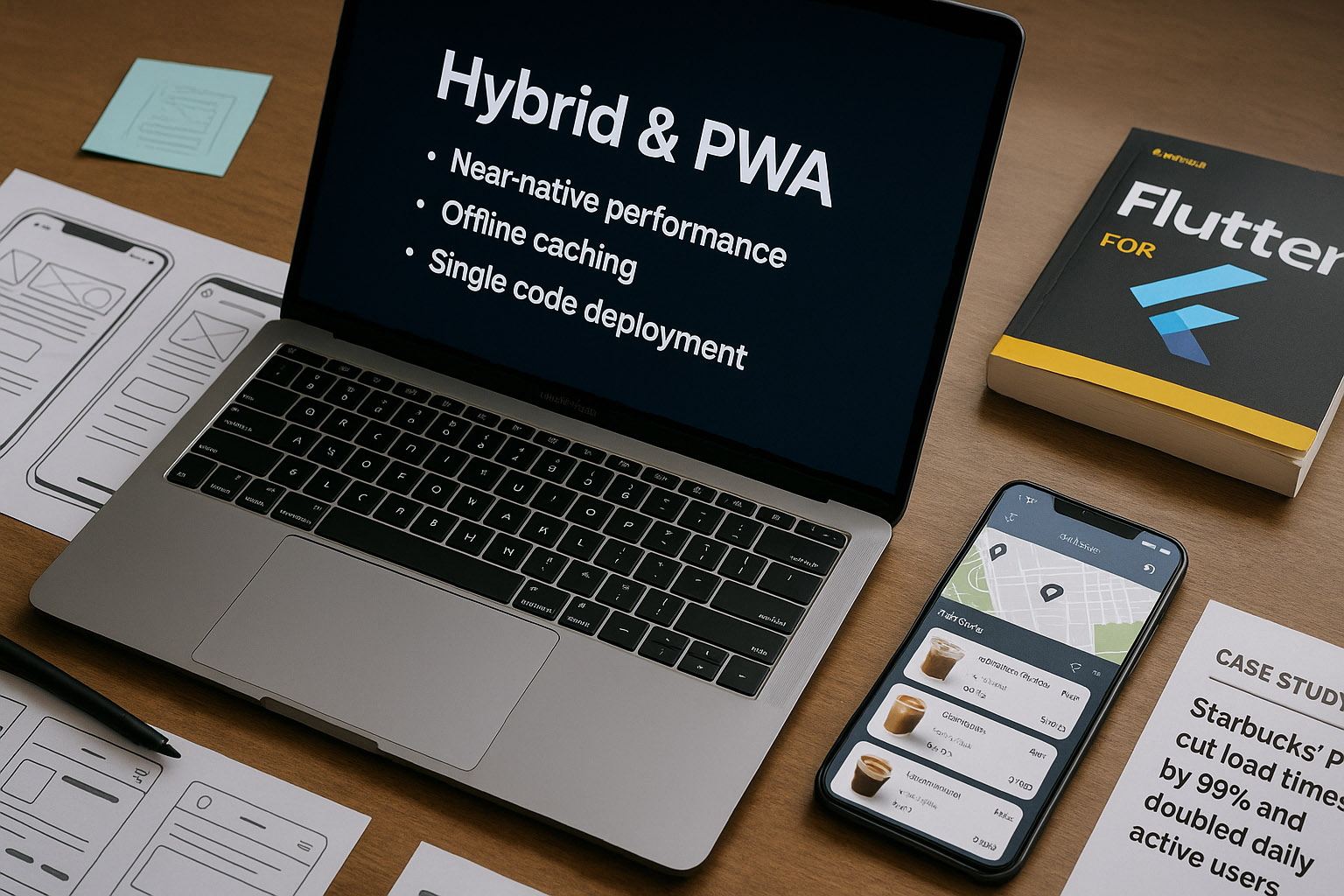
Many companies now choose Progressive Web Apps (PWAs) or hybrid frameworks like Flutter, React Native, or Capacitor to bridge both worlds.
These solutions:
Provide near-native performance
Enable offline caching
Allow single-code deployment across iOS, Android, and web
Case study: Starbucks’ PWA cut load times by 99% and doubled daily active users in low-connectivity regions — proving that great UX doesn’t always require a native app.
Great Examples
Airbnb — transitioned from React Native back to native, focusing on complex interactions and smoother UI transitions.
Spotify — hybrid model: native shell with web-based content delivery for flexibility.
Pinterest — rebuilt mobile web using PWA principles, improving engagement by 60%.
Uber — its web app loads in under 3 seconds even on 2G networks, thanks to modular design and AI-driven optimization.
Not-So-Great Examples
Instagram’s web app (early versions) lacked essential features like direct messaging and offline use — frustrating users.
Banking apps that overuse hybrid frameworks often suffer from sluggish animations and inconsistent UI.
Some airline apps still refresh full pages instead of using smooth state transitions — a UX relic from the 2010s.
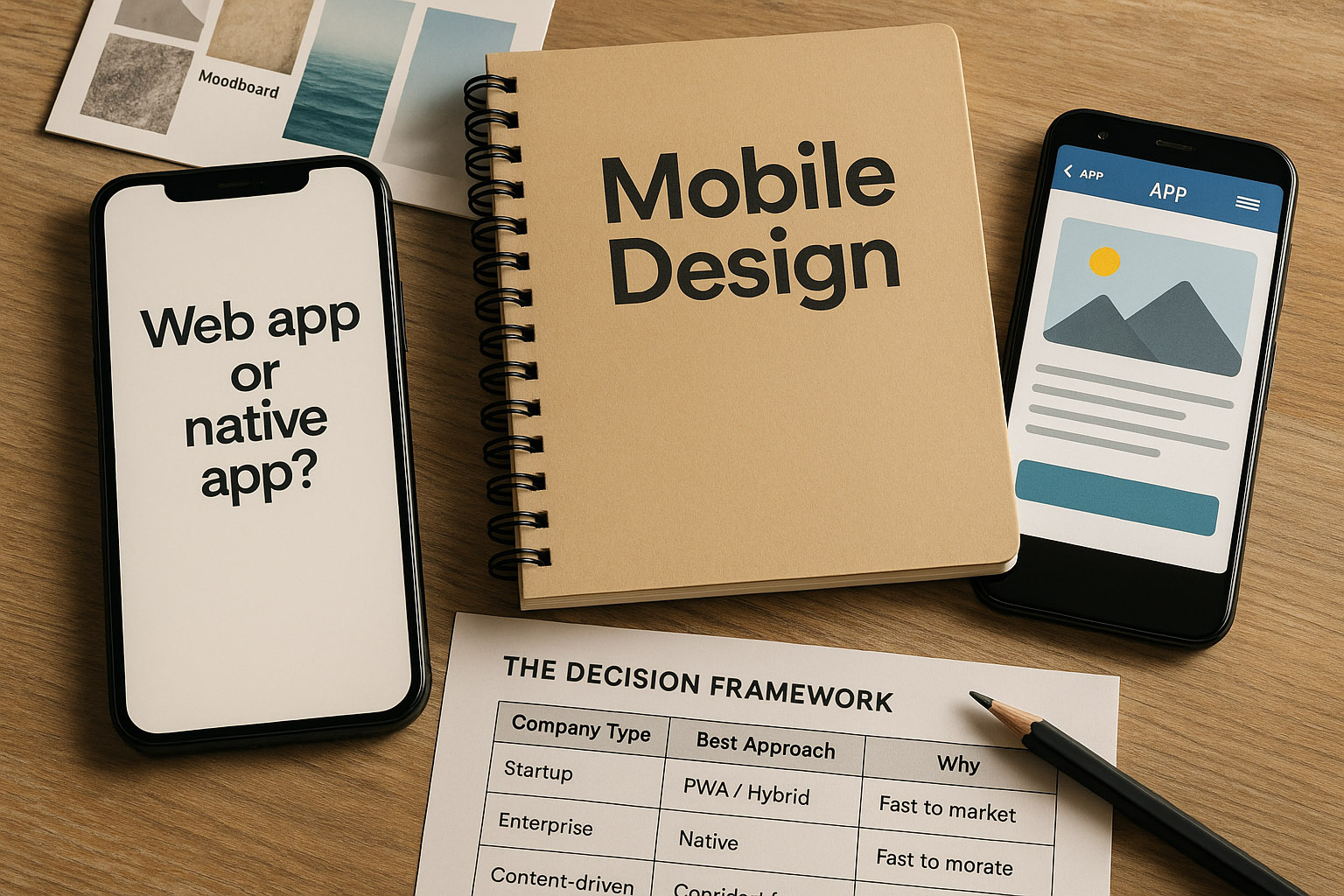
The Decision Framework
Company Type
Best Approach
Why
Startup
PWA / Hybrid
Fast to market, budget-friendly
Enterprise
Native
Performance, brand control, long-term scalability
Content-driven platform
Web-first
SEO benefits, accessibility, lower maintenance
Productivity tools
Native
Offline-first, richer interaction needed
Hidden Realities
Many “native apps” quietly embed web views to save time (even Facebook does it).
Some luxury brands intentionally don’t make apps to preserve brand exclusivity.
Native apps can age faster — when OS design shifts, updates are mandatory to avoid looking outdated.
Conclusion
The best solution isn’t universal — it’s context-driven. If your users prioritize speed, discoverability, and reach, a web-first approach might win. If they demand deep interaction, performance, and personalization, go native.
“For most brands, the future lies in hybrid ecosystems — flexible, scalable, and beautifully designed for every screen. Because in the end, it’s not about iOS or Android, app or web — it’s about making mobile experiences human.”