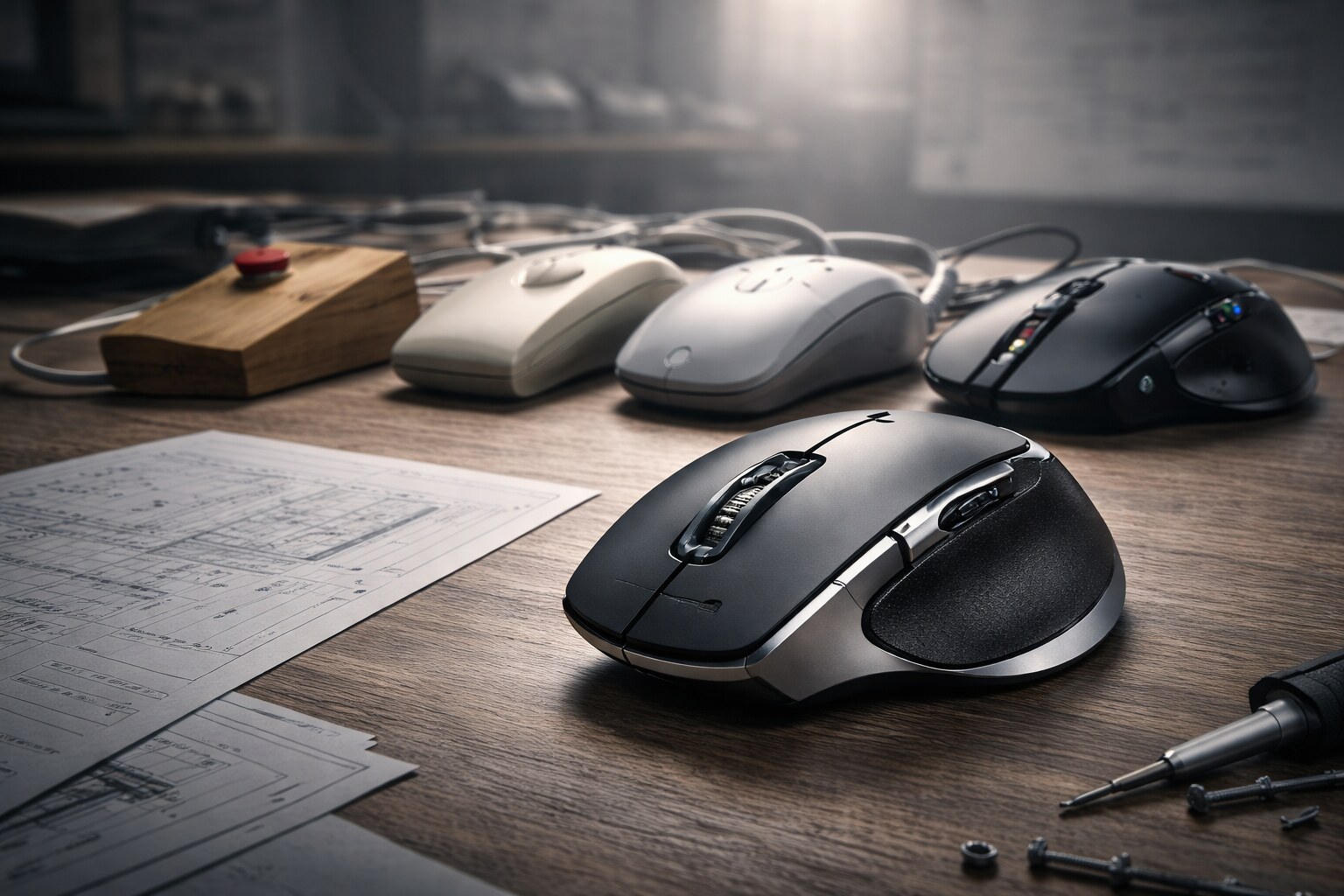
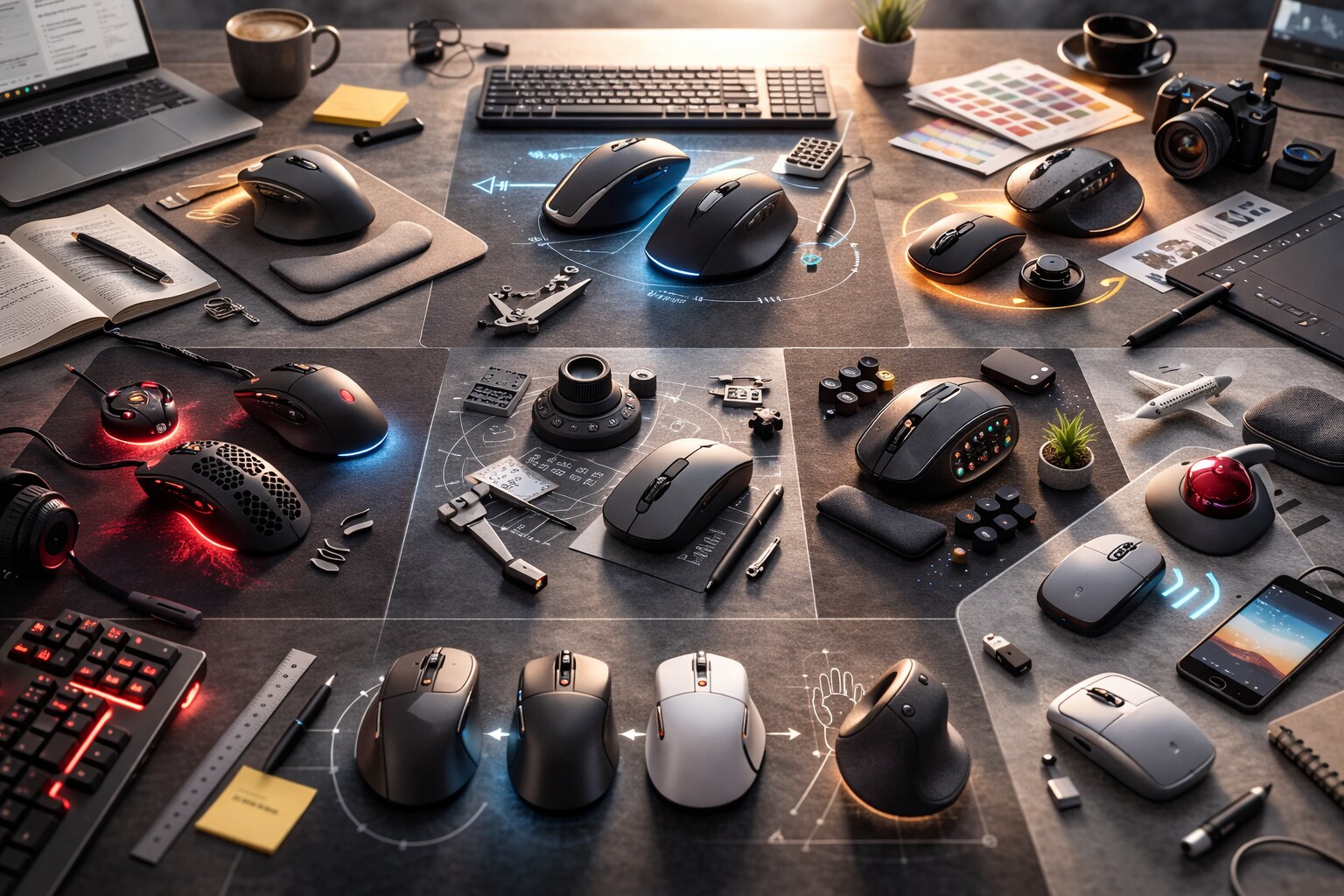
The mouse is weirdly humble. It’s basically a tiny, sliding robot whose entire job is to translate your hand’s intention into a 2D point. Yet it became the default controller for work, play, and design — across operating systems, industries, and generations of hardware.
It also refuses to be “solved”.
We have touchscreens, trackpads, styluses, VR controllers, eye tracking, voice, gestures… and still: when you need fast, precise, low-effort pointing for hours, people return to the mouse.
“The mouse didn’t win because it’s the most futuristic controller.
It won because it’s the lowest-friction way to be precise.”
🧠 How the mouse was born
And what it originally meant
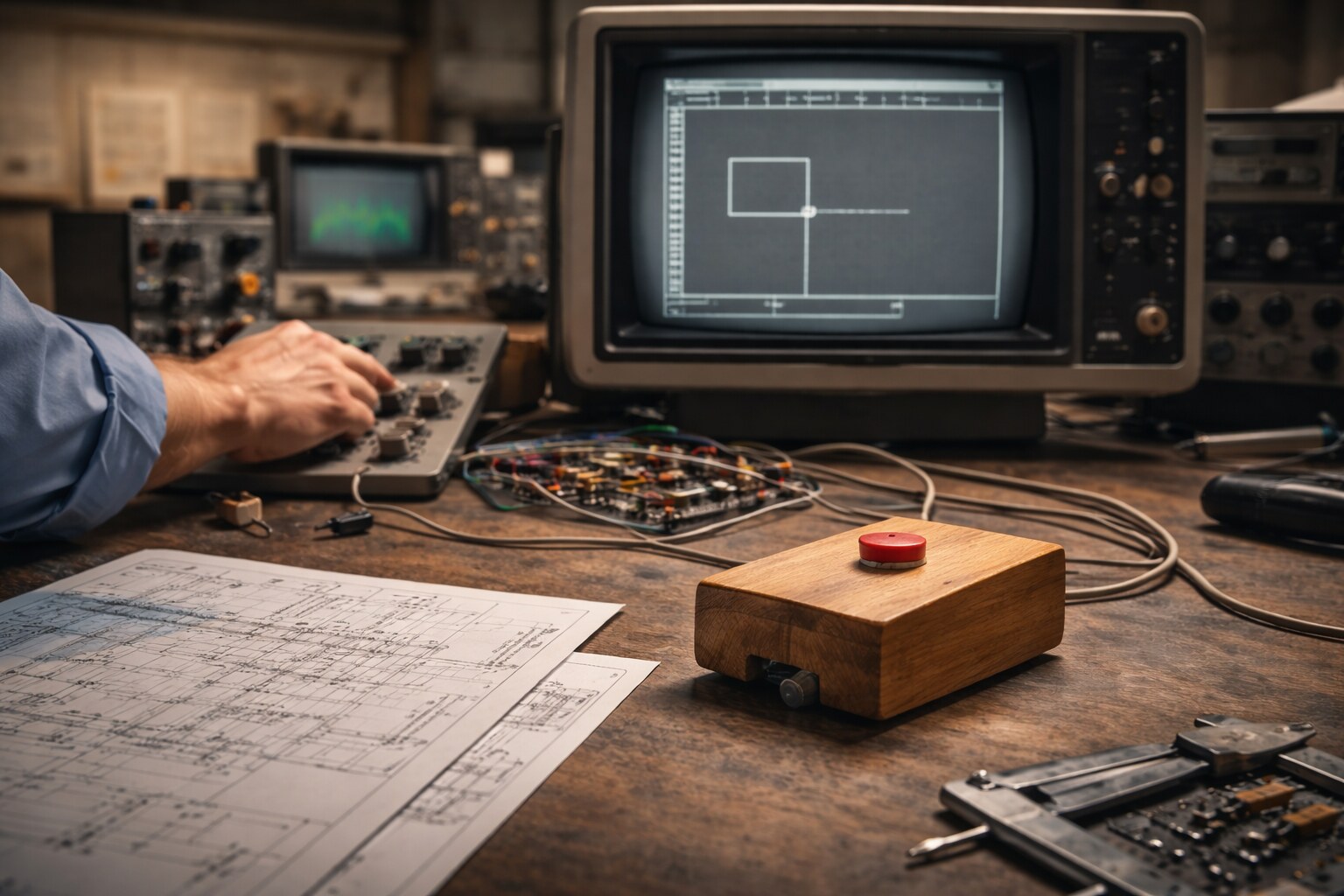
The “mouse” label is informal — early engineering descriptions were closer to: an X–Y position indicator for a display system. The first prototypes were famously simple: a small block, wheels/sensors, and a cord (the “tail” that helped the nickname stick).
What mattered wasn’t the shape. It was the idea:
- Pointing is a language. Instead of typing a command, you select something and act on it.
- 2D mapping is efficient. A flat surface (desk) maps naturally to a flat interface (screen).
- It scales with complexity. As software got more visual (icons, windows, layers), pointing got more valuable.
The mouse is, in a way, the physical twin of the GUI: neither one fully makes sense without the other.
🏁 The early race and “what a mouse should be”
Different companies didn’t just ship different mice — they shipped different philosophies.
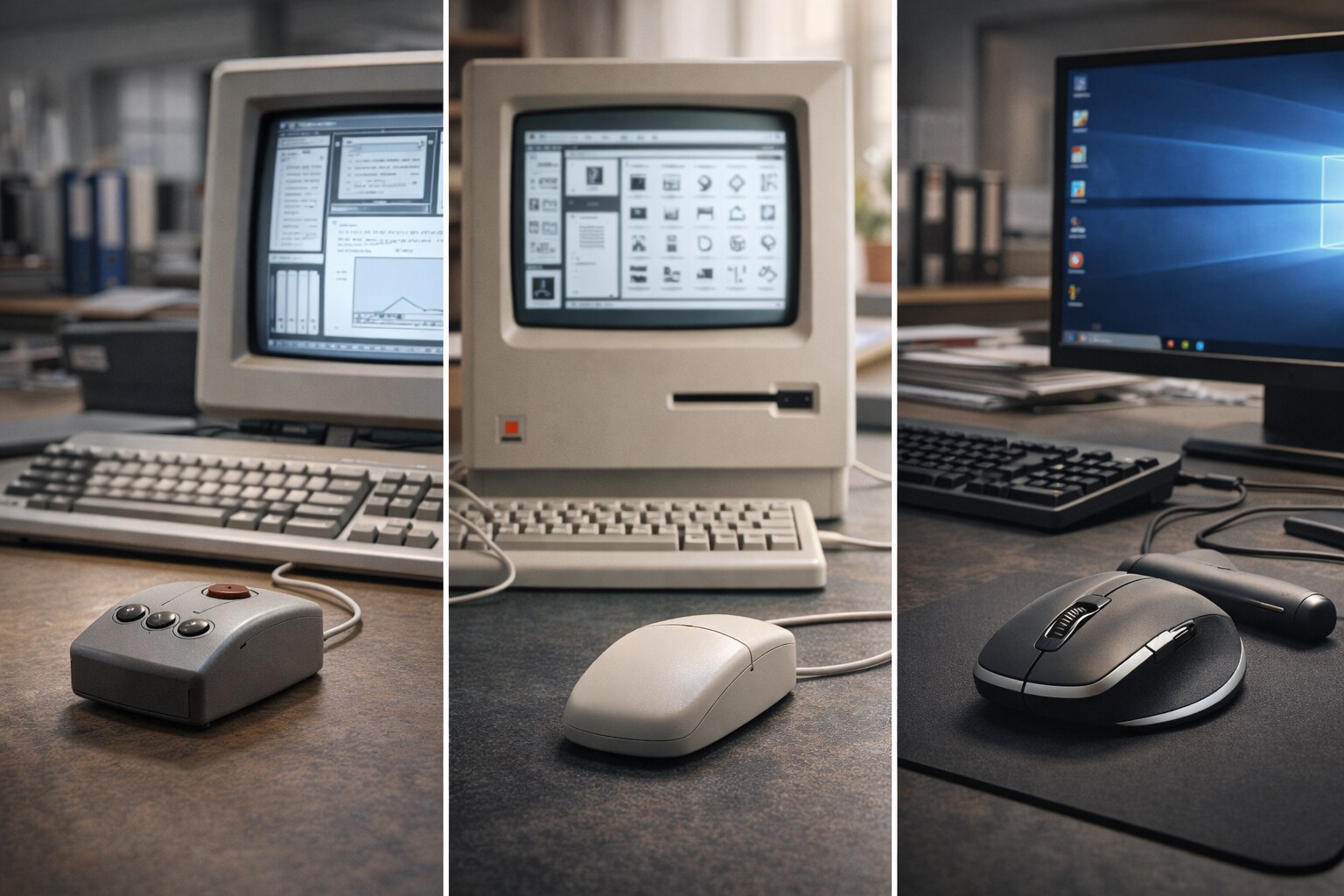
Xerox PARC-era systems popularized the mouse inside a broader idea: a graphical workstation where you compose work (documents, layouts, software) visually. Multi-button mice made sense because the target users were doing complex tasks and could learn conventions.
Apple: the mouse as mass-market simplicity
Apple pushed the mouse into mainstream culture by treating it like an appliance: easy to learn, hard to misuse. That’s where the famous “one obvious button” philosophy comes from.
It wasn’t just a design decision — it was a marketing decision: remove uncertainty (“Which button do I press?”), reduce training, and make the computer feel less technical.
The tradeoff was also real: a single button pushed complexity into the software (keyboard modifiers, menus, gestures later on).
Microsoft + PC ecosystem: the mouse as an adaptable standard
The Windows world had to work with an ocean of hardware, price points, and user types. The mouse evolved as a standard accessory with lots of variations — and one turning point became almost universal:
“The scroll wheel changed the mouse from “pointer” into “navigator”.”
Once scrolling was easy and consistent, the mouse became the default tool not only for clicking, but for moving through long documents, timelines, and web pages — basically the modern information landscape.
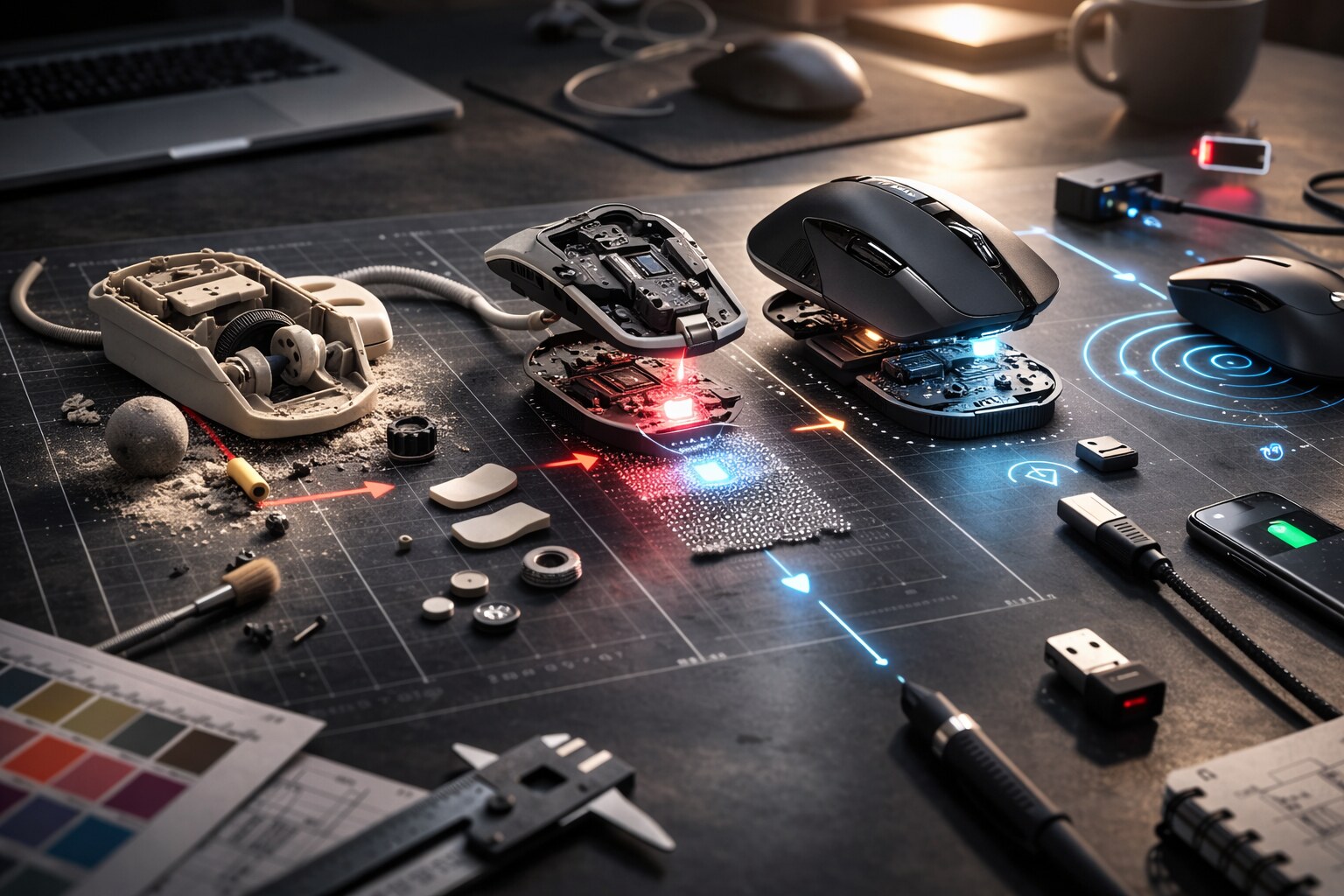
Evolution in three invisible layers: mechanics, sensors, connection
Most mouse evolution is invisible. It doesn’t look dramatic, but it changes how your hand feels after hour 6.
1) Mechanics: from ball to skates
The classic ball mouse worked — until dust, skin oils, and desk texture turned it into a tiny lint collector. The ritual of cleaning the rollers became a shared office experience: flip mouse, pop ball, scrape gunk, pretend it’s “like new”.
Modern mice replaced the ball with:
- Optical tracking (surface texture analysis)
- Low-friction feet (often PTFE “skates”) that reduce drag and micro-tension in your hand
2) Sensors: accuracy vs “feel”
People talk about DPI like it’s horsepower. But for many jobs, comfort comes from:
- consistent tracking (no random acceleration),
- stable lift-off behavior,
- low jitter at slow speeds.
That’s why a mouse can have “insane specs” and still feel wrong for design work.
3) Connection: cables, receivers, Bluetooth, and latency psychology
Wired mice feel “direct” partly because they are direct, and partly because users trust them. Wireless mice improved drastically, but perception still matters:
- Creative work cares about predictability and smoothness.
- Competitive gaming cares about latency and repeatability.
- Office work cares about reliability and battery anxiety (the worst failure mode is: dying mid-meeting).
Which mouse is great for which type of work?
Below is a practical mapping. Treat it like a shortlist of “fits”, not a rigid rule.
| Work type | What you want most | Mouse types that often fit |
|---|
| Writing, admin, email | low effort, reliable scroll | medium-size ergonomic, quiet click, good wheel |
| Coding / spreadsheets | comfort + navigation | larger palm-support, strong wheel, side buttons |
| UI/UX design | precise control + shortcuts | premium ergonomic, multiple buttons, smooth glide |
| Graphic design (retouch, vector) | slow-speed precision | stable sensor, comfortable grip, adjustable sensitivity |
| 3D modeling / CAD | multi-axis navigation | mouse + dedicated 3D controller (often best combo) |
| FPS gaming | fast aim + consistency | lightweight, low-latency, simple shape, good feet |
| MMO / productivity macro work | many commands | multi-button “grid” mice (but watch thumb strain) |
| Travel / couch use | works anywhere | compact + Bluetooth, or trackball for no-desk situations |
A mouse is “great” when it disappears: your hand stops thinking about it.
If you notice the mouse constantly, something is off (shape, tension, sensitivity, or posture).
Ambidextrous and left-handed
What “both hands” really means
Ambidextrous is often marketing shorthand for “symmetrical shell”. But for real left-hand comfort you need more:
- Side buttons on both sides (or fully remappable buttons)
- A shape that doesn’t include right-hand-only thumb rests.
- Software that doesn’t assume “primary button = left click” forever
There’s also a practical reality: many left-handed users learn right-handed mice because the ecosystem nudges them that way. If you want a true left-hand setup, it’s worth choosing a mouse and adjusting OS shortcuts so your hand isn’t fighting conventions all day.
Ergonomics: the “crazy comfort” shapes
And why they exist
Ergonomic mice look strange for a reason: they’re trying to reduce two enemies of 8-hour use:
- Wrist deviation (bending sideways or twisting)
- Pinch grip tension (small mouse, clawed fingers, constant micro-squeezing)
The main ergonomic families
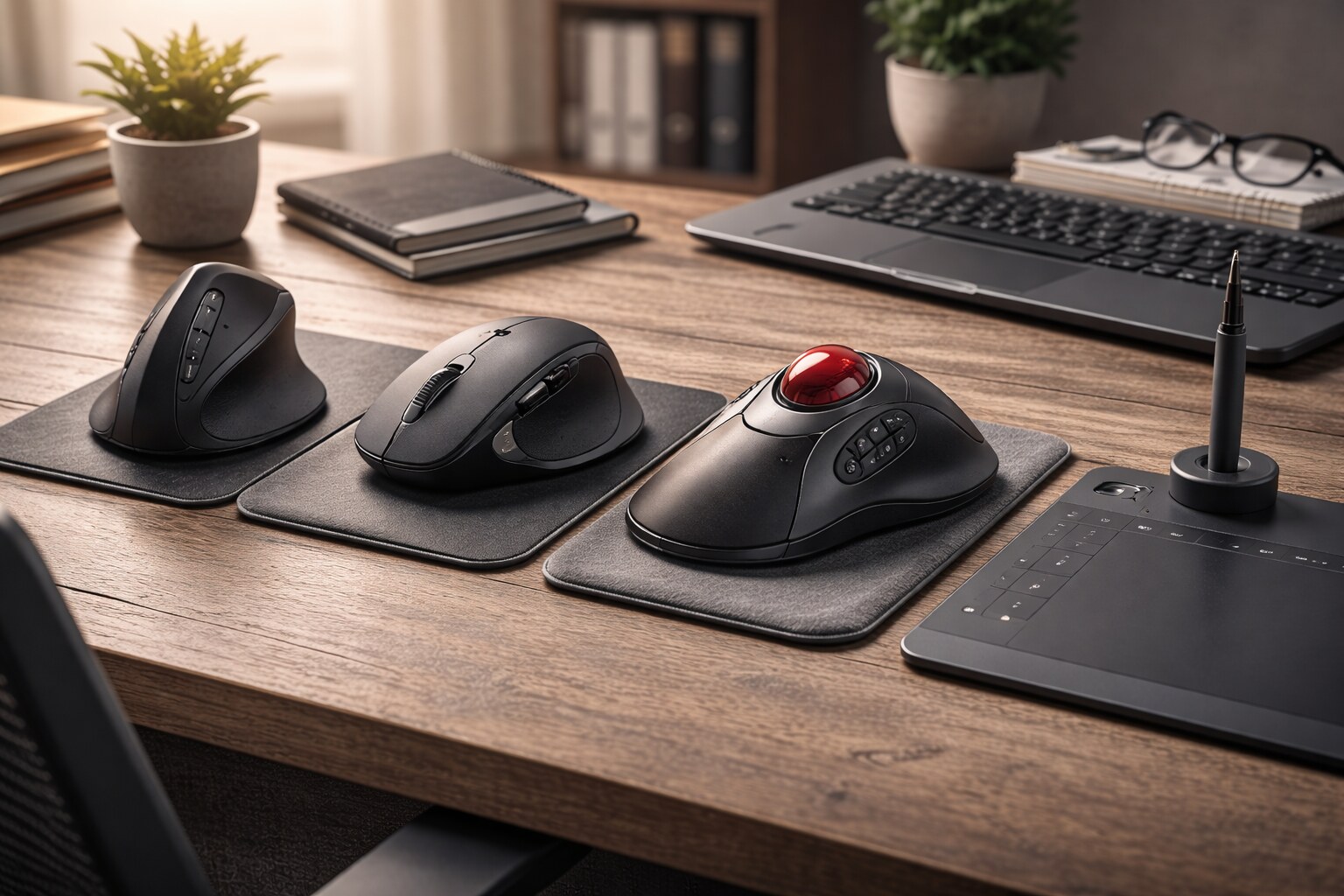
- Vertical / “handshake” mice: reduce forearm twist; great for RSI prevention for some people, awkward for others.
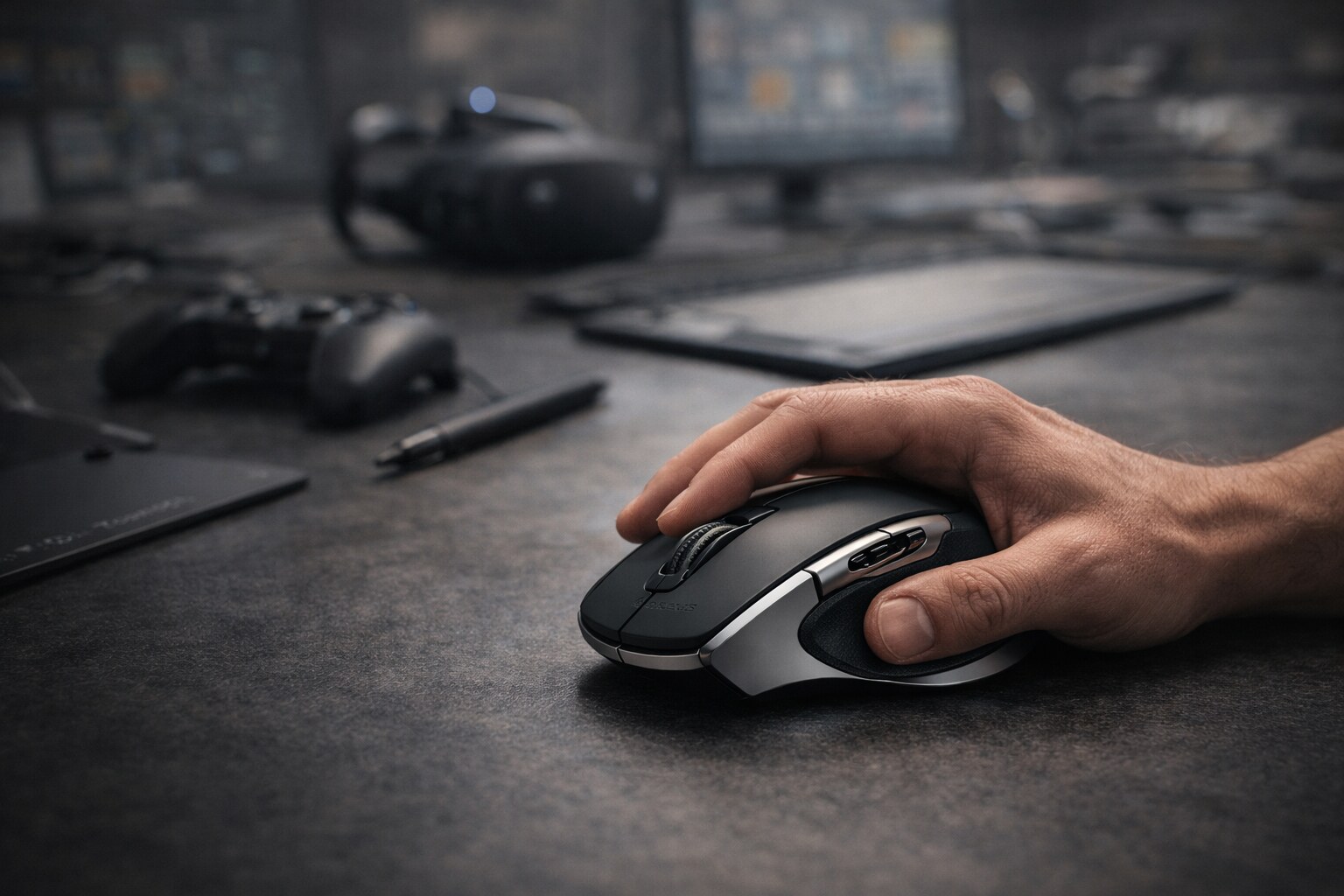
- Large palm-support mice: reduce finger tension; often best for long office/design days if you have medium/large hands.
- Trackballs: your hand stays still; movement is in the ball. Fantastic if desk space is tight or shoulder motion hurts, but precision feel is different.
- Pen-like devices / tablets: not a “mouse”, but for illustration and retouch it can be a relief because the posture changes and fine motor control shifts.
Ergo is personal. The only universal rule is this: if your mouse forces you into a posture you can’t relax in, no sensor spec will save it.
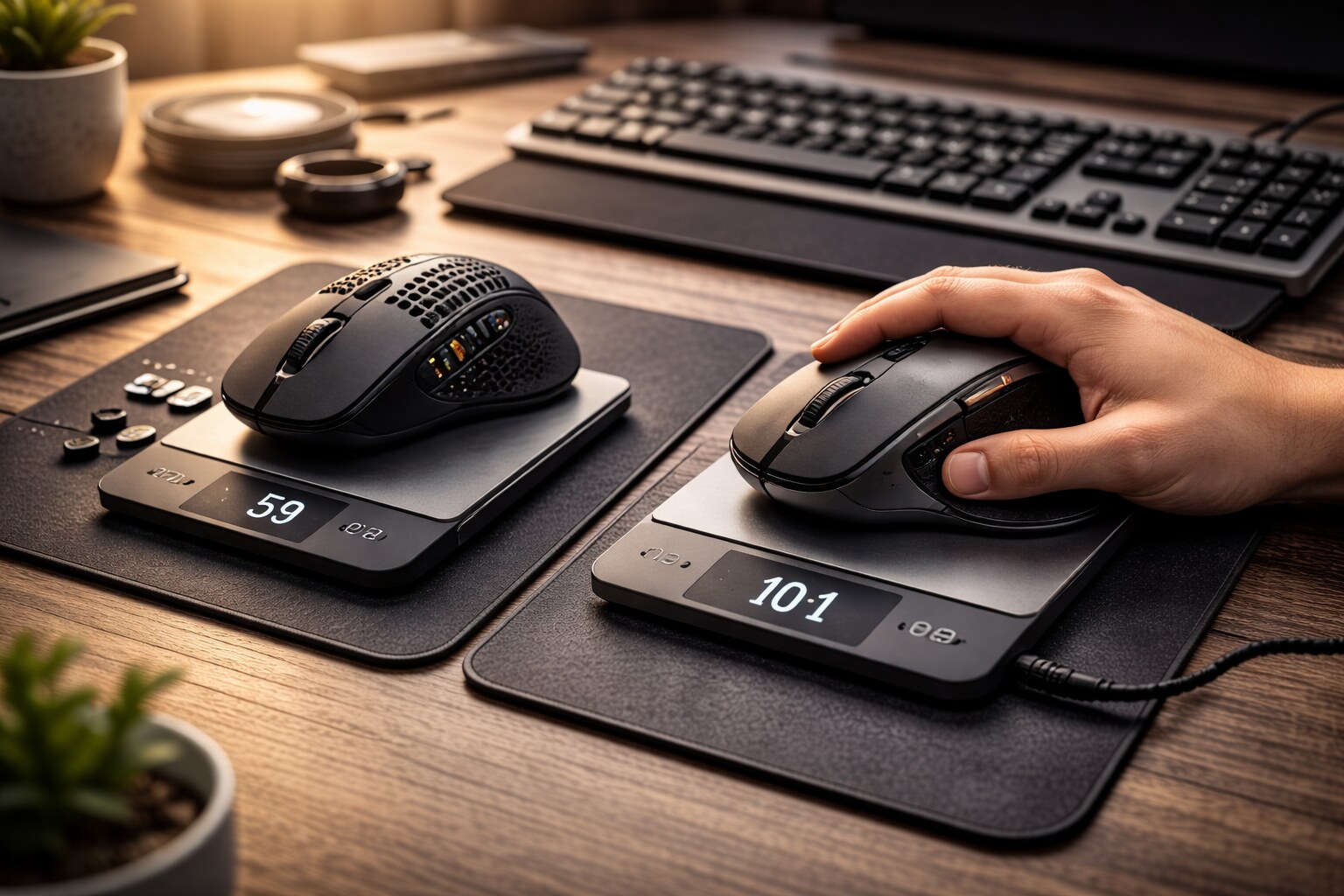
⚖️ Mouse weight, 8 hours of use, and the “tired hand” paradox
Mouse weight is emotional — and context dependent.
- Light mice reduce effort in fast movements (great for FPS and high-swipe workflows).
- Heavier mice can feel steadier for slow precision (some designers prefer that “anchored” feeling).
But over long sessions, weight interacts with friction:
A slightly heavier mouse on good feet + a smooth pad can feel less tiring than a light mouse that drags.
A comfort checklist that beats specs
- Size matches your hand (you’re not pinching to hold it)
- You can rest your palm/fingers without “hover tension”
- Scroll wheel has low effort, good tactile steps (or smooth mode if you like)
- Buttons don’t require hard force (finger fatigue is real)
- Sensitivity is set so you don’t do giant arm swings or tiny tense micro-motions all day
If you work 8+ hours, the best upgrade is often not a new mouse — it’s a better setup (desk height, chair, arm support, breaks, and a sensitivity that matches your display size).
🏛️ Legendary mice
And the manufacturers that became “default”
Certain mice became cultural reference points because they matched their era perfectly:
- Early GUI-era multi-button mice: tools for people learning a new computing language (point, select, edit).
- The scroll-wheel era: the mouse became your “web browser throttle”.
- Wireless productivity era: batteries, receivers, and reliability got good enough that cables felt optional.
- Esports era: shape + sensor consistency + low weight became the holy trinity.
Manufacturers that shaped those eras (in different ways):
- Logitech: huge range, mainstream ergonomics, and “daily driver” reliability.
- Microsoft: historically influential in standardizing mainstream expectations (especially around scrolling and Windows ergonomics).
- Apple: design-driven bets that sometimes redefine interaction… and sometimes create infamous detours.
- Gaming brands (Razer, SteelSeries, ZOWIE, etc.): pushed shapes and low-latency expectations into the mainstream.
- Ergo specialists (trackball + vertical): proved that “normal mouse” isn’t normal for everyone.
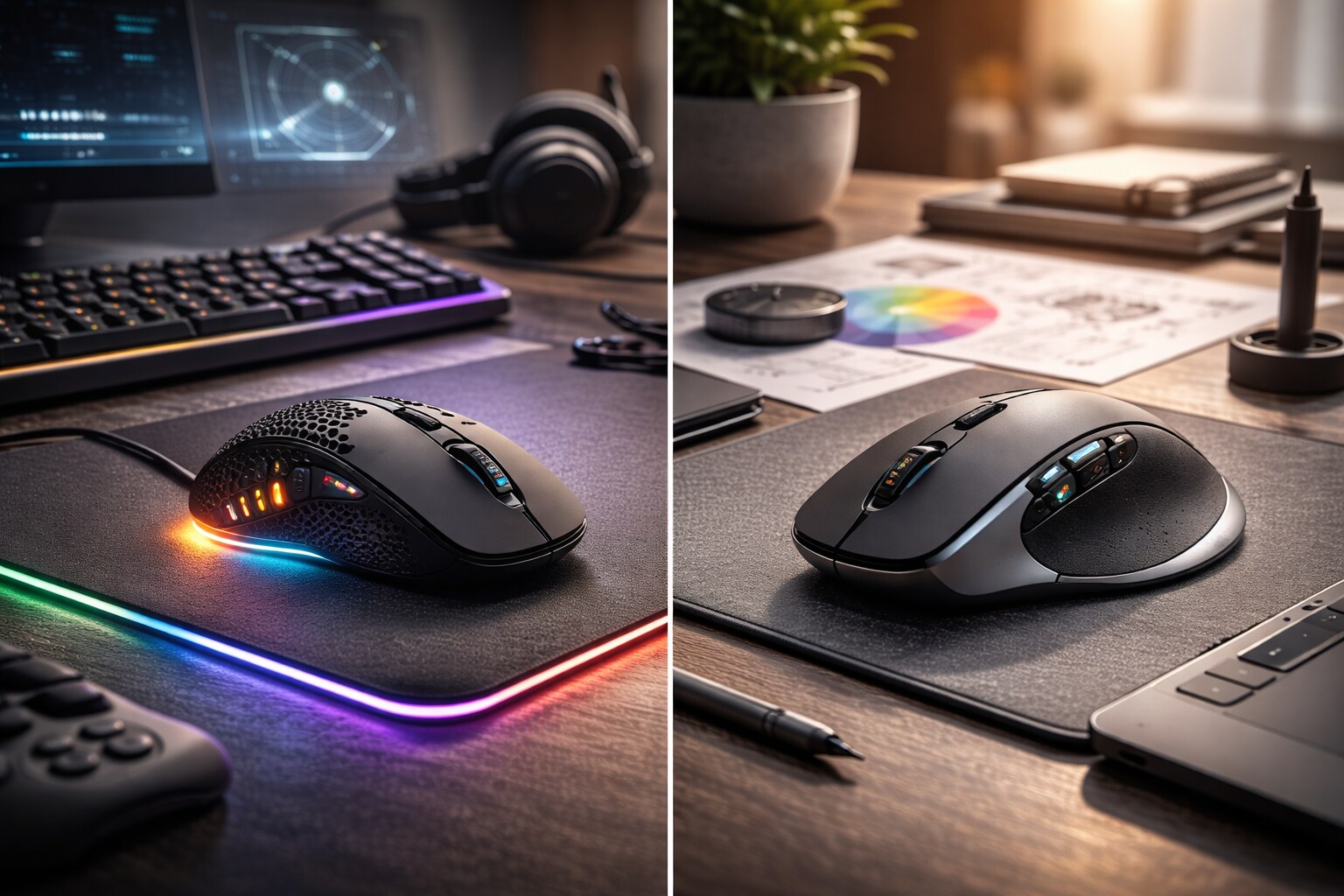
🎮 Gaming mouse vs graphic design mouse
Same animal, different priorities
They overlap more than people admit — but the priorities flip.
Gaming (especially FPS)
- Consistent sensor behavior at speed
- Low latency (and the feeling of low latency)
- Low weight, good feet, simple shape
- Reliable clicks under pressure
Graphic design / UI work
- Comfortable for long static sessions
- Smooth, controllable slow movement (selection, masks, bezier points)
- Quiet-ish buttons (if you live in meetings)
- Useful shortcuts (back/forward, gesture buttons, horizontal scroll)
The funniest crossover fact: a lot of “serious” creative workflows are basically speedrunning software — and gaming mice are, in spirit, speedrunning hardware.
Funny facts, unknown bits, and wrong paths
History is full of “almost” ideas — controllers that looked promising, then quietly vanished.
Funny facts (small but real-world true)
- Ball mice trained a generation to keep a mysterious “mouse-cleaning tool” (usually a coin or fingernail).
- The mouse wheel is one of the most impactful tiny inventions in modern work — it changes how you think about long content.
- Many people who “hate the mouse” actually hate their settings: acceleration, sensitivity, or a shape that doesn’t fit their hand.
Wrong paths (or: brave experiments that didn’t age well)
- The round “puck” era: some designs optimized aesthetics and compactness… and punished precision.
- Over-buttoned mice: 12+ thumb buttons can be powerful, but they can also create chronic thumb tension if you live on them.
- Force-feedback mice: the idea was awesome (feel the UI!), but the complexity and niche demand kept it from becoming mainstream.
- “One device replaces all” promises: we’ve tried trackpads, touch, pens, air mice, motion controllers — and they all shine in specific contexts, not as universal replacements.
“Most “failed” peripherals didn’t fail because they were useless.
They failed because they were great for 10% of people and annoying for 90%.”
🔮 The future: where can the mouse be pushed?
Two futures can be true at the same time:
- Mice keep getting better in quiet, incremental ways (comfort, sensors, haptics, batteries, materials).
- Some contexts reduce mouse dependence (touch + pen on tablets, hand tracking in AR/VR, voice for commands, eye tracking for targeting).
Likely “next” improvements
- Adaptive wheels: smart switching between tactile steps and free-spin based on speed/context.
- Better horizontal navigation: not only side-scroll, but timeline/viewport control for creative tools.
- Software that respects muscle memory: per-app sensitivity, per-app button layers, “profiles” that don’t break after updates.
- Comfort-forward design: more serious attention to long-session fatigue (click force, finger support, grip materials).
Will peripherals disappear?
Probably not soon. The mouse is cheap, precise, socially acceptable (unlike waving your hands in meetings), and works with any posture that includes a flat surface.
But the mouse may become less central: in the same way the keyboard didn’t disappear, it just stopped being the only interface.
Conclusion
The mouse is the most universal peripheral controller because it’s the most repeatable one: it turns intention into a point with minimal drama.
If you want the “best” mouse, stop chasing universal rankings and start matching to your reality:
- your hand size and grip,
- the kind of work you do,
- how many hours you do it,
- and whether comfort still exists at the end of the day.
“The best mouse is the one you forget you’re holding.”