Print vs Digital Design in the AI Era: Why Production Might Outlive Pixels
AI will automate design production fastest in digital. Print’s physical constraints and higher error costs keep humans in the loop longer.

AI will automate design production fastest in digital. Print’s physical constraints and higher error costs keep humans in the loop longer.
Let’s pose an interesting question about an AI topic like this:
Will print designers and DTP operators be replaced faster than digital designers?
My near-term hypothesis is the opposite: digital-facing production will compress faster, while print production will shrink but keep a longer tail.
Not because print is more “artistic”, but because it’s closer to manufacturing than rendering. In digital, you can patch tomorrow. In print, you can ship a thousand irreversible mistakes in one run.
“Automation accelerates first where requirements are clean, verification is cheap, and the cost of being wrong is low.”
That idea lines up with a task-based view of automation: work is easier to automate when it’s routine, well-specified, and easy to check.
This article isn’t a prophecy. It’s a model you can use to think more clearly about the next 12–36 months: where junior roles get squeezed, and what skills tend to keep a longer runway.
If you like hypothesis-style research posts: browse ai.
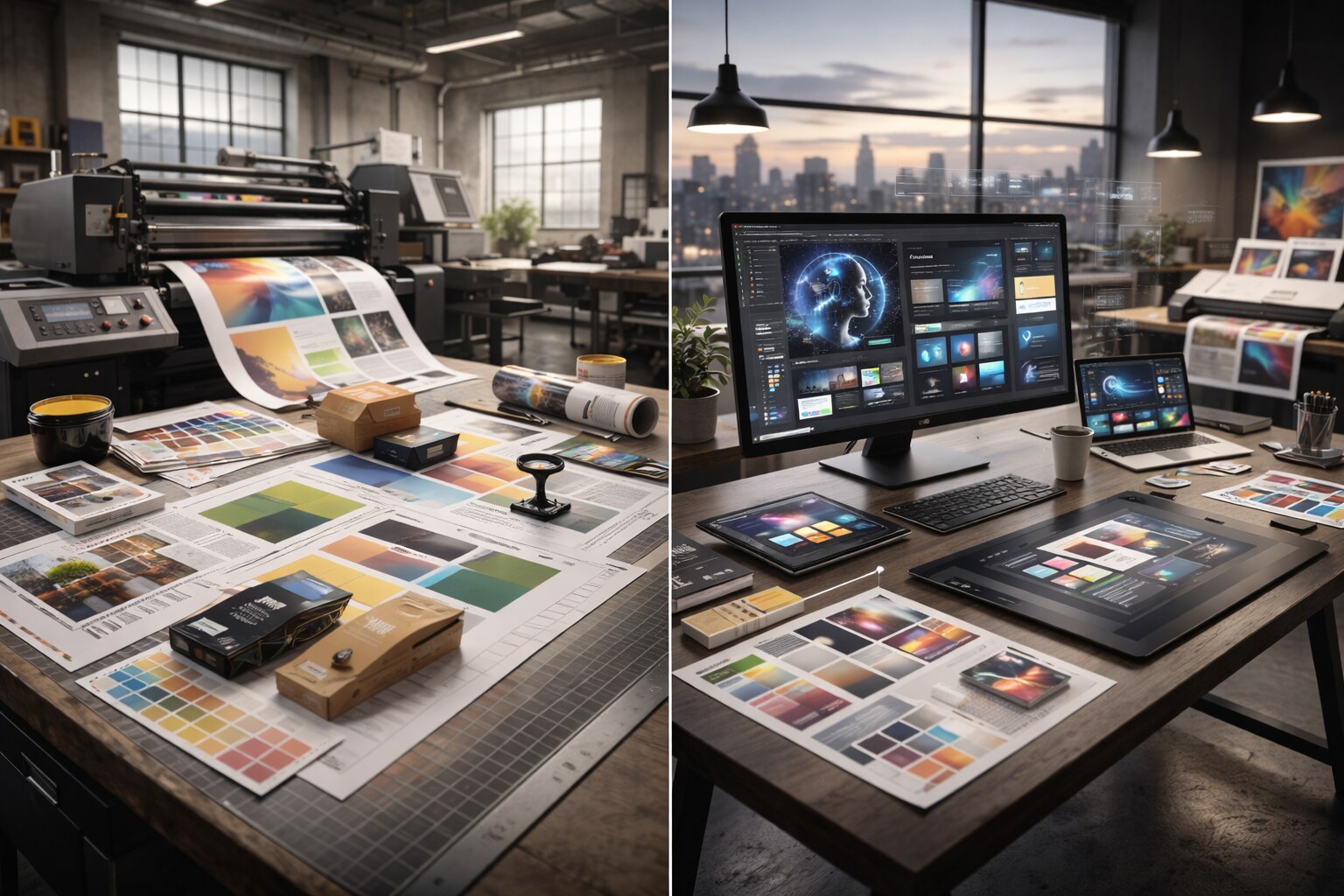
Here’s a useful split. It’s not perfect, but it’s practical:
| Print categories (often production-shaped) | Digital disciplines (often system-shaped) |
|---|---|
| packaging + labels | UI design + design systems |
| editorial (books, catalogs) | web visuals + content design |
| signage + large format | product marketing design |
| DTP + prepress | motion + social variants |
| event collateral | brand kits + templates |
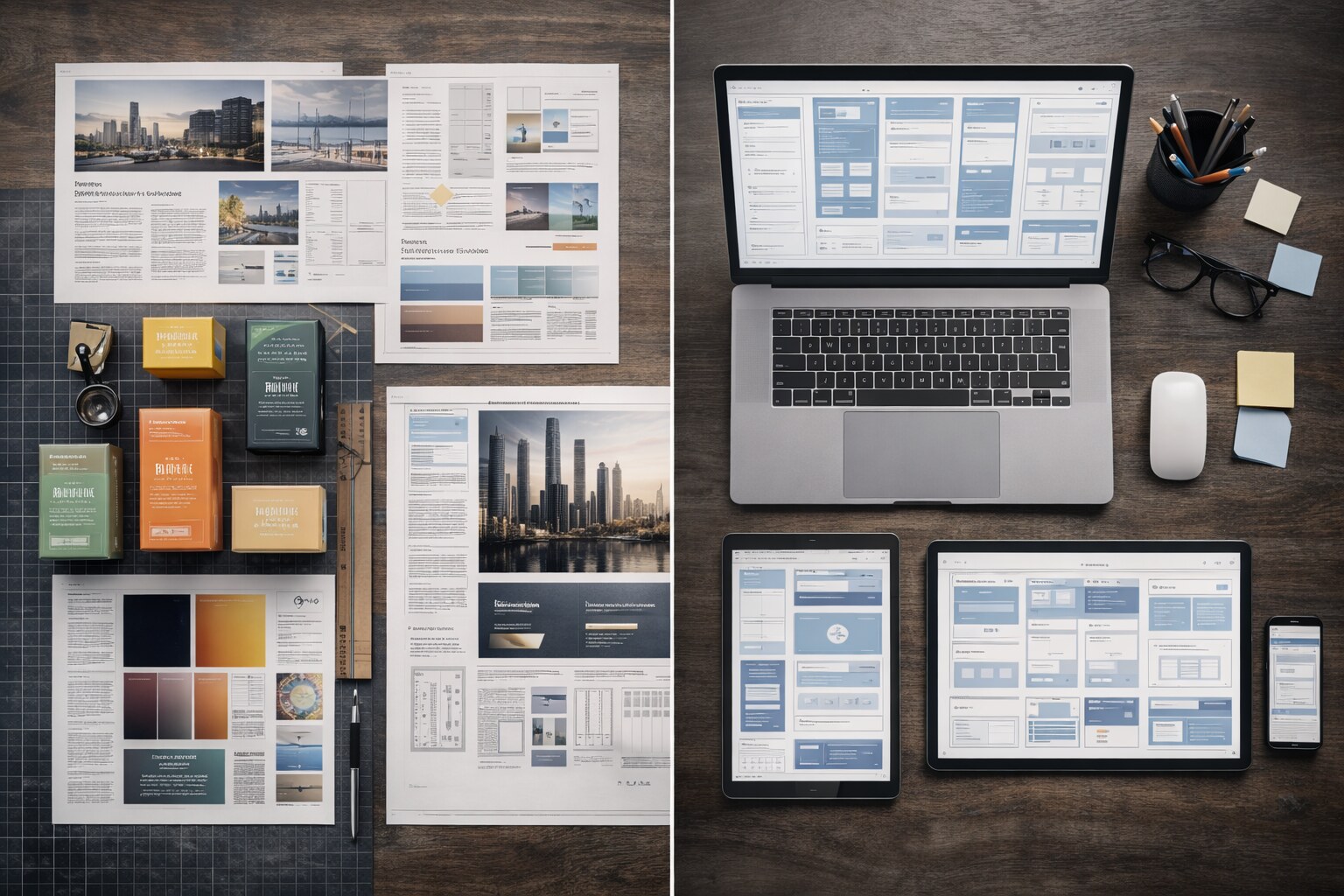
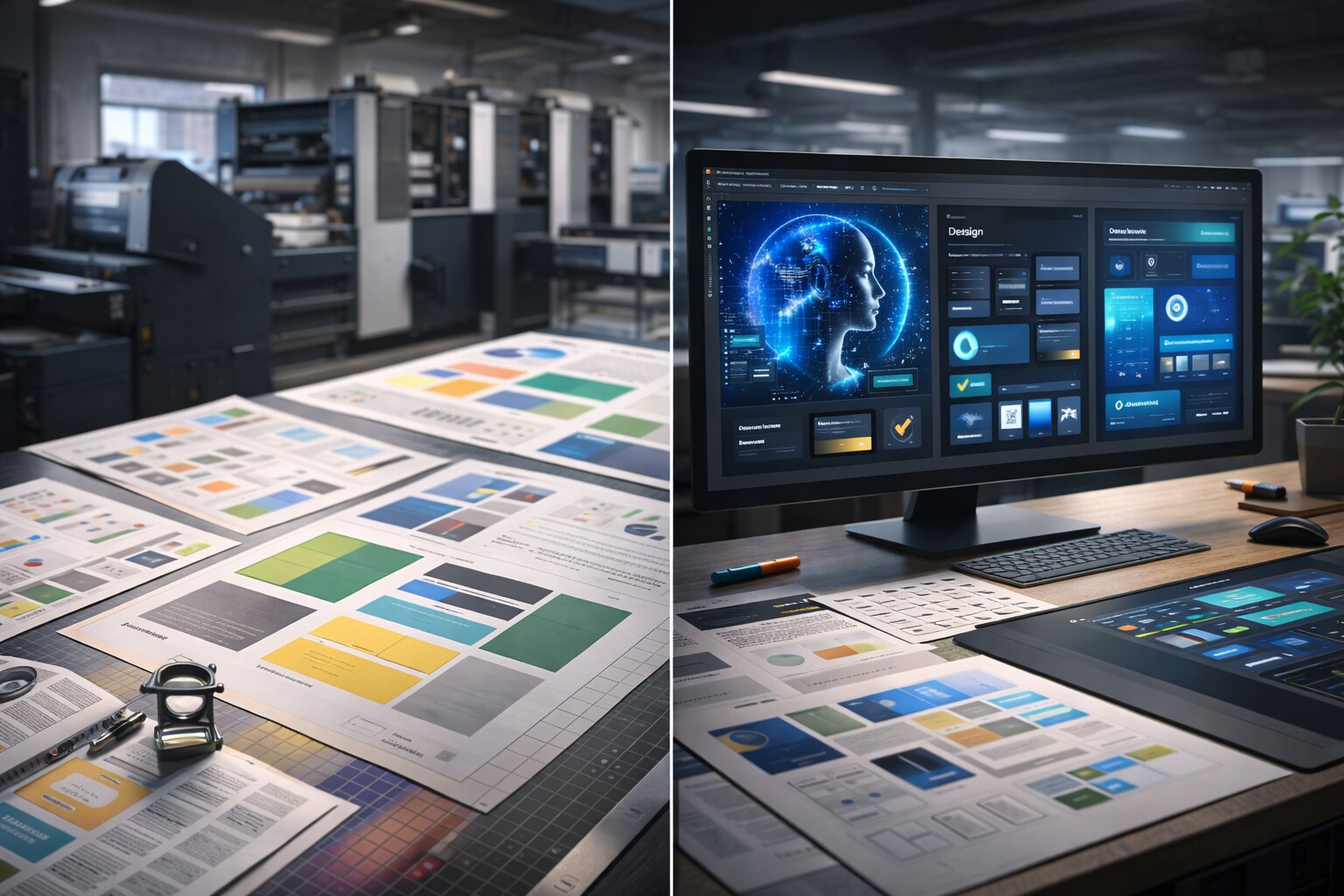
Both sides already use templates. The difference is the nature of the constraints:
Digital constraints are increasingly encoded (components, tokens, responsive rules). Print constraints are often negotiated (paper, ink, finishing, tolerances, vendor specs, deadlines).
If you work in editorial, there’s also a “human” constraint that doesn’t show up in a spec sheet: the reading experience. Research comparing paper vs screens suggests paper can have a small but meaningful advantage for comprehension in some contexts.
Most tasks become automatable when they satisfy three conditions:
Digital production meets (2) and (3) more often. Print production violates them constantly. That’s the core reason print can keep a longer tail even if the volume of work drops.
“Automation doesn’t just remove work — it rearranges it. The durable roles tend to be the ones that define requirements, catch risk, and own accountability.”
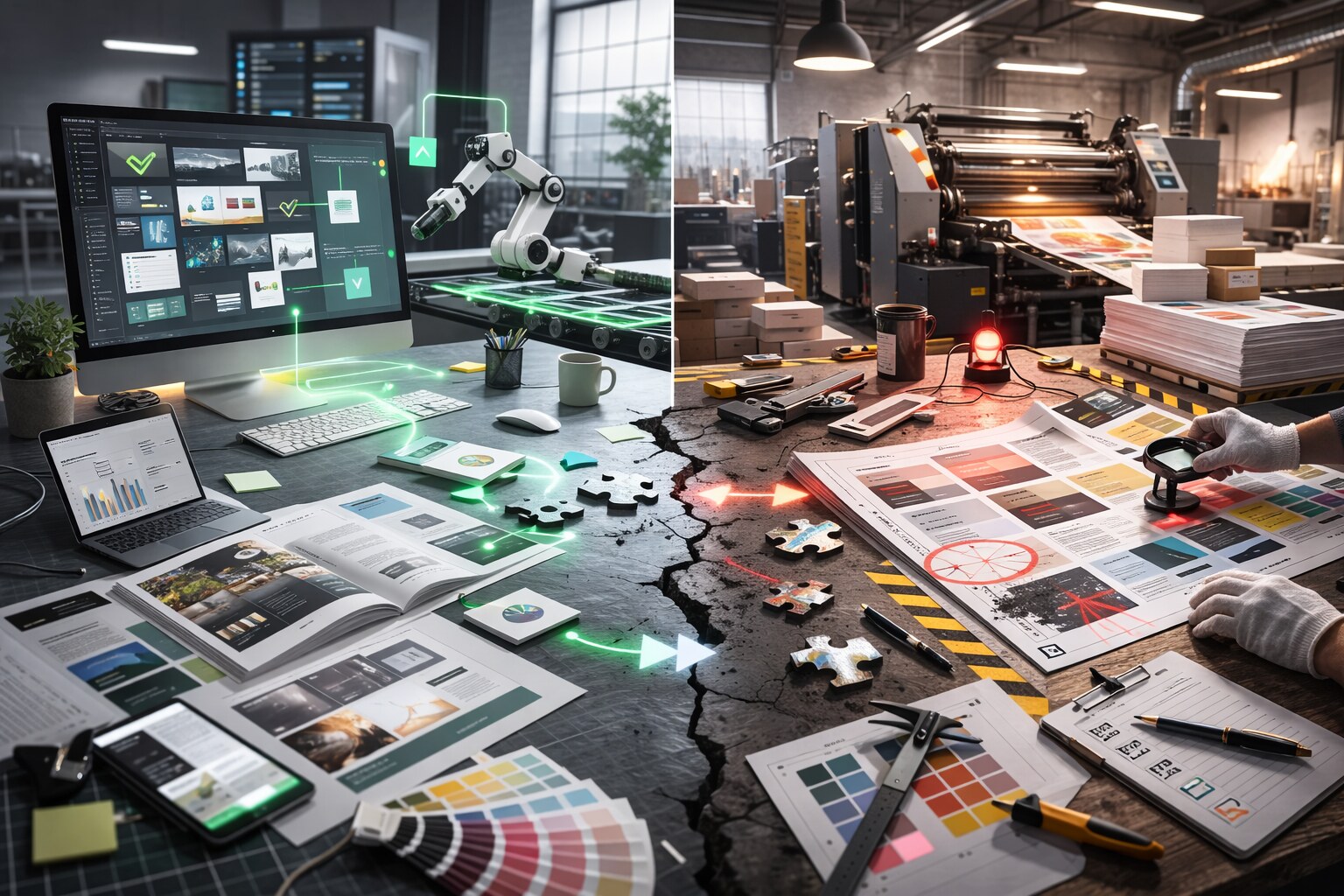
AI will compress the parts of print work that already behave like software: repeatable inputs, repeatable outputs, and a relatively clear definition of “good enough”.
In practice, that usually means:
This is less “AI replaces print design” and more “AI eats the predictable middle of production”.
A quick way to spot what’s likely to be automated: ask whether you can turn it into a checklist where “correct” can be verified cheaply. If you can’t, humans stay in the loop longer — even if AI speeds up drafts.
Print hides a lot of “real world” work until it hurts. Even if an AI proposes a clean layout, someone still has to make risk decisions that depend on materials, vendors, and late-stage failure modes.
Four patterns show up again and again:
Traditionally, juniors built skill through “safe” production tasks: resizes, basic typesetting, minor corrections, exports, and template upkeep. Those are also the tasks most likely to be standardized, productized, or automated first.
In many teams, the squeeze comes from a mix of self-serve templates and brand portals, automation inside the tools, tighter tolerance for mistakes, pressure to deliver fast (which often reduces training time), and AI used as a first-pass generator because it’s cheap to try.
The uncomfortable result is a pipeline problem: teams still need experienced people, but they’re reducing the work that used to grow them.
If you’re hiring or running a studio, the goal is simple: make entry-level work bounded and reviewable, not “random production chaos”.
Create a production lane with checklists, turn tribal knowledge into artifacts (spec sheets, naming rules, export presets, proofing steps), and fund review time. One predictable hour of review beats a week of rework.
“If you want juniors, you need a review budget. Training is not “culture” — it’s operational risk management.”
If you’re a designer trying to stay employable, you don’t need to become an AI evangelist. You need to become harder to replace.
That usually means moving up one level: from “making pages” to “owning the system that makes correct pages”.
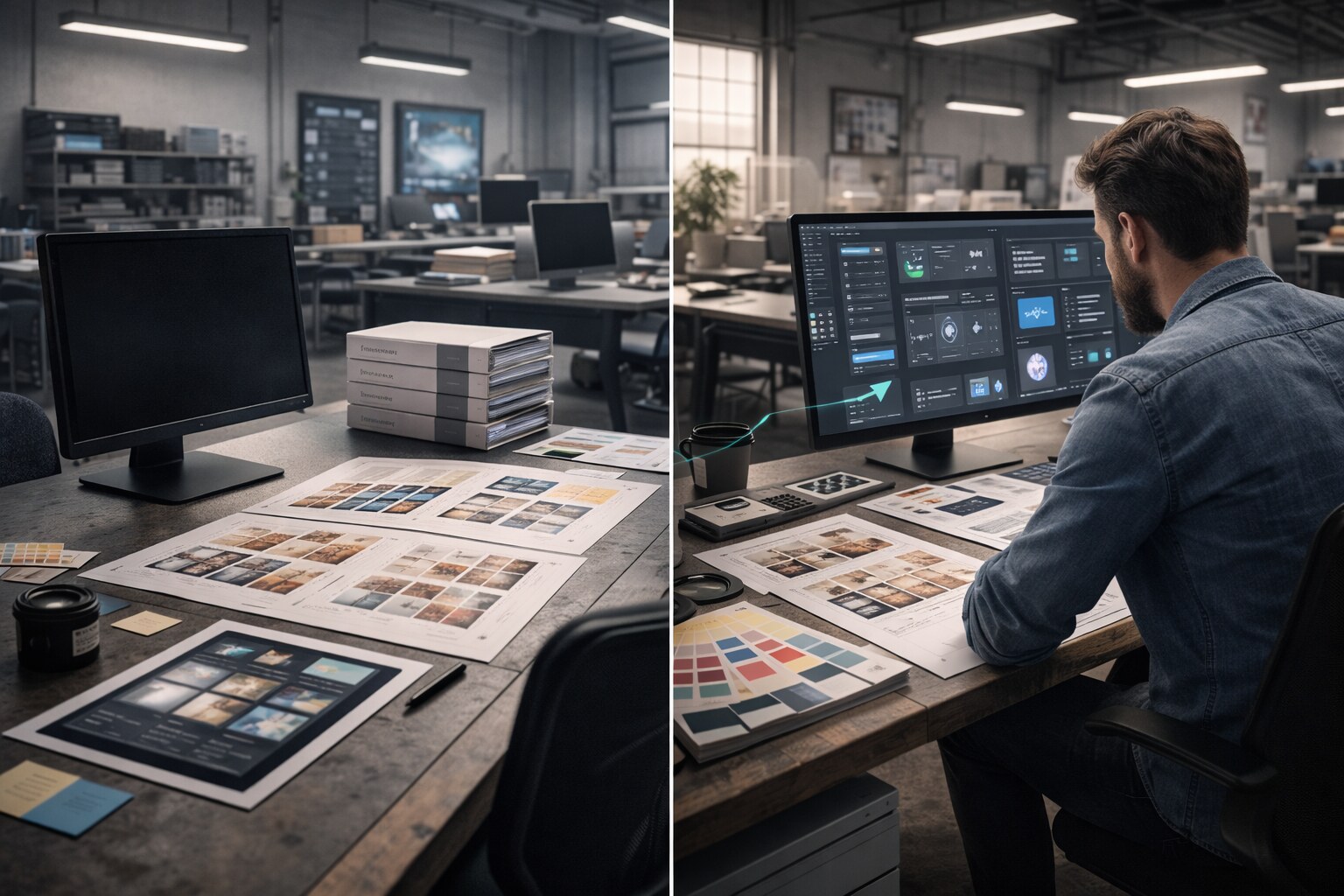
The “designer as curator” idea is real, but incomplete. The longer-lasting role is closer to a mix of responsibilities:
Curator (selects, rejects, enforces taste and brand direction), Editor (fixes meaning, hierarchy, tone, coherence), Production engineer (knows what breaks in export, print, localization), Quality owner (builds checklists, guardrails, review gates), and Tool wrangler (decides where AI is allowed vs forbidden).
In print-heavy work, that role becomes even more valuable because the last mile is expensive.
The exact stack varies, but the categories don’t change much.
Core tools are still the obvious ones: InDesign (layout + styles + Data Merge), Illustrator (vectors + dielines + spot assets), Photoshop (image prep + retouch), and Acrobat (proofing + comments + basic preflight).
What saves jobs is usually less glamorous: preflight discipline, color management habits, and boring-but-correct file hygiene.
And yes, spreadsheets matter. A lot of print work is semi-database work (price lists, SKUs, languages).
For AI: use it as acceleration, not authority.
Generative image tools are great for concepting and cleanup; LLMs are good for copy variants and consistency checks; scripts/macros are what turns “one good output” into a repeatable workflow.
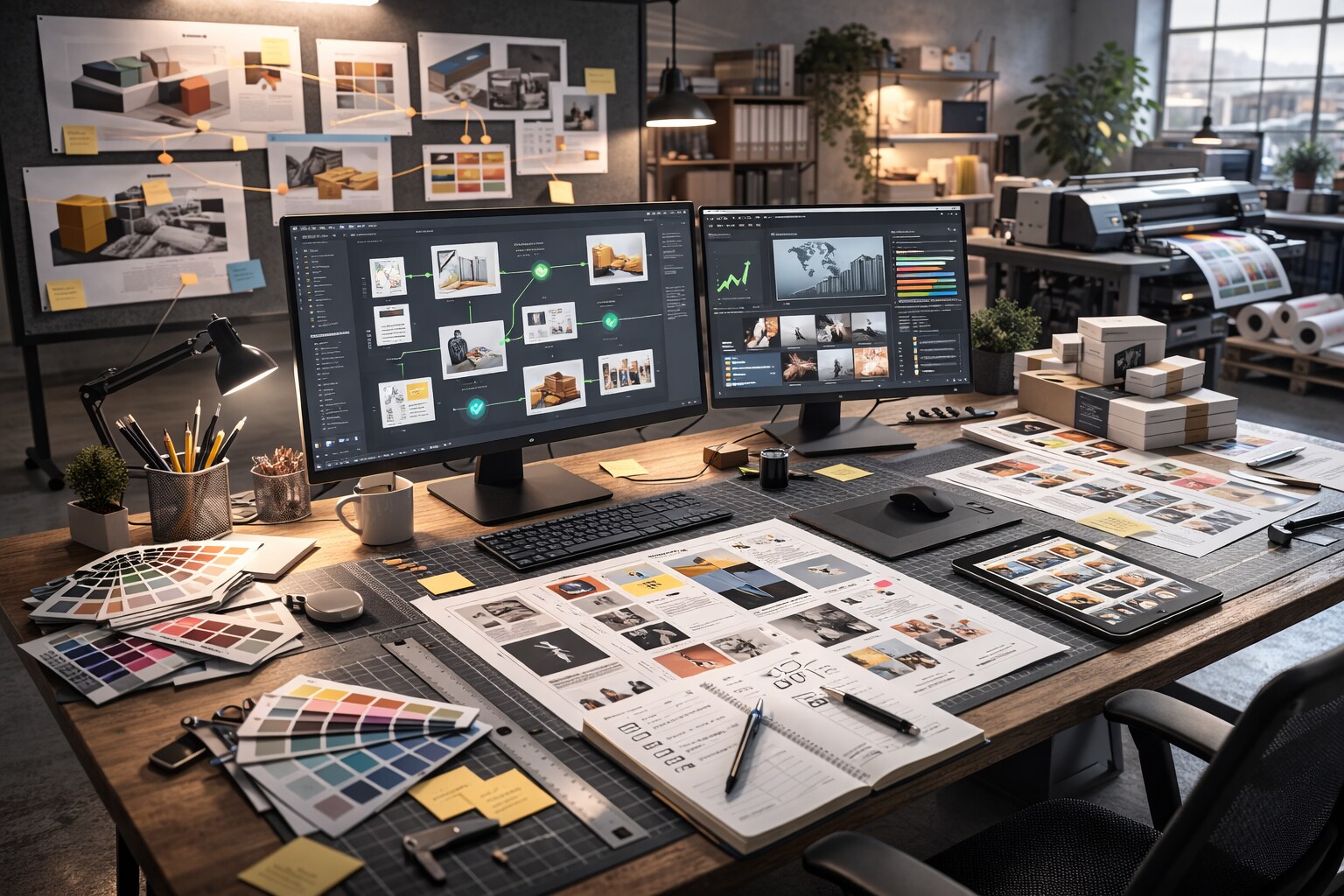
“This is also how you make junior roles viable again: the work becomes teachable and safe.”
AI will absolutely reduce the number of people needed for some production tasks — especially low-risk digital variants.
But print design has a stubborn advantage: it’s tied to manufacturing, accountability, and late-visible failure.
So the long-term bet isn’t “print is safe”. The bet is: designers who survive will look less like pixel pushers and more like curators of constraints.

News, insights, case studies, and more from the rausr team — straight to your inbox.
Send us your brief, your wildest idea, or just a hello. We’ll season it with curiosity and serve back something fresh, cooked with care.