Why AI-Generated Websites Look the Same (and How to Stand Out)
Why AI-built websites often share the same visual language, when familiar patterns help users, and how a distinct brand can break the pattern without losing usability.

Why AI-built websites often share the same visual language, when familiar patterns help users, and how a distinct brand can break the pattern without losing usability.
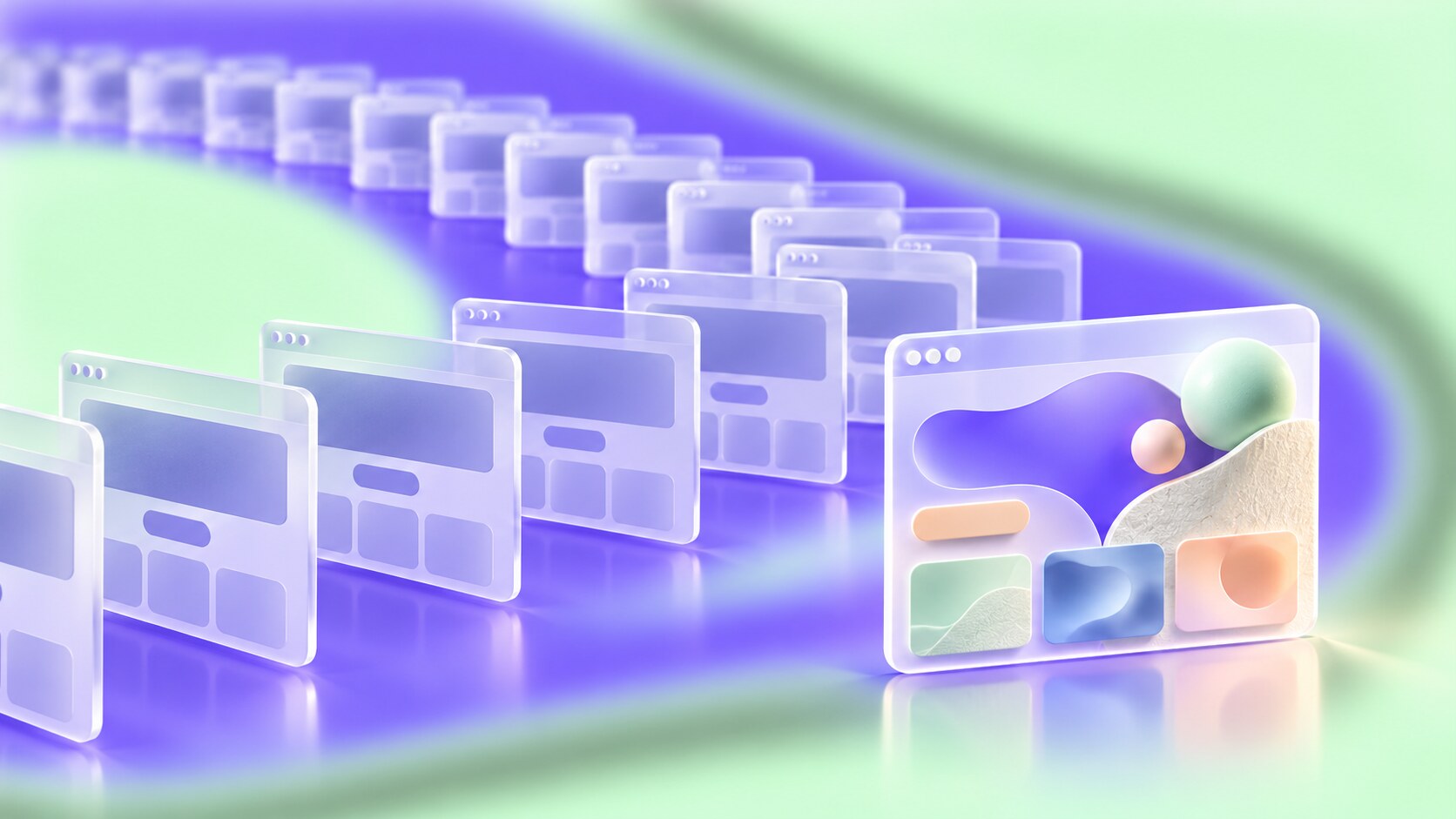
Ask an AI tool to “make a modern website” and the result may be perfectly usable: a tidy navigation bar, a large headline, a bright button, three feature cards and a polite testimonial. Ask it again for a different business and you may recognize the same page wearing new colors.
That familiarity has value. People can find the menu and understand the next step quickly. But if every company borrows the same visual grammar, the site explains the offer while saying very little about who is making it. The user’s concern is a real design question: can a brand become more visible by choosing a different path, without asking visitors to learn how to use a website all over again?
This continues our discussion of the systems that shaped 2010s graphic design and the difference between distinctive and generic branding.
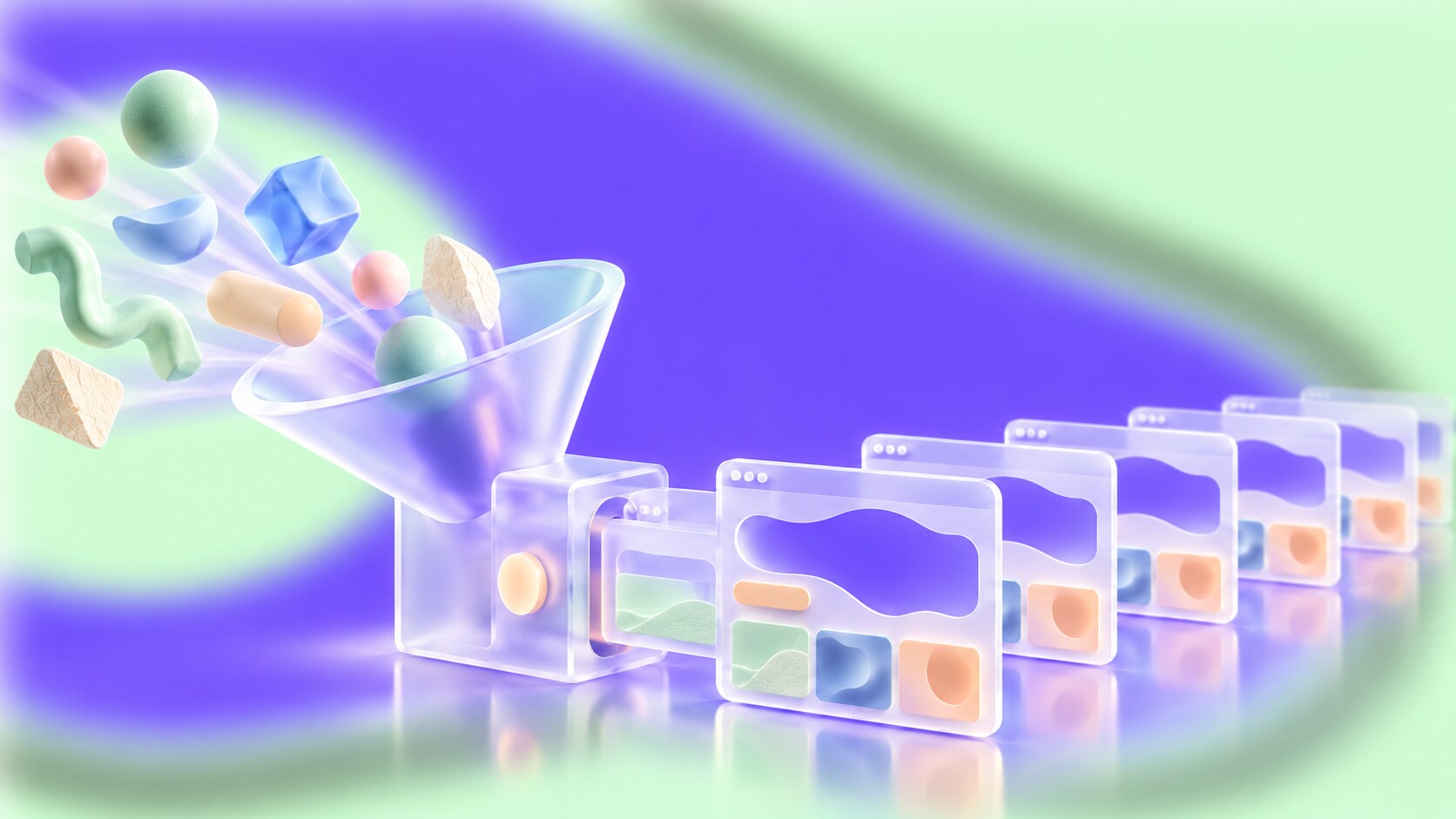
“Build a clean site for a coffee brand” says almost nothing about the people who buy the coffee, the packaging, the cafe, the photography or the tone of the business. The tool still has to choose a layout. It reaches for familiar examples and components that are easy to assemble and likely to look acceptable.
This is not solely a model problem. The brief, the tool’s defaults and the human reviewing the result all contribute. A creator may accept the first competent page because it works and looks finished. That is how a safe starting point quietly becomes the final identity.
There is a concrete technical clue here: v0’s documentation says it defaults to shadcn/ui components, while its design-system tools let teams supply their own components, tokens and references. The default is useful for getting a working interface; it cannot know a brand’s character until that character is provided.
Researchers Donghoon Shin and colleagues call attention to this risk in a 2026 paper on web “vibe coding.” Their work examines where sameness may enter the creation process and proposes adding productive friction: moments when the maker stops, questions the obvious output and makes a deliberate choice. It does not claim that a measured percentage of AI websites are identical.
Small surprise: A design tool can copy the structure of a supplied screenshot or Figma frame much more faithfully than it can infer a visual identity from “make it unique.” The missing ingredient is often a real reference, not a more enthusiastic adjective.
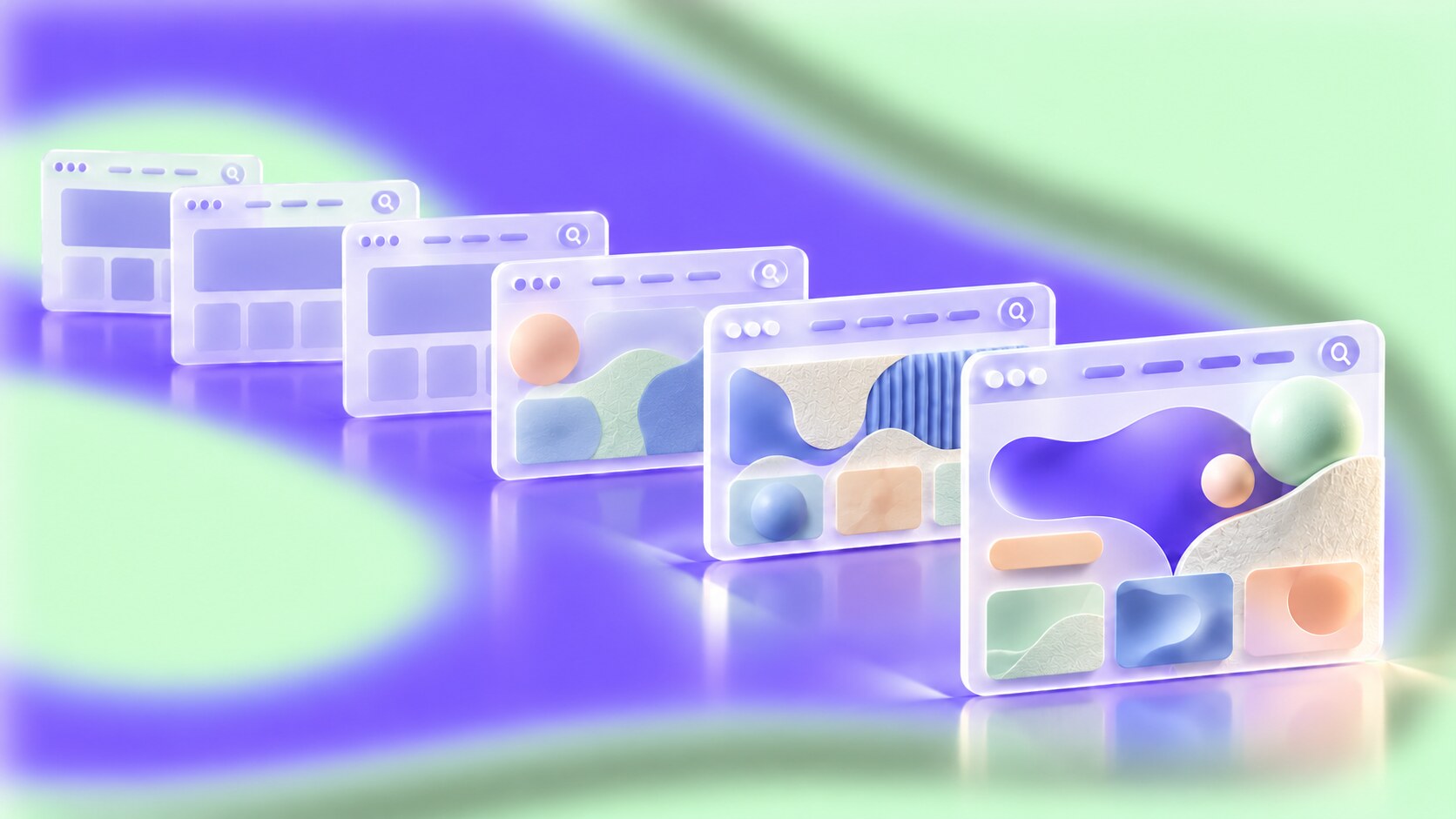
Visitors benefit from recognizable menus, search, product information and checkout steps. Nielsen Norman Group’s research on university websites found that hidden or unconventional navigation made important information difficult to find. Familiar structure saves effort, especially when someone is in a hurry.
That does not require a familiar-looking hero image, generic type or the same stack of cards. Baymard’s ecommerce research treats the homepage as both a route into the site and a place to communicate brand values. Those jobs can support each other.
A children’s museum might benefit from playful scale and unexpected illustrations. A legal service may need immediate calm and precise language. A local music venue can feel energetic without hiding the ticket button. Different audiences bring different expectations; “clean SaaS dashboard” is not a universal answer.
“Let people recognize how to use the page. Give them a reason to recognize whose page it is.”
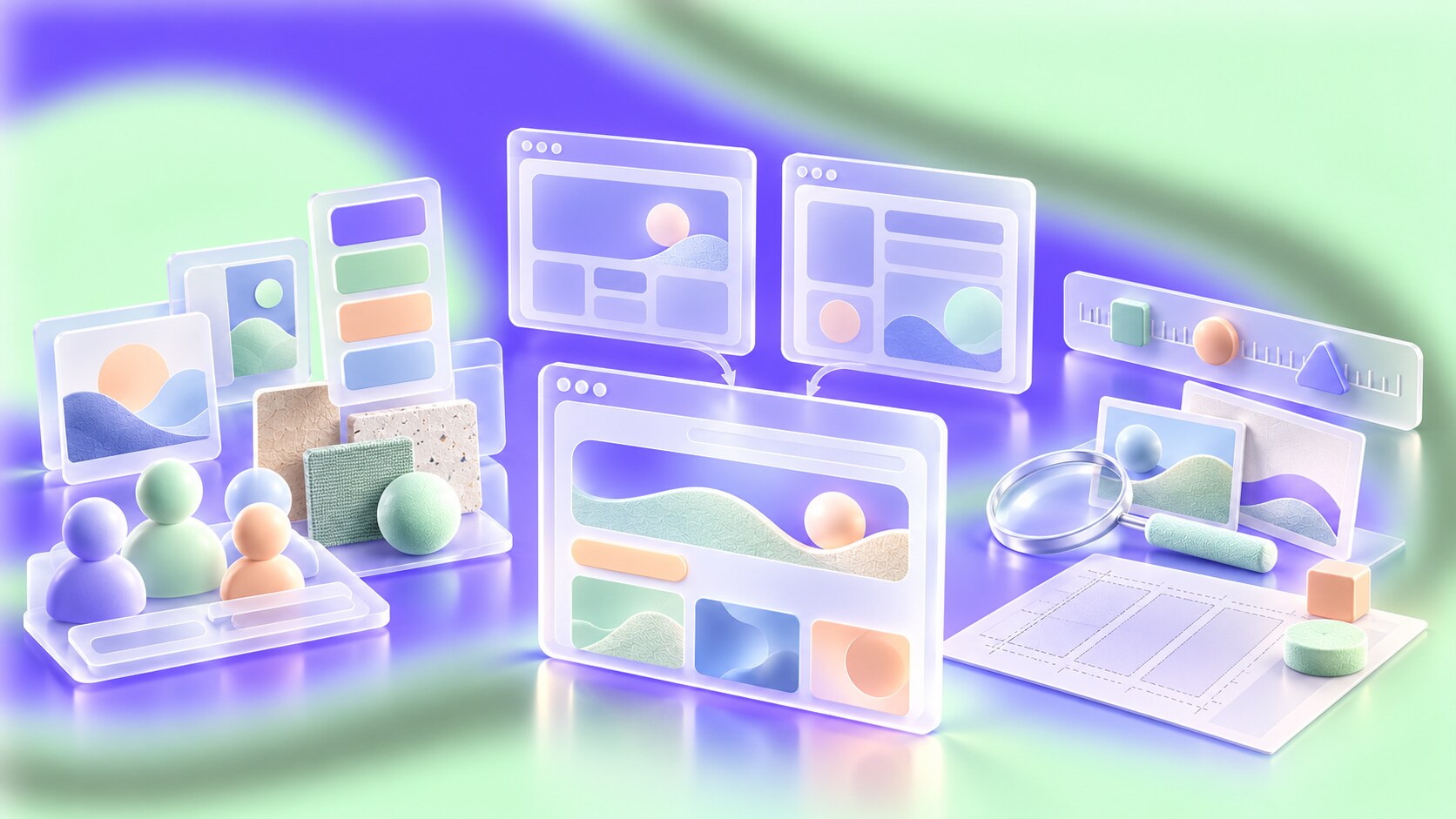
Before generating a page, decide what the visitor needs to do and what the brand should feel like after they leave. Then give the tool materials it can actually use:
For example: “Design a site for a neighborhood cinema. Use our poster typography, dark red ticket stock and real lobby photographs. Put today’s screenings and ticket prices above the fold. Keep the schedule familiar, but let the editorial areas feel like a film program rather than a startup landing page.”
This brief gives the AI a job and a visual direction. It also tells a designer where to intervene. Someone still needs to choose the right images, edit the copy, judge whether the cinema feels welcoming and check that the ticket path works on a phone.
If the visual language already exists, Branding Codes That Stick explains which recognizable cues are worth carrying into a new digital experience.
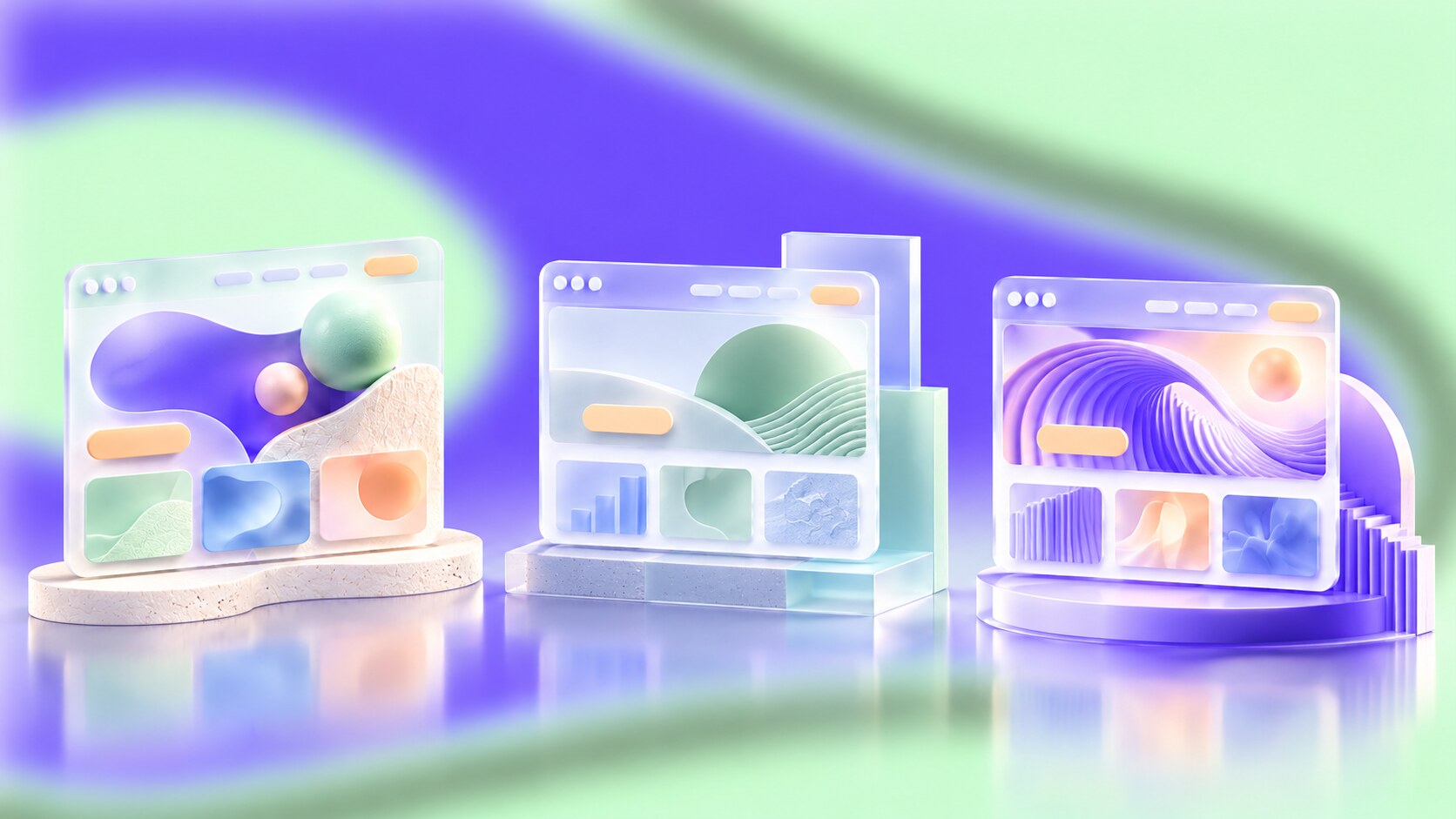
There is no need to turn every website into an experiment. A booking flow, medical form or payment page usually benefits from calm, familiar controls. The parts that express a brand can take more creative risk: the opening story, image treatment, typography, pacing, illustration, motion or way a product is explained.
Try two directions rather than endlessly polishing the first AI draft. Give the same content to a conventional version and a more characterful one. Ask real visitors what they think the company offers, what they remember and whether they can complete the main task. If the unusual version is memorable but confusing, keep its strongest brand cue and repair the path through the page.
The hidden cost of instant polish: A generated page can feel finished before anyone has decided what makes the business different. The hardest work begins at that point, when a team must replace plausible details with truthful ones.
Our article on how UX and UI are tested shows how to check a distinctive direction with visitors instead of deciding only from a polished mockup.

AI can make functional pages cheap to start. That gives designers more room to test unusual directions, but it also makes the default look easier to publish. The difference will come from what the team knows about its audience and what it is willing to decide for itself.
Keep the parts of the web that help people orient themselves. Build the rest from the brand’s actual voice, materials, people and purpose. A site that feels different for a reason can be both easier to remember and easier for the right visitor to trust.

News, insights, case studies, and more from the rausr team — straight to your inbox.
Send us your brief, your wildest idea, or just a hello. We’ll season it with curiosity and serve back something fresh, cooked with care.