In brief
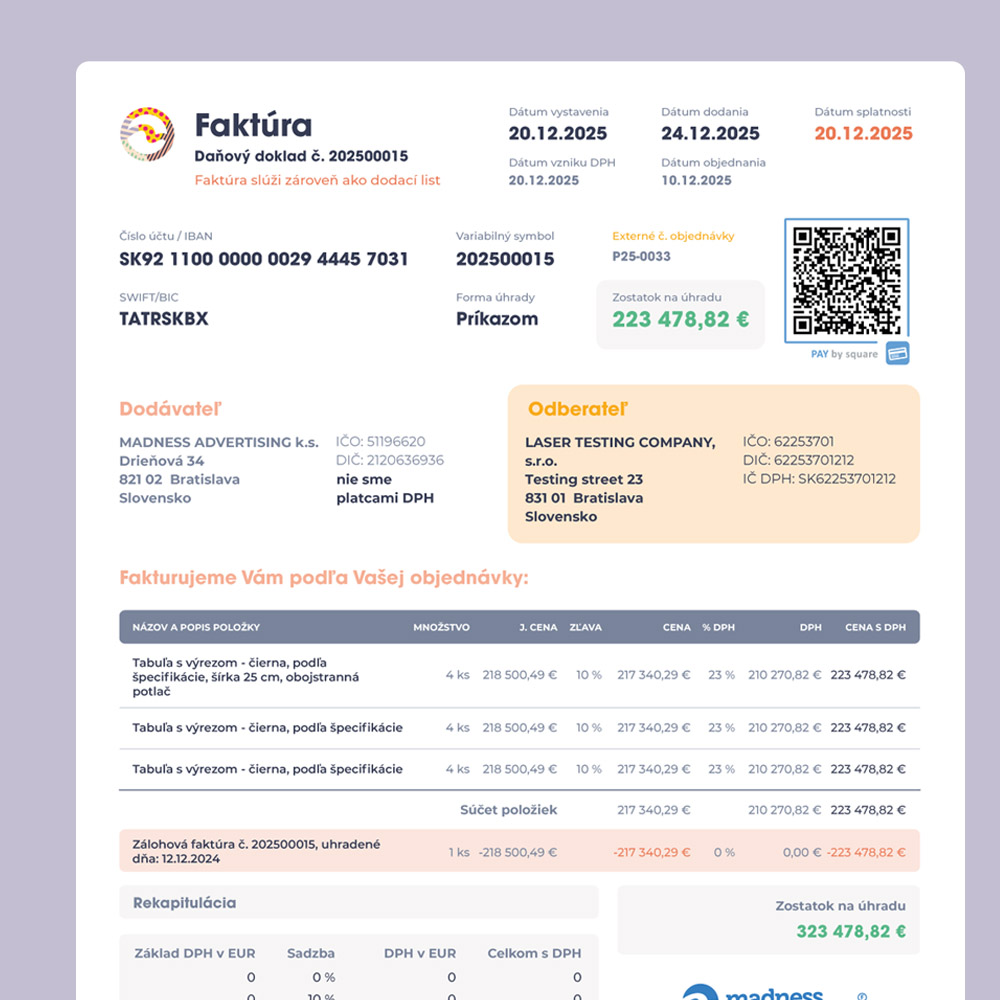
Information hierarchy is the order in which a design introduces meaning. It combines content structure and visual emphasis so people can scan, choose a route, and read more deeply.

Common tools
- Figma
- Adobe InDesign
- Browser tools
Skills in play
- Research
- Typography
- Accessibility
What it is
Information hierarchy helps someone answer three questions: What is this? What matters now? Where can I go next? It is built from content decisions first, then expressed through headings, grouping, spacing, typography, placement, and sometimes colour or imagery. Making a heading larger does not repair a page whose ideas are in the wrong order.
Hierarchy is context-dependent. A report may put its conclusion and evidence near the top; a help page may start with the task and the next step; a publication may invite browsing before deep reading. The design should make the intended route visible without blocking other reasonable routes.
Find the reader’s questions
Write down the questions a newcomer is likely to bring and the answers they need to proceed. Separate essential facts from explanation, examples, and background. Use real copy, including long labels and inconvenient caveats. If everything is marked urgent, there is no hierarchy.
Observe a few people trying to locate an answer in the existing material. Note the words they use, the headings they ignore, and the moments where they return to the start. A content map can reveal duplication, missing steps, and labels that make sense to an internal team but not to the audience.
Build a structure that survives styling
Order by task and relationship
Arrange ideas in a logical sequence. Put prerequisites before instructions; define a term before asking readers to compare it; place supporting evidence close enough to the claim it explains. Group related items under labels that describe the group, not vague headings such as “More”.
For longer material, offer layers: a concise answer, useful section headings, and deeper detail. This lets a reader stop when their question is answered while keeping the full reasoning available. Editorial systems can then turn those layers into consistent page patterns.
Express priority visually
Use a small number of distinct levels. Size, weight, spacing, alignment, and position should work together. A label above a title may locate the topic; the title should state the subject; a short introduction can clarify why the page is useful. Reserve strong colour for cues that deserve it, rather than making every element compete.
Check the page in grayscale and at mobile width. If the route disappears without colour, strengthen the textual labels and spacing. If a responsive layout changes the order of cards or sidebars, inspect the actual reading order as well as the screenshot. Visual arrangement and document structure should tell the same story.
Test the route, not just the look
Give a reader a specific task: find a figure, identify a limitation, compare two options, or locate the next action. Let them work without explanation. Record the first thing they notice, their first click or page turn, and where they hesitate. Ask them to describe which information they considered primary.
Repeat at the size and distance of real use. A sign seen while moving, a phone page held in one hand, and a dense report opened on a laptop expose different failures. Revise labels and order before adding decoration. A stronger colour rarely solves a missing heading.
Practical checks
- Can the title and first sentence tell a new reader what the page is for?
- Do headings name the content beneath them and follow a meaningful sequence?
- Is the relationship between a claim, its evidence, and its caveat obvious?
- Can someone use the page without relying on colour or a visual reading order alone?
- Does the mobile version preserve the same essential route?
Common mistake
Using visual contrast to compensate for weak writing. A large, colourful heading can attract attention, but it cannot make an ambiguous label useful. Edit the content map and labels first; then design the emphasis.
People and practice