In brief
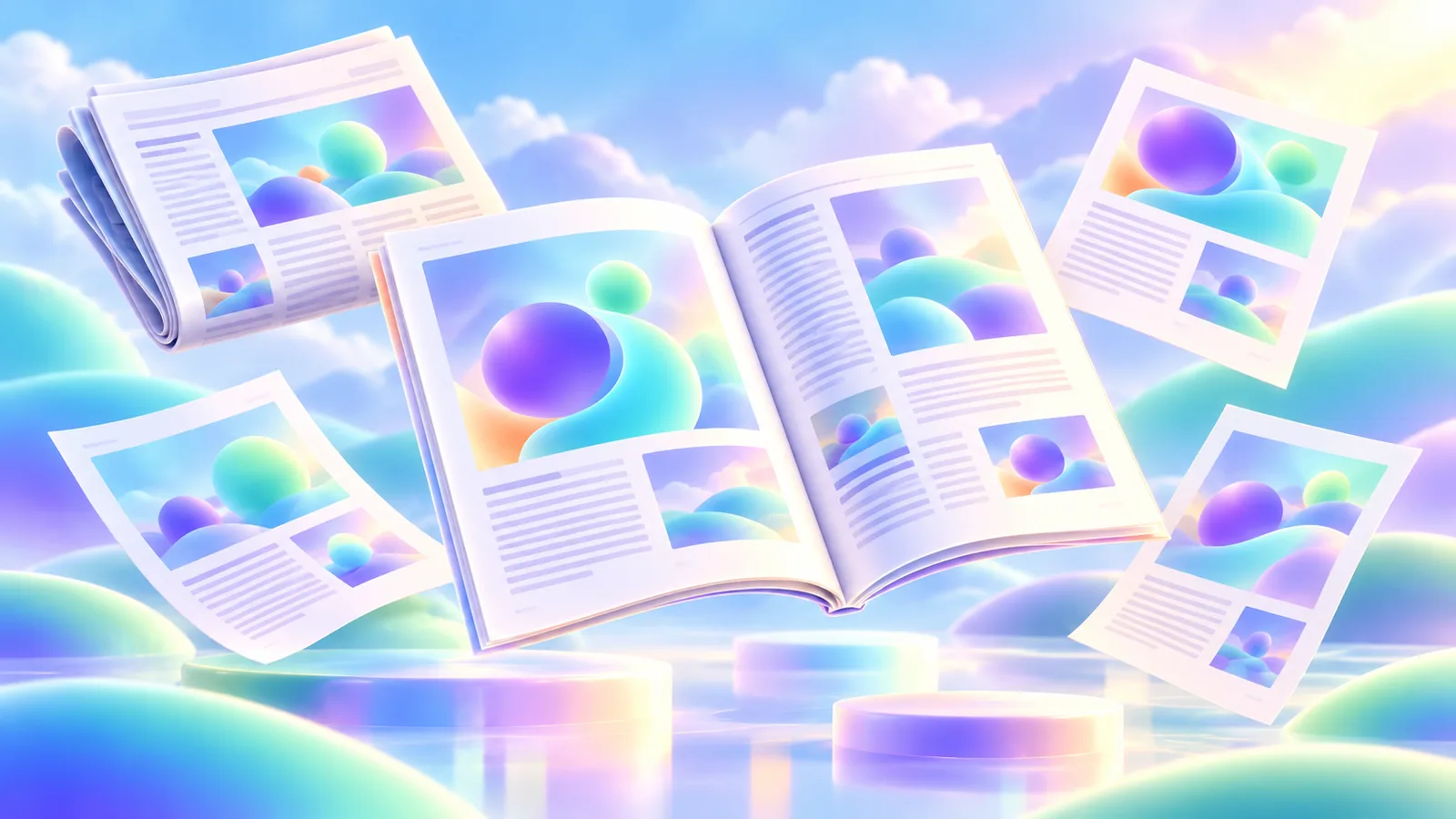
Magazine and newspaper design turns a changing stream of stories into a publication readers can scan, enter, and follow. The system needs recognisable structure without making every issue look alike.
Common tools
- Adobe InDesign
- Adobe Photoshop
- Adobe Illustrator
Skills in play
- Typography
- Systems thinking
- Visual storytelling
What it is
A magazine or newspaper is a recurring reading system, not a collection of unrelated page designs. Every issue receives new stories, images, lengths, and deadlines. The publication must help a reader recognise the title, scan what matters, choose a route into the content, and stay oriented across pages.
Newspapers usually place a stronger premium on rapid scanning, frequent updates, and many stories competing on the same page. Magazines often give features more space and allow larger changes of pace. These are tendencies, not rigid rules: both need editorial judgement, a dependable grid, and careful long-form typography.
Define the editorial promise
Begin with the audience and the kind of attention the publication earns. Is it a quick daily read, a specialist reference, or an object someone keeps? Map recurring departments, feature types, service information, advertising, and any digital extension. The visual system should express the editorial voice without making the content fight for attention.
Build a content inventory using real material. Include a short news item, a long investigation, a picture-led story, a data graphic, and a page with awkward but necessary information. A system designed around a single beautiful feature spread will not survive a normal issue.
Build a grid for varied stories
Establish structural rules
Set page geometry, margins, columns, gutters, a type scale, and spacing relationships. The grid should help editors combine text, captions, images, sidebars, and advertising without rebuilding the page each time. An underlying baseline can improve alignment, but it should not force poor line breaks or uncomfortable image crops.
Define a small group of recurring page types: contents, section opener, news page, feature opening, continuation, and back page. Each needs recognizable navigation and enough flexibility for the strongest story of the day or issue. Think of templates as starting conditions, not locked compositions.
Use hierarchy to tell the truth
Headline size, position, image scale, and space all signal importance. An eye-catching layout should still reflect the editorial value of the story. Distinguish headline, standfirst, byline, body, caption, pull quote, and metadata so people can understand the page at several reading speeds.
Never let a decorative device imply a relationship the reporting does not support. Captions must stay near the correct image; charts need clear labels and sourcing; advertising must remain recognisable as advertising. Editorial credibility is a design outcome as well as a writing outcome.
Design the rhythm of an issue
Move through the whole publication in sequence. A dense section may need a pause before a long feature; a photograph may deserve a full spread after several information-heavy pages. Vary pacing through scale, imagery, and white space while keeping navigation stable. Books and book series offer another view of how pacing and physical sequence change reading.
Use a flatplan or page map early. It exposes repeated visual beats, awkward ad adjacency, too many similar openers, and places where readers may lose their route. For digital editions, check how the hierarchy translates to a narrow screen rather than shrinking a two-page spread into an unreadable picture.
Plan for a changing production cycle
Agree who owns copy length, image selection, caption accuracy, page proofing, and final sign-off. Use styles and shared assets so late revisions do not break consistency. Keep version names clear and allow time for a final read in the real output format.
Proof at actual size. Check body type, caption contrast, image resolution, folios, bleeds, and any folding or binding constraints with the printer. A PDF viewed at a comfortable zoom can hide text that is too small on the printed page. For a digital issue, test readable text, focus order, links, and image descriptions in the actual delivery format.
Stress-test the system
Give a designer an unfamiliar set of stories and a short deadline. Can they assemble a plausible issue without inventing a new style for every page? Ask an editor whether the hierarchy communicates the intended priorities. Ask a reader to locate a specific story, follow a continuation, and distinguish an advert from editorial content.
Practical checks
- Test the longest headline and the weakest available photograph, not only ideal content.
- Review the full issue sequence, including contents, ads, continuations, and corrections.
- Keep captions, credits, folios, and section labels consistent and easy to find.
- Check both print proofs and the actual digital reading experience where applicable.
Common mistake
Designing only memorable openings. A publication lives in the ordinary pages between them. Its quality depends on how reliably the system handles routine content, last-minute change, and the reader’s need to find their way.
People and practice