In brief
Architectural graphics are designed as part of a place. Their scale, material, position, and meaning change as people approach, enter, and move through a building.
Common tools
- Adobe Illustrator
- SketchUp
- Adobe Photoshop
Skills in play
- Spatial reasoning
- Systems thinking
- Technical accuracy
What it is
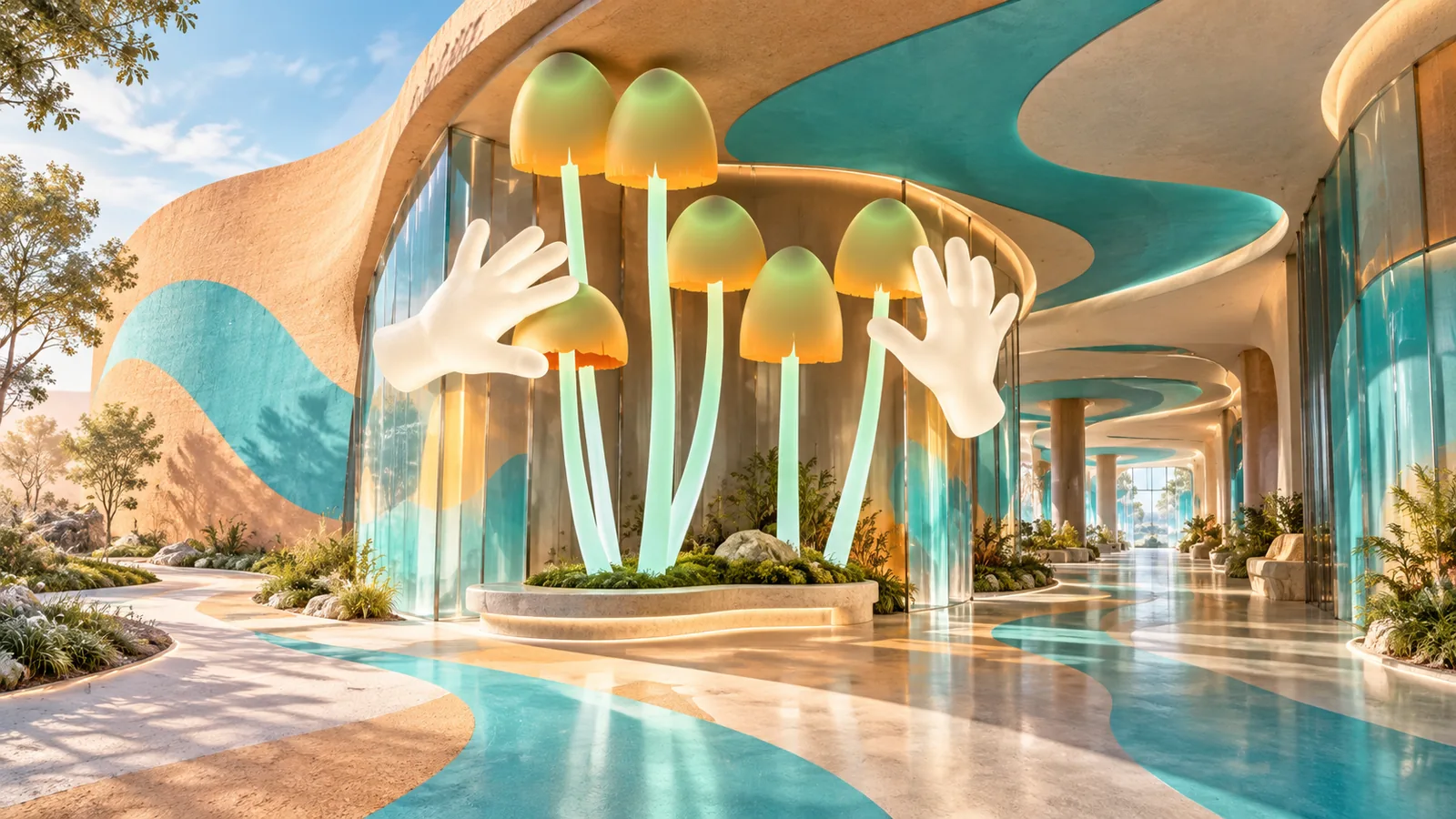
Architectural graphics are visual elements developed for the built environment: large type, surface patterns, information layers, murals, building identity, and graphics integrated with facades or interiors. They can establish the character of a place, explain its use, or make complex spaces easier to read. A graphic that works on a flat board may fail once it meets a doorway, changing daylight, a long corridor, and people moving at different speeds.
This work often overlaps with signage systems and wayfinding. The difference is emphasis: architectural graphics consider the whole relationship between image and place, including moments that carry atmosphere rather than directions.
Start with the site, not the artwork
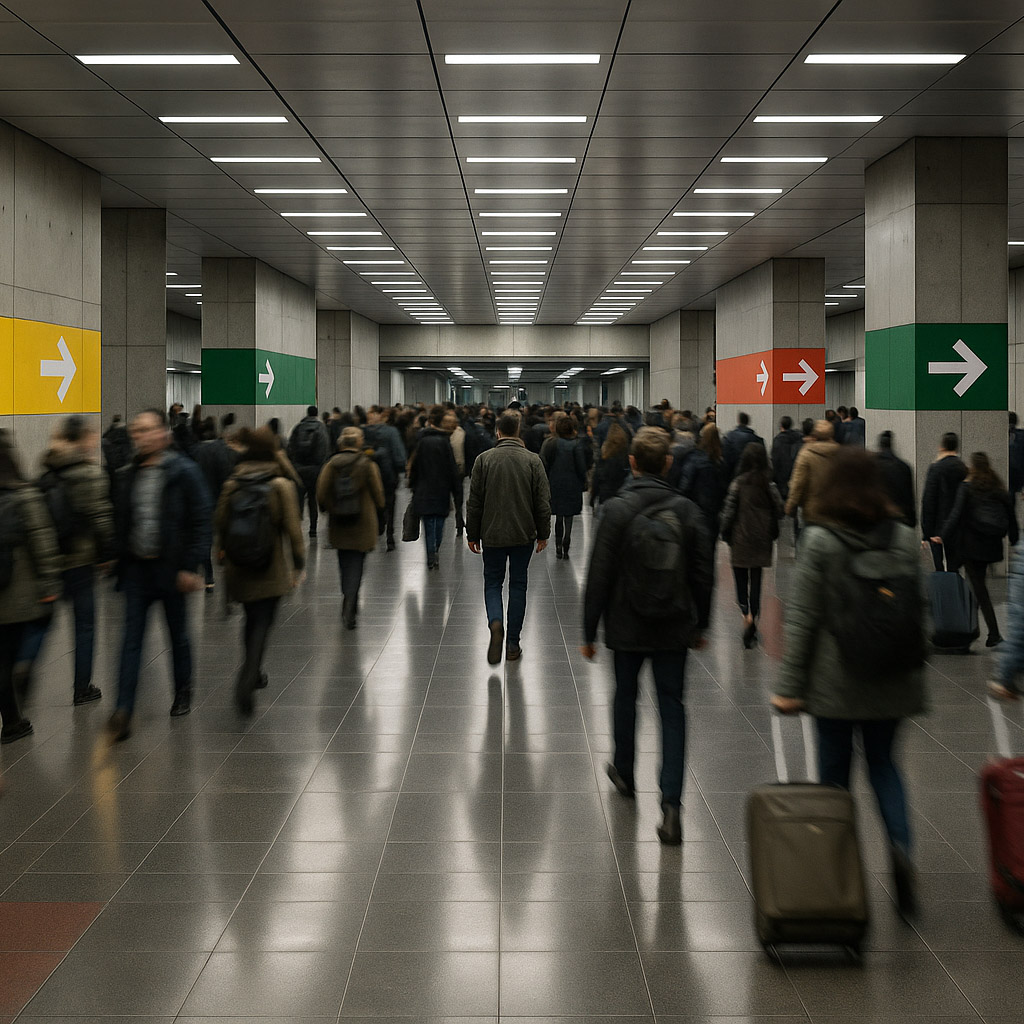
Walk the route a visitor would take. Photograph approaches, thresholds, decision points, walls, sightlines, and the spaces where people wait. Record viewing distances, typical movement, lighting changes, competing signs, and surfaces that may change during construction. Ask what the place should communicate before deciding what should be printed, painted, projected, or built.
Meet the architect, facilities team, accessibility specialist, fabricator, and client early. Learn which surfaces are available, which are protected, what can be maintained, and who approves structural attachments. A graphic should support the architecture’s use and identity, not treat the building as an empty canvas.
Design across scales
From approach to encounter
Develop the idea at several distances. From outside, a large colour field or form may identify the building. At an entrance, typography and material detail become legible. At a desk or exhibit, a smaller information layer can explain the next task. Test the sequence with eye-level views rather than only an overhead plan.
Deborah Sussman’s work with Sussman/Prejza on the 1984 Los Angeles Olympics is a useful study in adapting one visual language across many different venues, while still helping people move through them. The lesson is the adaptable system, not a licence to copy its colour palette.
Material, light, and tolerance
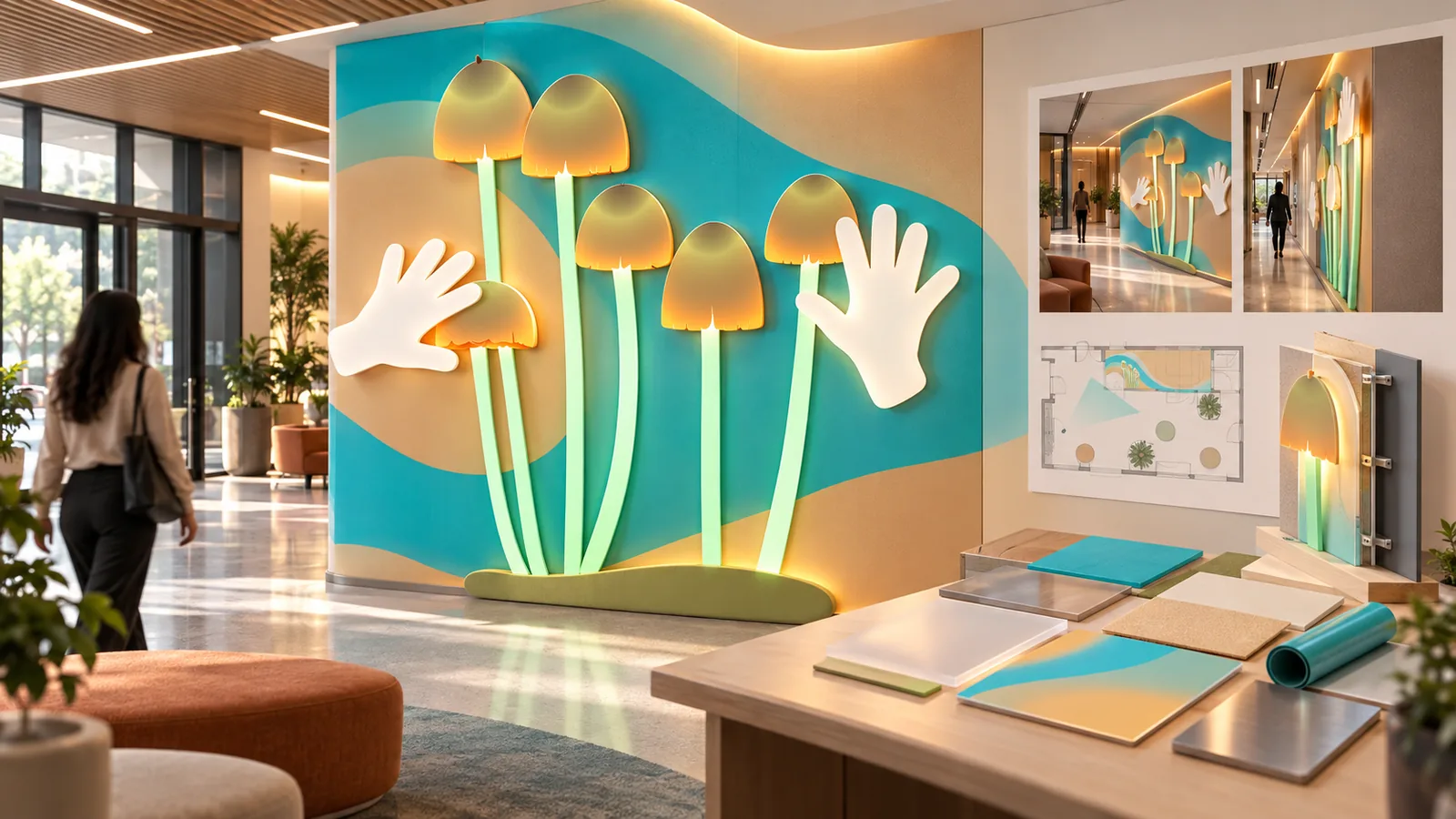
Compare candidate materials in the actual space. A translucent surface, paint, vinyl, ceramic, and dimensional letters differ in glare, durability, cleaning, replacement, and cost. Check colour under daylight and installed lighting. Mock up critical type and graphic details at full size, including viewing angle and the edges where the artwork meets architecture.
Agree on dimensions and tolerances with the fabricator. Drawings should identify the intended wall, mounting height, substrate, finish, and any access panels or services that must remain clear. Do not assume a rendering is a sufficient fabrication instruction. Local building, accessibility, and fire-safety requirements require project-specific specialist review.
Prototype in place
Mark the proposed area on site with temporary tape or a full-size print. Walk the route again. Does the graphic appear before the visitor needs it? Does it compete with a required sign? Can someone read it from the expected angle? Test in busy and quiet conditions and with the actual furniture or temporary barriers where possible.
If a scheme includes wayfinding, ask visitors unfamiliar with the site to complete real journeys. Watch where they slow down or turn back. A visually strong installation can still fail when it is placed after a decision point.
Handoff and maintenance
Deliver location plans, scaled artwork, material and colour references, fabrication details, installation sequence, and an inventory of every graphic element. Mark what can be replaced independently. Agree who owns updates when a tenant, route, exhibition, or building use changes.
Photograph the installed work at the distances used during design and document any deviations. A small maintenance guide helps the space keep its intended character long after the design team’s first visit.
Common mistake
Approving only a beautiful perspective rendering. A rendering can hide glare, poor reading distance, and awkward junctions. Test the graphic at full scale in the place where people will encounter it.
People and practice