In brief
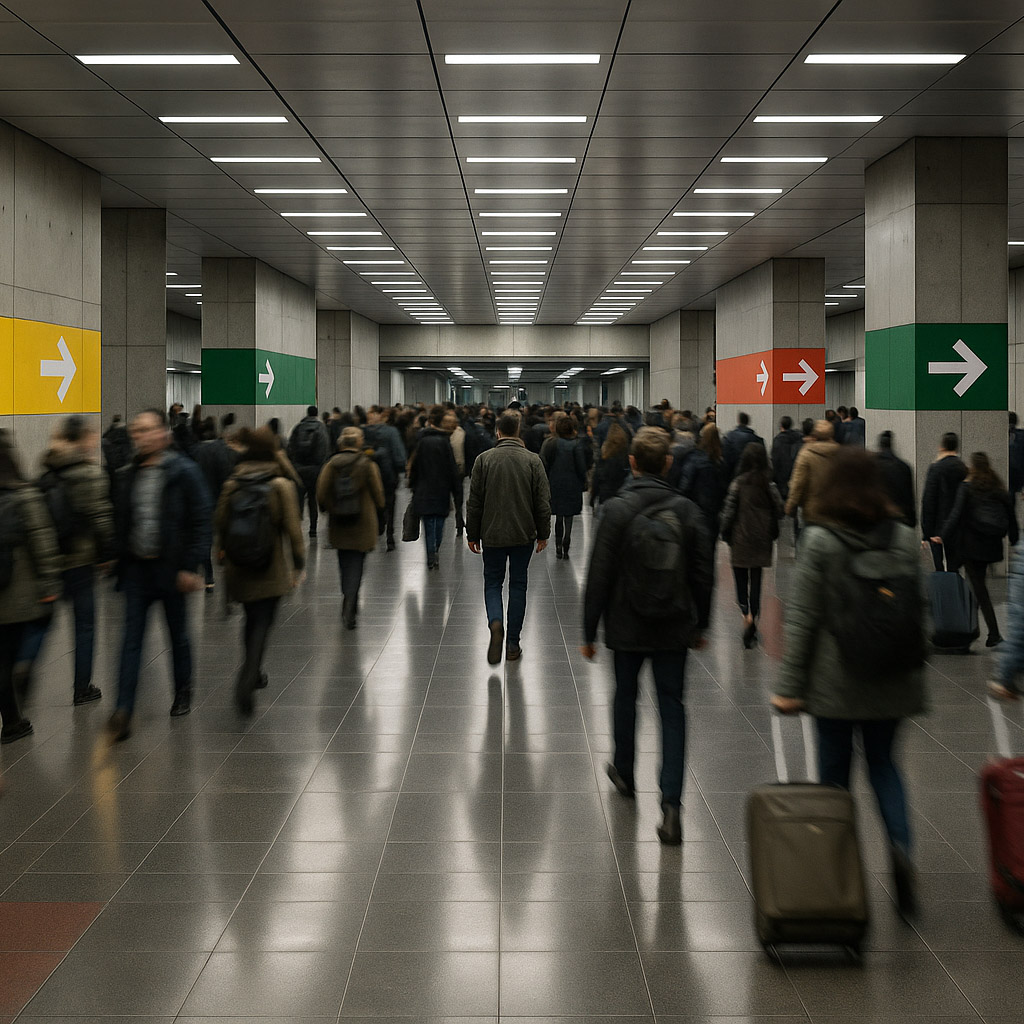
A signage system is a family of physical messages for identification, direction, information, and sometimes safety. It succeeds when people meet the right message at the right decision point and can understand it under real viewing conditions.

Common tools
- Adobe Illustrator
- Adobe InDesign
- SketchUp
Skills in play
- Spatial reasoning
- Typography
- Accessibility
What it is
A signage system consists of messages placed in a physical environment. Some signs identify a room or destination; others point toward it, explain a rule, or warn about a hazard. The graphic design connects these messages through type, colour, symbols, materials, and placement. The spatial design decides what people need to know at each point in their journey.
Signage overlaps with wayfinding but is not identical to it. A place may have a polished sign family and still be hard to navigate if the signs appear after decisions have already been made. Equally, a legible sign cannot compensate for contradictory names, a hidden entrance, or a route that changes without warning.
Audit the place before drawing signs
Walk common routes with people unfamiliar with the site. Note entrances, thresholds, junctions, stairs, lifts, sightlines, obstructions, and places where someone might need reassurance that they are still on the right path. Record existing names and symbols. A room called three different things in booking software, on a door, and on a map will confuse visitors no matter how good the typography is.
Create a message inventory: identification, direction, confirmation, information, regulatory, and temporary updates. Assign an owner to each message. Ask whether it is necessary, where it should be encountered, and what action follows. Reduce unnecessary messages so important ones are easier to notice. The system should accommodate future changes without turning every new request into a special case.
Build a hierarchy for real viewing
Separate sign roles
A distant directional sign, a door label, and a close-reading information panel need different amounts of detail. Use a coherent family of type, colour, symbols, and materials, but let scale and information density follow the task. Group destinations in a way that matches the building’s logic. Avoid presenting a long alphabetical directory at a junction where the user needs one quick decision.
Design confirmation points. After a turn or level change, people need evidence that they are still on the intended route. A small but well-placed sign can be more useful than a larger sign at the start. For complex environments, coordinate with maps, landmarks, staff instructions, and digital directions rather than expecting signs to carry the entire burden.
Design for distance and access
Test letter size, contrast, symbol recognition, glare, lighting, and viewing angle in the real space. Choose materials that remain readable after wear and cleaning. Do not rely on colour alone to distinguish routes or destinations. Where tactile, braille, or specific visual requirements apply, plan them from the outset with the responsible accessibility and compliance specialists.
Requirements vary by jurisdiction and sign type. The U.S. Access Board source below is a useful example of how visual, tactile, and directional signs can have different rules; it is not a substitute for checking the rules of the actual project location. Museums and cultural exhibitions add further lessons about interpretation and visitor pace.
Prototype in the environment
Place temporary full-size mock-ups where signs are planned. Approach them from the actual directions of travel. A sign that reads well on a wall elevation may be hidden by an open door, overhead light, crowd, or retail display. Test from seated as well as standing viewpoints when relevant. Watch someone complete a route without hints and note where they pause or backtrack.
Review the sign schedule and content with operations staff. They know which destinations change, which rooms are renamed, and where temporary notices appear. Document mounting locations, substrates, finishes, artwork versions, and maintenance responsibilities. The system needs a way to update one sign without making the family inconsistent.
Maintain trust over time
Audit signs after opening. Remove outdated messages promptly and check whether repairs preserve type, colour, and terminology. A single wrong arrow can undermine confidence in every other sign. Add new destinations through the documented naming and placement rules rather than attaching improvised notices at random.
Use observations and visitor questions to improve the system. If many people ask for the same place, find the decision point where the route becomes unclear. The answer may be a better sign, a clearer name, or a change to the environment itself.
Practical checks
- Is each sign placed before or at the decision it supports?
- Are names consistent across signs, maps, staff language, and digital tools?
- Can messages be read in realistic lighting, distance, and viewing positions?
- Have applicable visual and tactile requirements been checked for this location?
- Is there an owner and process for replacing outdated signs?
Common mistake
Designing a beautiful sign family in isolation from the place. The system is finished only when unfamiliar visitors can move through the environment with confidence and the organisation can keep the messages accurate.
People and practice