In brief
Wayfinding is the coordinated system of information and environmental cues that helps people understand where they are, decide where to go, and recognise when they have arrived.

Common tools
- Adobe Illustrator
- SketchUp
Skills in play
- Spatial reasoning
- Research
- User testing
What it is
Wayfinding helps people understand where they are, choose a route, recognise progress, and recover when they make a wrong turn. It is broader than signage. Architecture, paths, lighting, sightlines, landmarks, naming, staff communication, maps, and digital tools all contribute to a person’s mental model of a place.
The best system is often quiet when the route is obvious and precise when a decision is difficult. More signs are not automatically more help; unnecessary information can make a complex environment harder to read.
Start with journeys and decisions
Map representative journeys from arrival to destination and back again. Include first-time visitors, staff, deliveries, people with mobility needs, and anyone who may arrive under stress or with limited time. Identify the points where a person must choose, confirm, recover from an error, or transfer between systems.
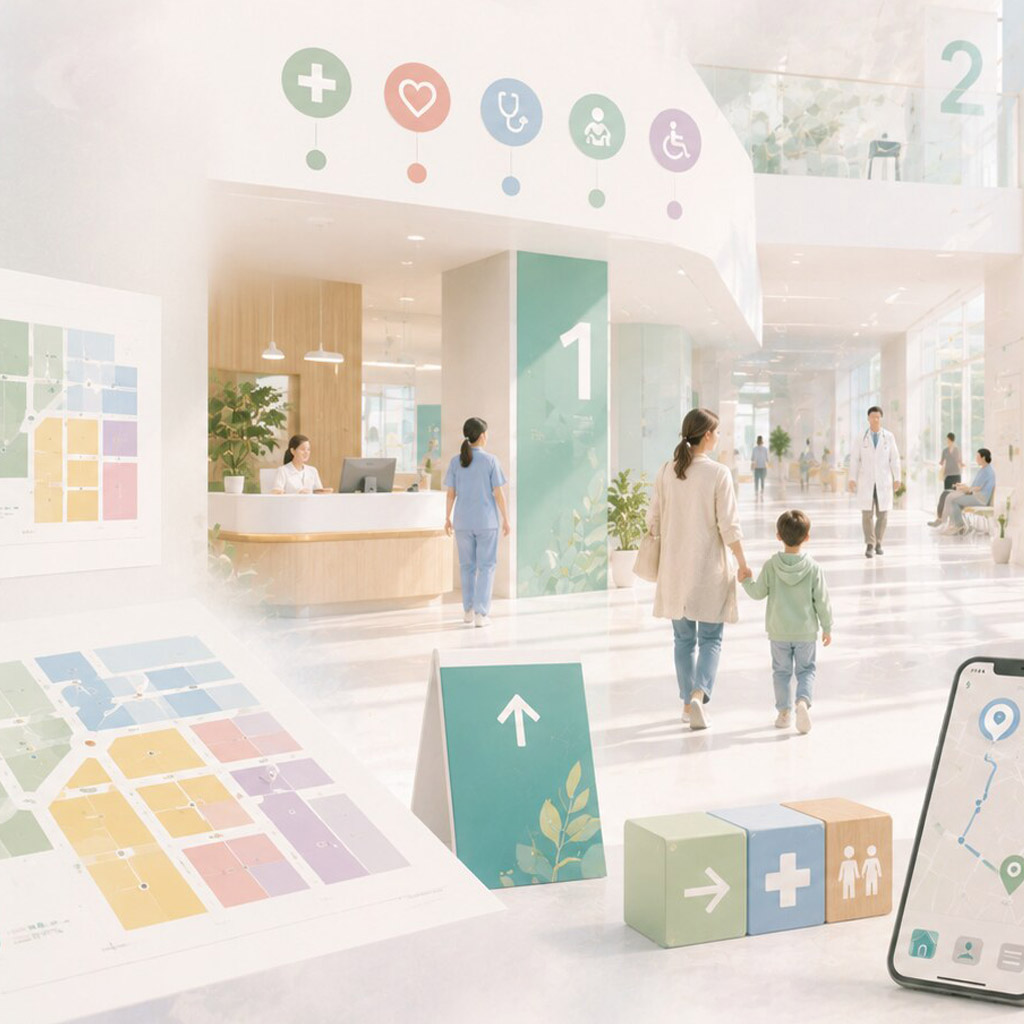
Information should appear before a decision, remain visible while it is being made, and be confirmed afterward. At a hospital, for example, naming a department at the entrance is only the start; each corridor split, lift lobby, and final door must support the same destination name.
Information hierarchy
A useful system separates levels such as site, building, floor, zone, room, and service. Names must be stable and used consistently across signs, tickets, websites, maps, and spoken directions. Numbering and terminology should reflect how people search for destinations, not only the organisation’s internal structure.
Choose what belongs at each decision point. A sign listing every possible destination can make the immediate choice less clear. Progressive disclosure gives a person the next useful piece of information and confirms the path as they move.
Legibility and placement
Type size, contrast, viewing distance, mounting height, lighting, angle, and obstruction all affect performance. The surface, glare, and speed of movement matter as much as the artwork. A well-designed sign can still fail if a queue, open door, temporary display, or parked vehicle blocks it.
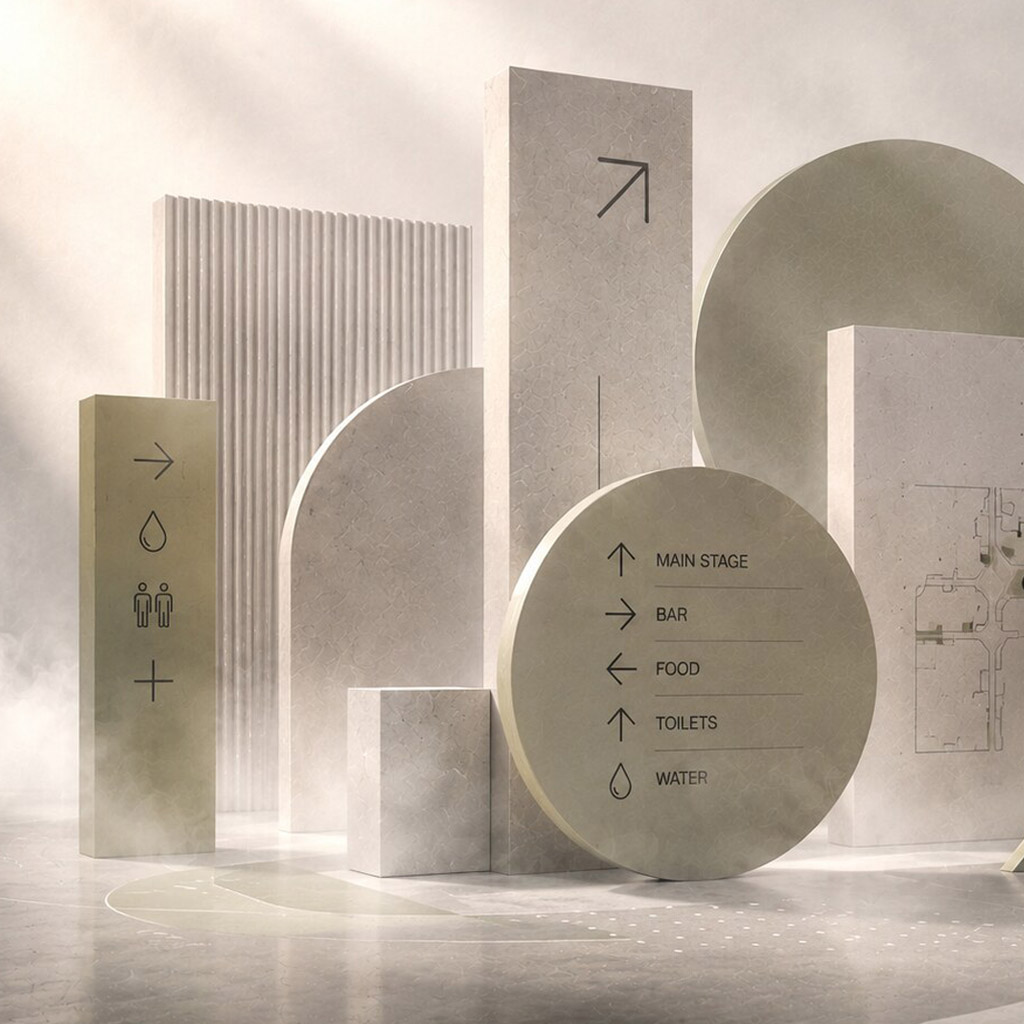
Pictograms can support recognition, but unfamiliar symbols still need labels. Arrows require particular care: their meaning depends on placement, orientation, and the geometry of the junction around them.
Redundancy
Important routes should not depend on one signal. Text, arrows, colour, numbering, landmarks, and spatial form can reinforce one another. This reduces reliance on colour or language alone and makes the system more resilient when one cue is missed.
Accessible and emergency routes may differ from the most direct path. They need clear information at the point of choice, not a correction after someone has already reached an inaccessible stair or dead end.
Design the system, not a sign collection
Create a family for identification, direction, confirmation, orientation, and exceptions. Each type has a different job and should have a recognisable position and visual hierarchy. Maps should share the names, zones, and symbols used in the environment, with a clear indication of the reader’s current position and orientation.
Prototype representative signs at full size and in their planned locations. Walk routes without prior knowledge, observe hesitation, and note where people look before they ask for help. A short field test often reveals naming conflicts and placement errors that a flat layout cannot.
Maintenance and change
Places change. Departments move, entrances close, temporary events appear, and construction disrupts familiar paths. The design system needs an owner, an inventory of sign locations, rules for temporary notices, and a way to retire outdated information. Improvised updates can quickly undo an otherwise coherent system.
Prototype on the route
Before fabrication, place temporary signs or marked-up printouts at real decision points. Ask first-time visitors to reach several destinations without hints. Observe where they stop, turn back, or ignore a sign. A map that seems obvious at a desk may be unreadable when someone is moving, carrying luggage, or approaching from an unexpected direction.
Record the route as a sequence: arrival, orientation, decisions, confirmation, and recovery after a wrong turn. Note sight lines, glare, crowding, and competing messages. The final handoff should include a location schedule, sign family, content owner, and process for changing destinations—not only artwork files.
Practical checks
- Test the system with first-time visitors, not only project stakeholders.
- Include accessible routes and the points where those routes differ.
- Review arrival, departure, emergency, and error-recovery journeys.
- Observe behaviour in the real environment before adding more signs.
- Plan ownership so outdated information is corrected quickly.
Common mistake
Adding signs after the environment becomes confusing. A sign can communicate a decision, but it cannot fully repair inconsistent naming, hidden entrances, or a route that contradicts the spatial logic. Fixing the route or naming may be the more effective design decision.
People and practice