In brief
Retouching changes an image; compositing builds one from several sources. Both require a clear purpose, careful craft, and an honest account of what the final image represents.
Common tools
- Adobe Photoshop
- Adobe Illustrator
Skills in play
- Concept development
- Technical accuracy
- User testing
What it is
Retouching changes an existing image: correcting tone, removing a distraction, refining detail, or preparing it for a specific medium. Compositing combines several sources into one image. The distinction matters because a small correction and a constructed scene carry different production demands and different implications for what viewers believe is real.
Image construction is older than digital software. László Moholy-Nagy’s photographic experiments and photomontages show that combining images can be a conceptual method, not only a repair technique. In a contemporary brief, the first decision is whether the image should document, interpret, or invent. That choice should guide both the visual treatment and how the work is described to viewers.
Define the image’s job and truth claim
Ask where the final image will appear and what it must communicate. A product image may need to represent shape and colour accurately. A campaign illustration may deliberately build an impossible scene. A documentary image may allow tonal correction but reject the removal of a meaningful object. Agree on these boundaries with the editor or client before opening the file.
Collect source assets, permissions, and technical details. Record who made each image, what use is licensed, and whether a person or location needs additional consent. Check resolution, perspective, light direction, lens behaviour, and the intended crop. A spectacular composite will fail if its source images cannot be used legally or do not survive the final output size.
Plan the composition before polishing pixels
Make a rough assembly first. Decide the focal point, scale, eye path, and relationship between elements. In a realistic composite, compare horizon lines, perspective, shadow direction, depth of field, and colour temperature. In a deliberately surreal image, decide which differences are part of the idea and which simply look accidental.
Test the image beside the actual headline or interface. A dramatic empty area may be useful for type; a strong subject may compete with a call to action. Art direction for photography can help plan source images so fewer awkward repairs are needed later.
Keep edits reversible
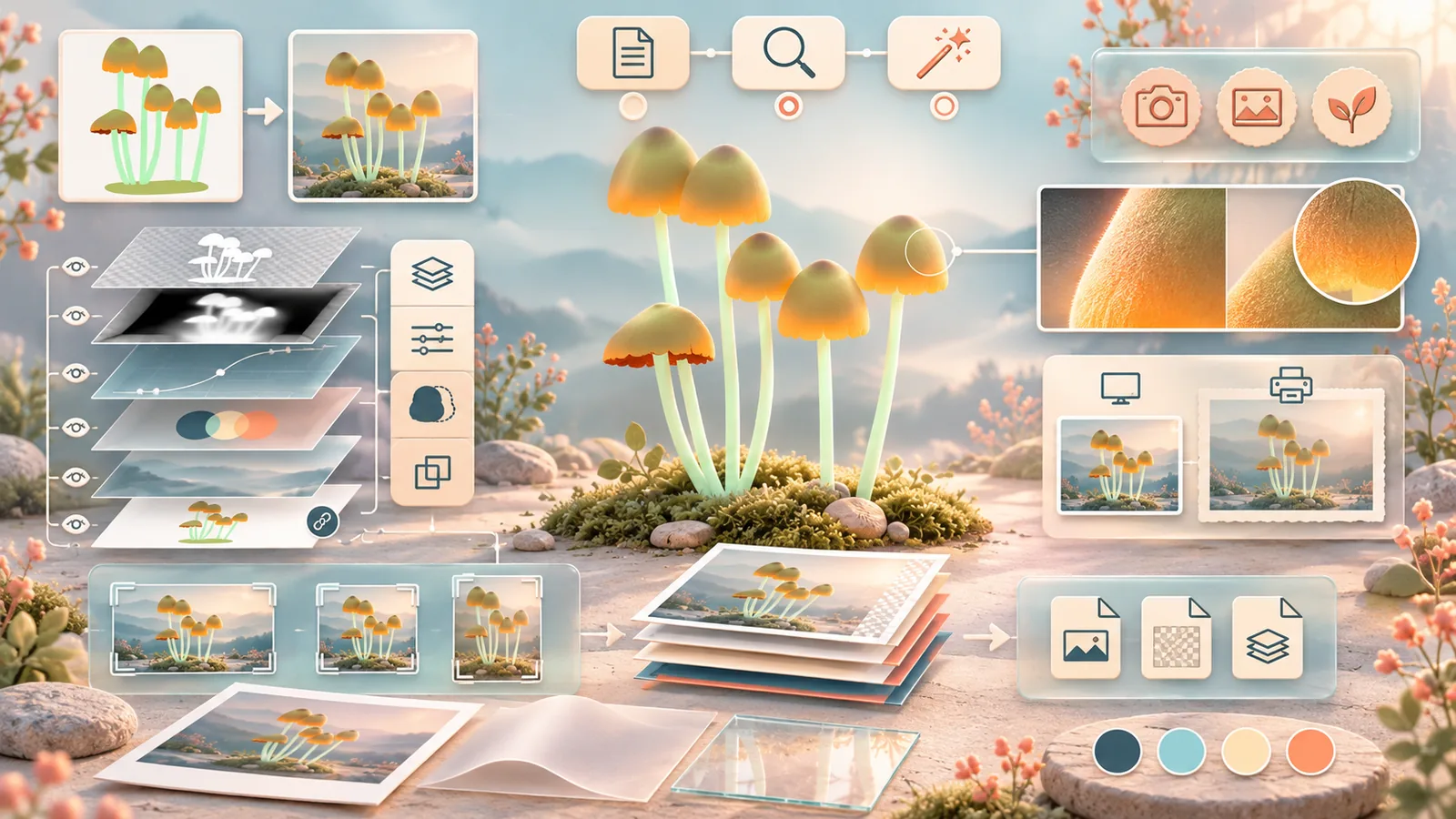
Work from a preserved original. Use separate retouch layers, adjustment layers, masks, and Smart Objects where they fit the job. Adobe’s documentation explains how these techniques retain source pixels and make later changes easier. Name groups by their purpose rather than leaving a stack of anonymous copies. Save a layered master and export a separate delivery file.
Reversibility is valuable when the crop changes, a product colour is corrected, or an approval requires one object to move. It also makes review possible: a collaborator can compare source and final image and understand what was changed. Keep the file lean by removing abandoned experiments only after the approved master is safely saved.
Review detail at real output sizes
Check the image at full resolution for edges, repeated textures, halos, mismatched grain, and distorted anatomy or objects. Then check it at the size people will actually see. A tiny seam may disappear on a phone, while a high-contrast cutout can become more obvious as a thumbnail. Print proofs can reveal colour shifts and banding that a bright screen hides.
Review the message as carefully as the technique. Does the composite imply a product feature, place, event, or relationship that is not true? Is a person’s appearance altered in a way that changes the meaning of a story? These are editorial decisions, not merely retouching preferences. For consequential images, document the approved boundaries and who signed off the final treatment.
Deliver context with the image
Provide the agreed crop variants, colour profile, export sizes, layered master, source list, and usage rights. For online use, write alternative text that describes the information the image conveys rather than listing every visible object. If the construction itself is relevant to the story, make that clear in the caption or surrounding text.
Practical checks
- Is it clear whether the image documents a scene or constructs one?
- Are source rights and any required permissions recorded?
- Can major edits be revised without rebuilding from a flattened file?
- Has the image been checked at both full detail and its smallest real use?
Common mistake
Polishing a seamless composite before deciding what it is allowed to imply. Technical skill can make an image convincing; the brief must determine whether that conviction serves the message honestly.
People and practice