In brief
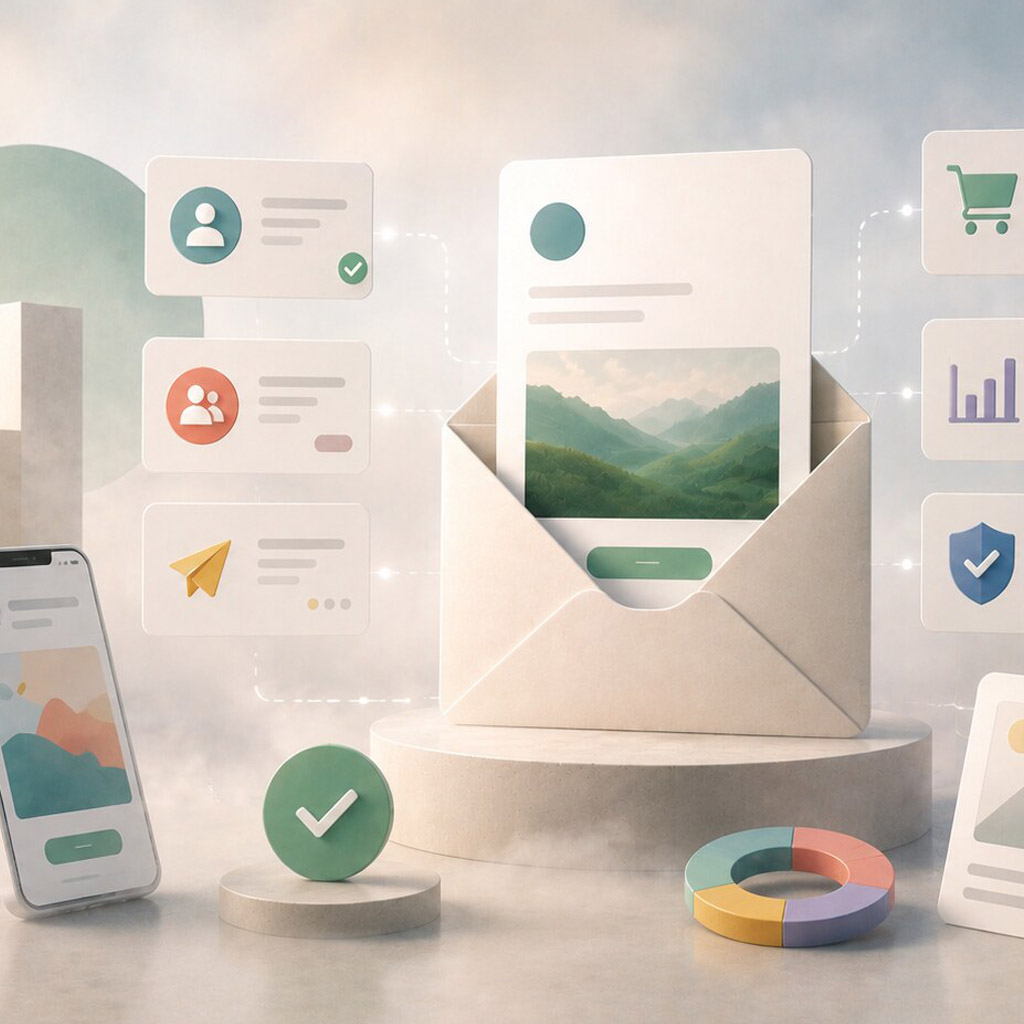
Email and content marketing work best as a continuing exchange, not a stream of isolated promotions. Each message should respect the reader's context, make its purpose obvious, and connect to useful content or a clear next step.
Common tools
- Figma
- Adobe Photoshop
- Browser tools
Skills in play
- Systems thinking
- Typography
- User testing
What it is
Email marketing is a direct, recurring communication with people who have chosen, or otherwise have a legitimate reason, to hear from an organisation. Content marketing supplies useful material around the audience’s questions and decisions. Design connects them: it makes each email recognisable, easy to scan, and honest about where a link will take the reader.
An email is not a miniature homepage. It competes with personal messages, appears in many clients, and is often read in fragments on a phone. The best design starts with what the reader needs from this particular message. That may be a single update, a helpful explanation, a product comparison, or a reason to revisit a longer article.
Plan the message system
Define the programme’s purpose and the expectations set when people join it. What will they receive, how often, and why is it worth their attention? A newsletter, onboarding sequence, service update, and sales offer have different jobs; forcing all of them into one template usually weakens their hierarchy.
Map messages across a reader journey. An introductory email may explain value, a later one may answer a practical question, and a campaign email may invite action. Avoid designing a sequence that assumes every earlier message was opened. Each email needs enough context to make sense alone while fitting into the larger relationship. Coordinate claims, timing, and calls to action with the people responsible for the content.
Design for the inbox first
Make the purpose obvious
The sender name, subject line, preview text, first heading, and first paragraph should work together. Do not promise one thing in the subject and deliver another in the body. Lead with the most useful information rather than a long branded introduction. GOV.UK’s email guidance emphasises clear language and getting the important message across early; the exact voice can still fit a brand.
Give the message a visible primary action, if it has one. Use descriptive link text so a reader knows the destination without relying on surrounding copy. Avoid several equally prominent buttons competing for attention. For an editorial newsletter, a set of well-labelled article links may be more useful than a single generic “Read more” button.
Build a resilient layout
Use a simple hierarchy that remains readable when images are blocked, the viewport is narrow, or the email client changes spacing. Keep critical words as real text, not embedded in artwork. Set meaningful alternative text for informative images and leave decorative ones silent. Check contrast, font size, line length, tap targets, and the reading order in the delivered HTML.
An email design system can define reusable modules—lead story, short update, event, offer, footer—without making every send look identical. Document which modules can repeat, how long headlines may be, and what happens when an image is absent. Connect the system to the wider brand guidelines while respecting email’s technical constraints.
Connect email to content worth visiting
Do not ask readers to click merely to discover what the message is about. Give a useful summary, then link to the deeper explanation, tool, article, or product page. Keep the destination consistent with the promise made in the email. If the page repeats the same teaser and requires another click to reach the answer, the journey feels like a trap.
Use social media campaigns and other channels to reinforce the same proposition where appropriate, but tailor the amount of context to each channel. Email can carry a thoughtful sequence of ideas; a social post may need a quicker point of entry. Consistency does not require identical cropping and copy.
Test the delivered experience
Review the actual email in several common clients, on desktop and mobile, with images on and off. Test dark mode, long names, long translated copy, broken links, and the footer. Check the full route from inbox to destination page. For transactional or sensitive messages, make sender identity and link destinations especially clear so the message is not easily confused with phishing.
Measure whether the programme helps its audience, not just whether it produces opens or clicks. Compare useful actions, replies, return visits, unsubscribes, and qualitative feedback against the purpose of each message. Subject-line experiments can reveal curiosity without proving that the content delivered value.
Practical checks
- Is the reason for this email clear before the reader scrolls?
- Do text and layout still work when images do not load?
- Are links descriptive and consistent with their destinations?
- Has the delivered HTML been checked in realistic clients and mobile widths?
- Does the programme offer continuing value rather than a repetitive demand for attention?
Common mistake
Designing the email as a polished poster and treating the inbox as a neutral canvas. Start with the message, the reader’s context, and the constraints of email delivery; then give it enough visual character to be recognisable.
People and practice