In brief
A recruitment campaign connects an authentic employer promise to specific opportunities. Its graphics must attract attention while leaving roles, requirements, and next steps easy to understand.

Common tools
- Figma
- Adobe Illustrator
- Spreadsheet
Skills in play
- Research
- Visual storytelling
- Accessibility
What it is
A recruitment campaign is a planned set of messages that helps the right people notice a role, understand the employer, and decide whether to apply. It may include social posts, a careers page, event graphics, job listings, email, and materials for staff who speak with candidates. The campaign is a bridge between employer and internal branding and a real application process. It should make a truthful promise that the experience can support.
A striking image can earn a first look. It cannot replace the role title, working conditions, pay information where available, location, essential criteria, and a clear next step. CIPD’s employer-brand guidance stresses understanding how candidates and employees perceive the organisation. The best campaign message comes from that evidence rather than a generic claim to be a great place to work.
Define the audience and the offer
Start with the role and the people who could do it. Ask hiring managers what the work actually involves, which skills are essential on day one, and which can be learned. Speak to current employees about what surprised them after joining. Map the candidate’s questions at discovery, consideration, application, and interview. Different roles may share an employer identity while needing different examples and detail.
Write claims that can be shown
If the campaign promises flexible work, describe how it works for this role. If it promises development, point to a real programme or a typical path. Employee stories can add specificity, but only with consent and without treating one person’s experience as universal. Avoid stock imagery that suggests a workplace, team, or benefit the organisation cannot show.
The value proposition should fit in a short sentence, then open into evidence on the careers page. A slogan is useful only when someone can follow it to an answer. Build a message hierarchy: role and opportunity first, proof and context second, application action third.
Build a connected campaign system
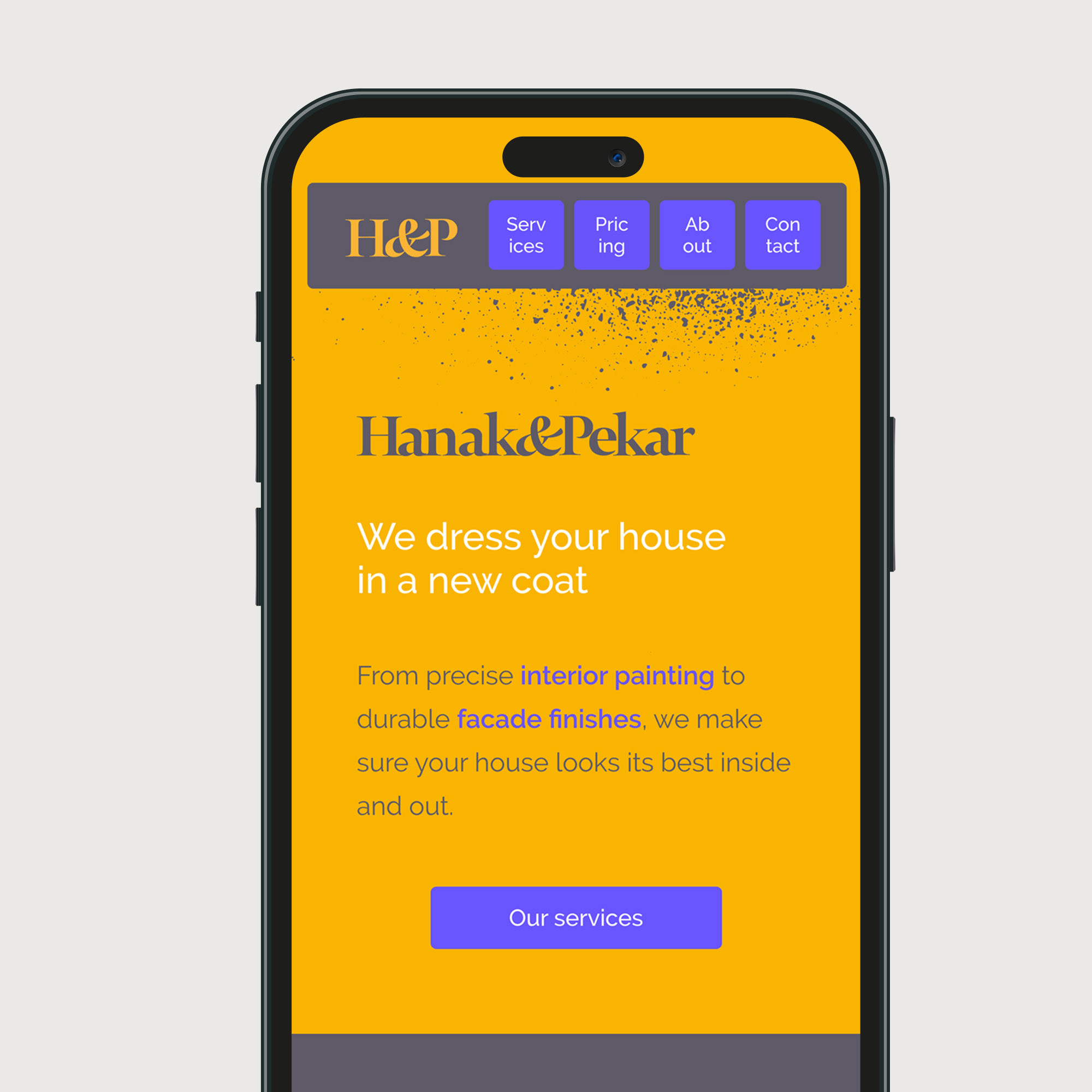
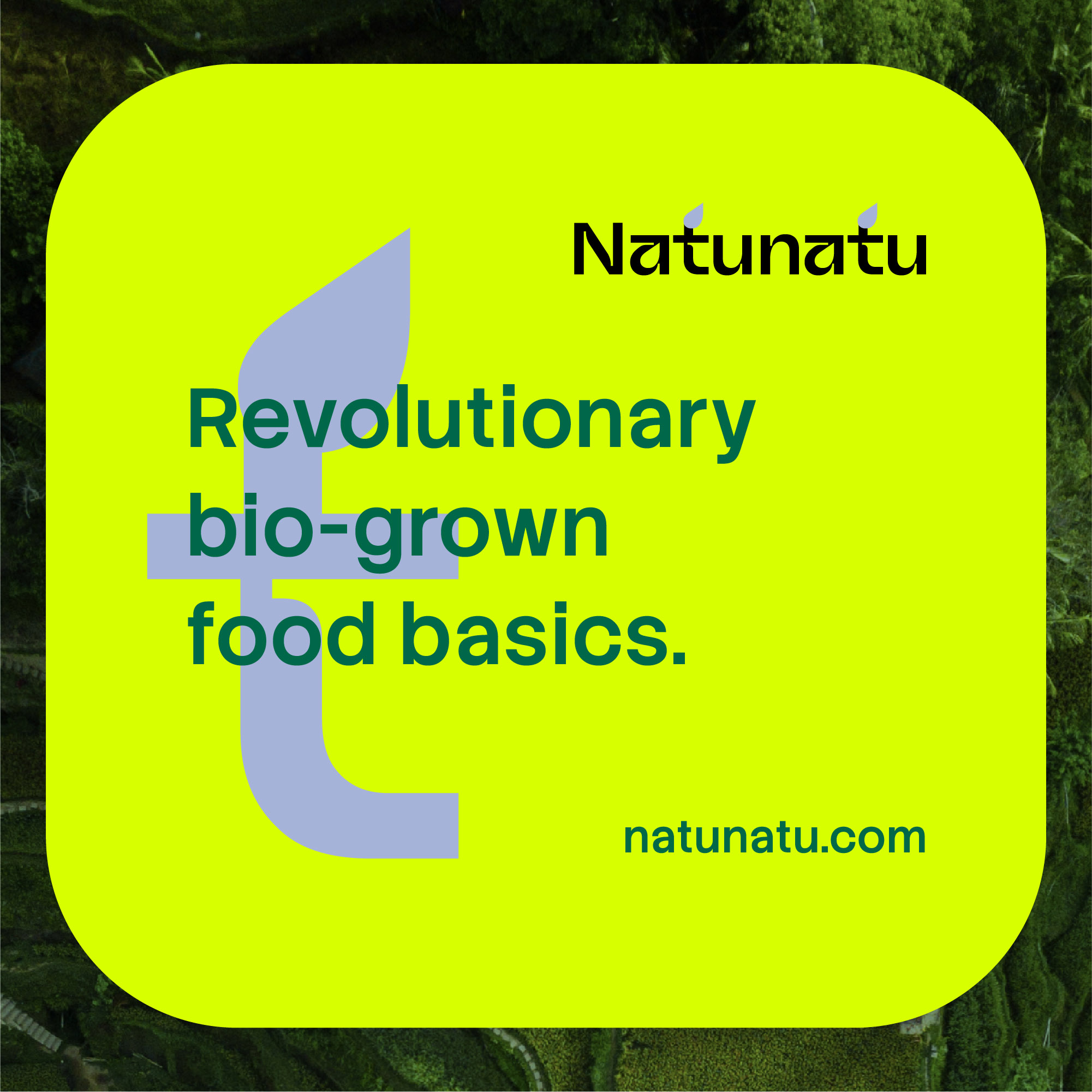
Choose a few recognisable visual elements from the employer identity: type, colour relationship, image direction, and tone. Design them for a narrow social card, a longer listing, a printed event panel, and a mobile careers page. A candidate may meet these in any order, so each asset should identify the employer and role without depending on a previous post.
Plan channel-specific copy without changing the facts. A brief post can point to the detailed role page; the role page must stand on its own. Use stable links and keep dates, requirements, and contact information consistent. If the role closes or changes, update the source page and retire outdated campaign assets.
Design for access and understanding
Use live text for essential information. Test the application route on a phone and with a keyboard. Distinguish essential from desirable criteria, and give candidates a way to ask about adjustments or the process. GOV.UK’s inclusive job-description guidance calls for clear requirements and formats that work across devices. A campaign that reaches more people but leads them into an inaccessible form has not succeeded.
Check that images, colour, and motion do not carry the only explanation. Captions, alternative text, and a still version of a moving advert help a candidate get the same practical information in another mode.
Review the whole candidate journey
Ask someone unfamiliar with the organisation to find a suitable role from a campaign asset, explain what the work involves, and locate the application step. Watch where they hesitate. Check whether the advertised promise matches the interview process and onboarding materials. Track qualified applications and candidate questions with context; clicks alone do not prove that the message was useful.
Practical checks
- Can a candidate understand the actual role without decoding a slogan?
- Are the employer claims supported by real examples and working conditions?
- Do all channels lead to one current source of role details?
- Can someone complete the application journey on a phone and with assistive technology?
Common mistake
Treating the campaign as an attention problem. The design must also help people make an informed choice about the work.
People and practice