In brief
Character animation gives a designed figure intention through pose, spacing, timing, and change. The movement must support the message as well as the character's personality.
Common tools
- Adobe After Effects
- Adobe Illustrator
Skills in play
- Motion design
- Visual storytelling
- Systems thinking
- User testing
What it is
Character animation is the design of how an invented figure moves, reacts, and changes over time. In graphic design it can make an explainer easier to follow, give a campaign a recurring voice, or add expression to an identity. A recognisable drawing is only the starting point. Pose, timing, spacing, and the relationship to sound tell the viewer what the character intends.
The character design guide covers the figure’s visual rules. Animation tests whether those rules still work when the figure turns, stretches, overlaps itself, and occupies many sizes. A great still image may need a simpler silhouette or a different joint structure before it can move clearly.
Define the character’s job
Write down the action the audience needs to understand. Is the character demonstrating a step, signalling a state, reacting to a message, or carrying an emotional tone? Choose one primary behaviour for the sequence. Personality should support that job rather than interrupt it. A playful bounce may suit an invitation but confuse a warning or urgent instruction.
Draw key poses first
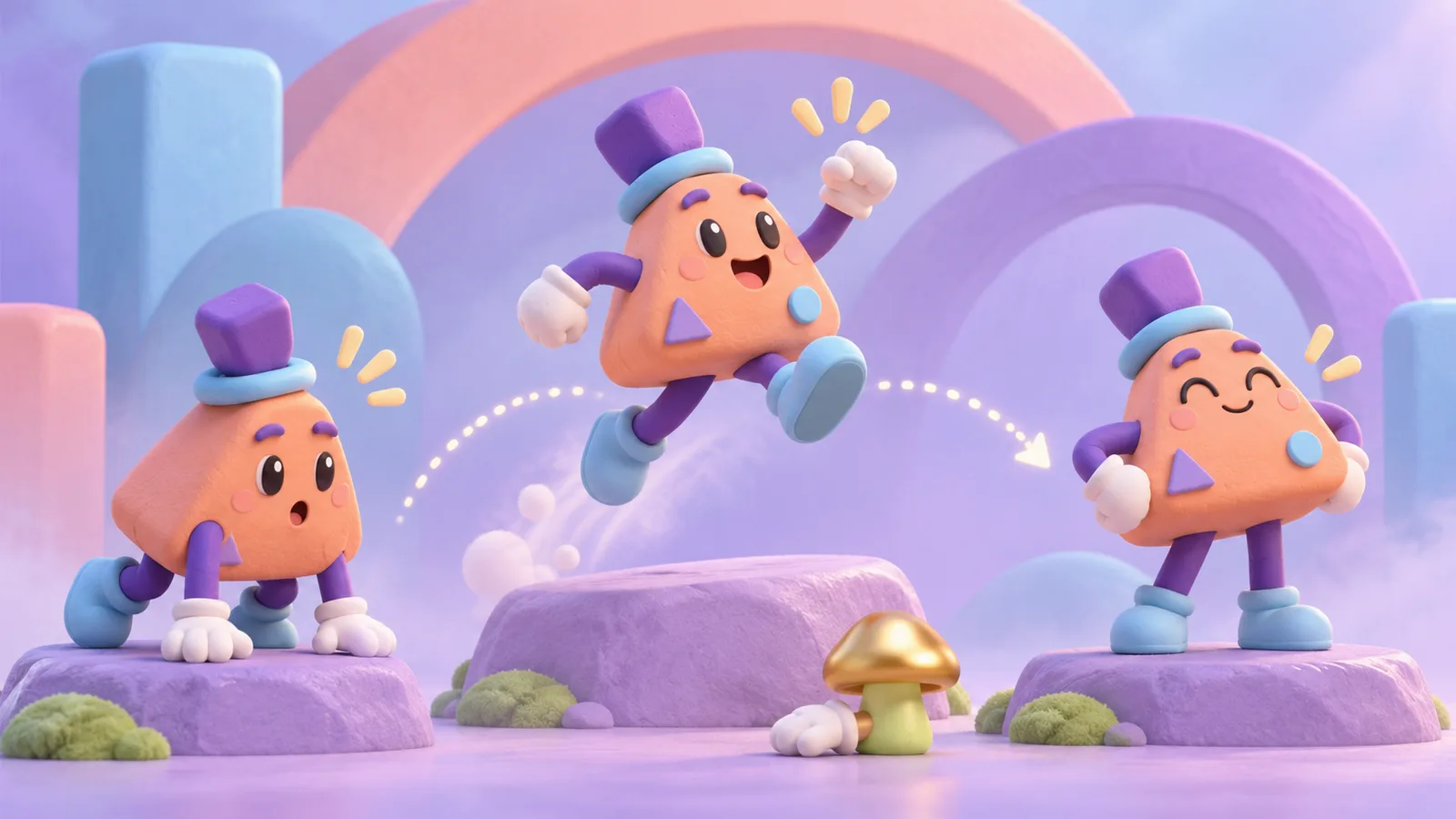
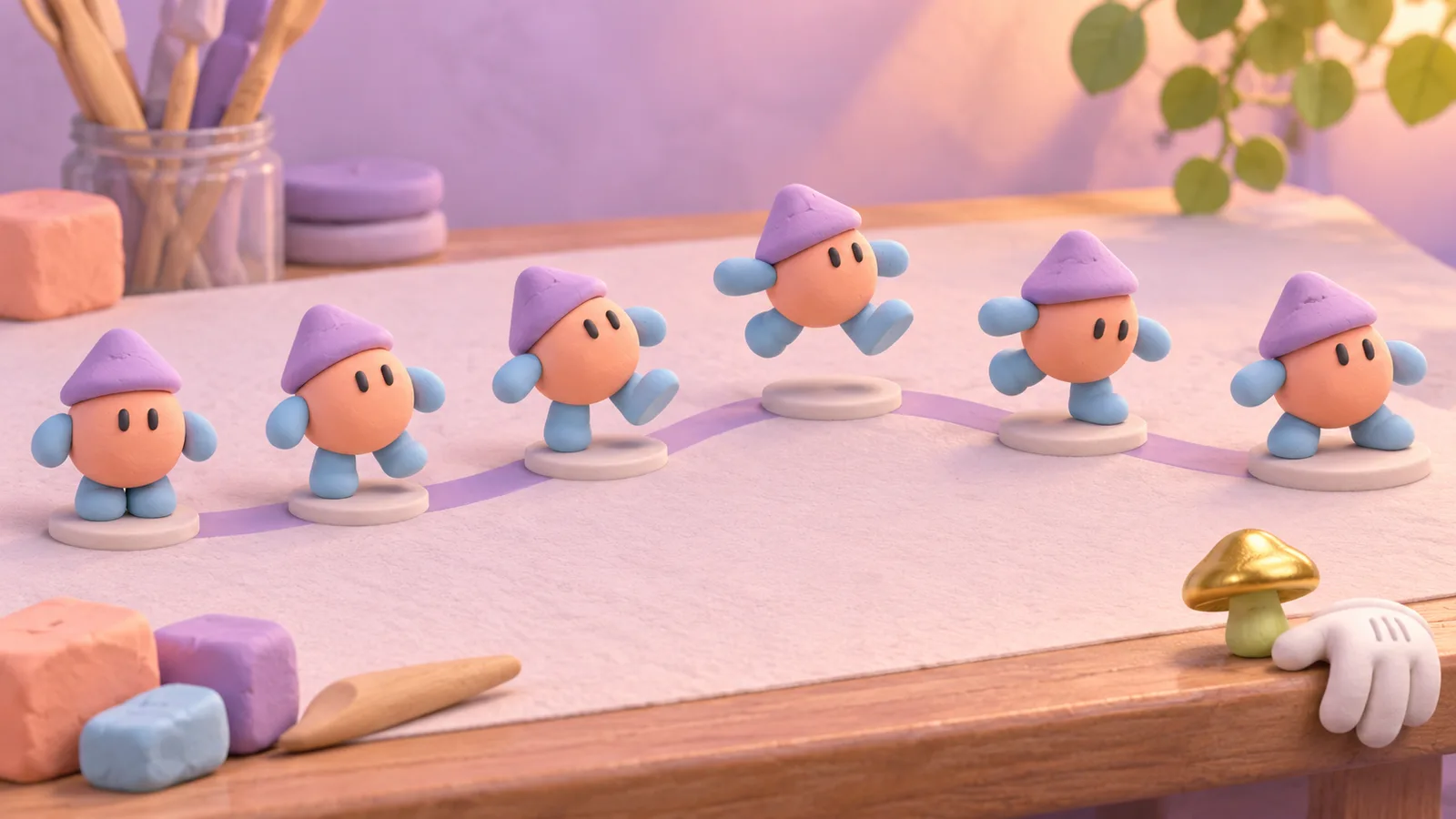
Begin with the clearest storytelling poses: preparation, action, result. Check each as a still silhouette before adding in-between frames. The motion path should make the change in position understandable. Spacing between poses controls the apparent speed; identical spacing tends to look mechanical even when the drawings are charming.
Block the sequence with a simple shape before committing to detail. If the action is unclear without eyes, textures, or effects, improve the pose and staging. A short hold on the important state may communicate more than extra movement.
Build a repeatable motion system
For a character used often, define a small library of gestures, expressions, and transitions. State what may bend, squash, rotate, or separate. A rig is a control structure that makes repeated movement possible; it can be a set of linked layers in a 2D tool or an armature controlling a 3D model. Blender’s animation documentation covers keyframes and armatures as two core building blocks. The rig is useful only if animators can make the required poses without breaking the design.
Decide how motion loops, enters, and exits. A seamless loop should not hide the moment when the viewer needs to read a message. Build a neutral resting state for interfaces and presentations that may pause on any frame.
Test timing in context
Watch at the actual display size, frame rate, and sound conditions. A character on a phone can lose small facial details that are clear on a studio monitor. A public screen may be silent; the action still needs to read. Ask someone unfamiliar with the character what happened and what they should do next.
If the animation appears on a webpage, accessibility is part of the brief. W3C guidance on moving content calls for controls in relevant autoplay situations; avoid rapid flashing and provide a usable reduced-motion experience. The product and interface animation guide covers feedback inside interactive products.
Prepare for production
Keep source layers and naming consistent. Document the master proportions, colour variants, rig version, frame rate, and export settings. Deliver transparent and background-specific versions only where needed. Inspect compression at final size; subtle gradients and thin outlines may break down in short video or small web files. When the character appears in a series, review consecutive clips together so its speed and manner remain coherent.
Practical checks
- Is the intended action understandable from the key poses alone?
- Does the character remain recognisable at its smallest use size?
- Can the rig make the required expressions without awkward geometry?
- Does the sequence still work without sound and with reduced motion?
- Are reusable gestures and export versions documented?
Common mistake
Adding secondary bounces and expressions before the central action is clear, leaving a lively sequence with no readable point.
People and practice