In brief
Food and beverage packaging must identify the brand and product, distinguish variants, communicate required information, protect the contents, and remain convincing in a crowded retail context.

Common tools
- Adobe Illustrator
- Adobe Photoshop
Skills in play
- Typography
- Systems thinking
- Technical accuracy
What it is
Food and beverage packaging is both a communication surface and a physical product interface. It carries identity, product description, quantity, ingredients, instructions, regulatory information, and production marks within a constrained structure. It must help someone choose a product, understand what they are buying, and use it safely.
The pack is rarely seen alone. It competes on a shelf, appears as a small image in an online listing, and is handled at home. The design must work at each of those moments without promising more than the product can deliver.
Build the front-of-pack hierarchy
The shopper should be able to answer a sequence of questions quickly: who made it, what is it, which variant is it, and why might it be relevant? The order changes by category. A familiar brand may lead with its name; a new product may need to lead with the product type or a clearly expressed benefit.
Sketch the hierarchy before committing to a visual style. Use real product names and claims, not placeholder copy. A short flavour name might sit beautifully in a layout that fails as soon as the next variant needs three words. Photography, illustration, and colour should support identification rather than conceal basic information.
Design the range, not only one pack
A single variant can hide system problems. Test the full expected range, including the longest names, similar flavours, promotional flashes, and likely future extensions. Stable brand elements create recognition; controlled variable elements make selection easier.
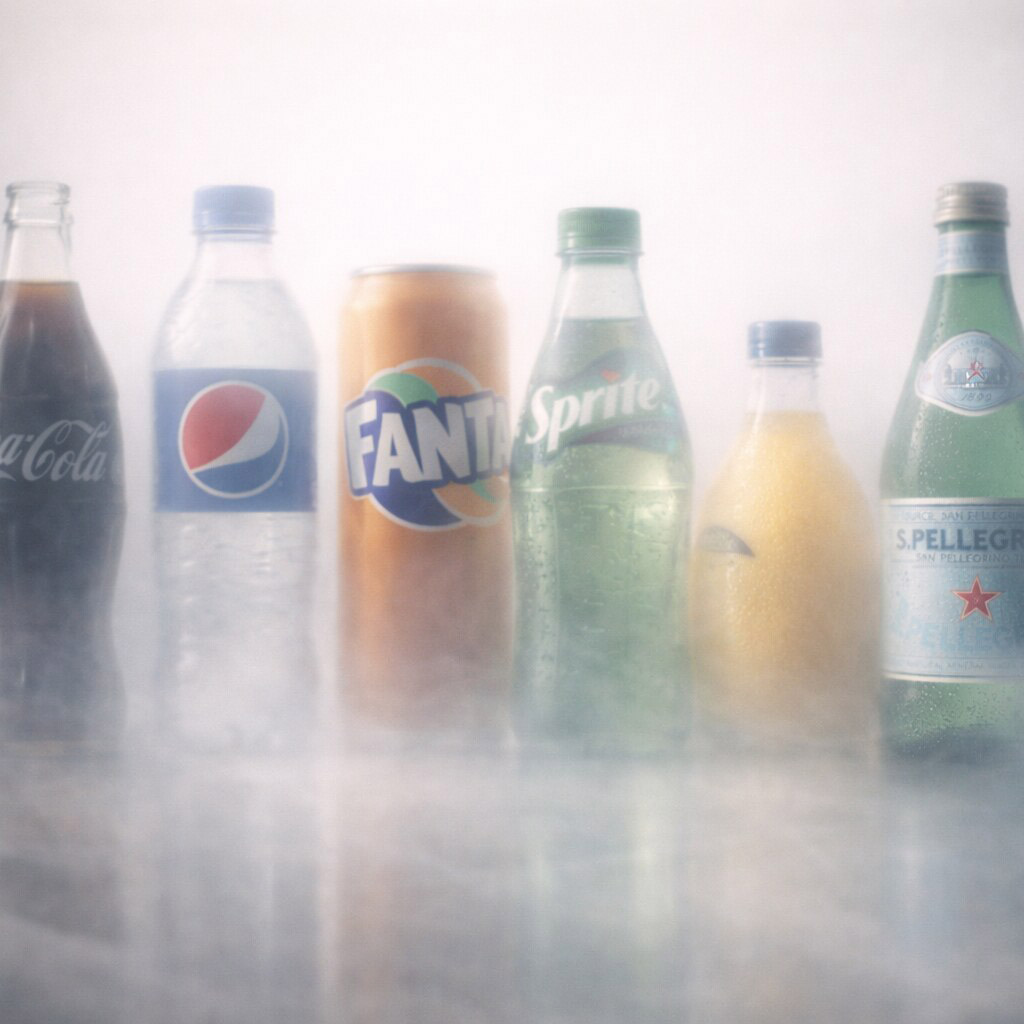
Variant coding should use more than colour. Names, imagery, position, and clear differences in tone can help someone distinguish products when the packs are viewed quickly, in poor light, or without reliable colour perception. Arrange mock-ups as they will appear together on a shelf and as thumbnails in a product grid.
Connect graphics and structure
Dielines, folds, seams, closures, curvature, transparency, and print processes affect the composition. Critical information should not cross unreliable areas. The opening experience matters too: can people find the instructions, reseal the pack if needed, and understand which face is the front?
Mock-ups reveal what is visible when the pack is held, stacked, chilled, or placed on a shelf. Physical proofs reveal something else: whether type remains legible on the chosen material, whether ink and finish alter colour, and whether a label sits correctly on a curved surface.
Information and trust
Mandatory information varies by product and market, so the design process needs an approved content list from the responsible regulatory team. Reserve space for applicable ingredients, allergens, nutrition, quantity, storage, origin, instructions, batch information, and other required particulars before the visual hierarchy is locked. Do not treat these as last-minute small print.
Marketing claims should be specific and supportable. A prominent benefit can attract attention, but if it obscures the product’s real nature, it creates confusion rather than confidence. Make the relationship between front, back, and side panels easy to follow.
Production handover
Deliver artwork against the final approved dieline, with a clear version name, print specification, and sign-off trail. Confirm barcodes and variable-data areas with production partners rather than relying on a screen mock-up. If the pack has multiple suppliers or languages, document which elements are fixed and which can change without breaking the hierarchy.
Run a shelf and production test
Print the pack at actual size and place it beside realistic competitors. Test whether people can identify the product, variant, and most important claim at a glance, then turn the pack and look for ingredients, instructions, and other essential information. A large mock-up on a presentation slide cannot reveal every problem at shelf distance.
Review proofs on the intended material and finish. Transparent film, uncoated board, metallic ink, and curved surfaces can change contrast and legibility. Keep a versioned content sheet for claims and mandatory information, with named owners for approval. This helps the visual system remain accurate when sizes, recipes, or markets change.
Practical checks
- Review the design at actual size and at realistic shelf distance.
- Confirm mandatory information and claims with the responsible regulatory and production teams for each market.
- Test colour and contrast on the intended substrate and print process.
- Check barcode quiet zones, batch areas, recycling marks, and variable-data needs.
- Ensure variant coding remains understandable for people with colour-vision differences.
Common mistake
Designing the front panel as a standalone poster. Packaging is viewed from several angles, touched, opened, stored, and compared with adjacent products. The complete object is the interface, and the information on it must remain accurate as the range grows.
People and practice