In brief
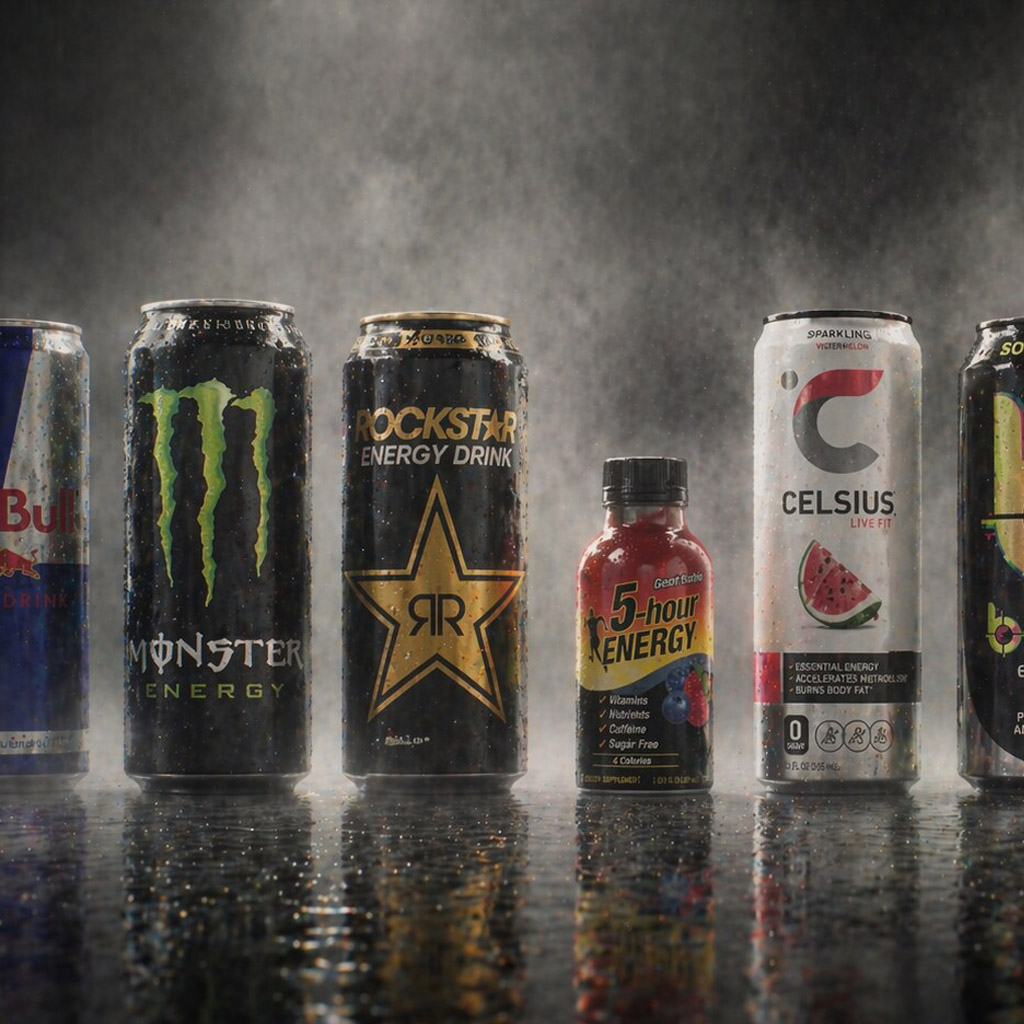
A packaging range is a visual and information system for related products. Its job is to keep a family recognisable while making each product, flavour, size, or function easy to tell apart.

Common tools
- Adobe Illustrator
- Adobe InDesign
- Adobe Photoshop
Skills in play
- Systems thinking
- Typography
- Technical accuracy
What it is
A packaging family is a group of products designed to be recognised as related. A range system is the set of rules that keeps that relationship clear as new variants, sizes, languages, and formats appear. It needs to answer two questions quickly: “Is this from the brand I know?” and “Is this the exact product I need?”
Those questions can compete. Make every pack identical and the variants blur together; give every variant its own personality and the brand disappears. Good range design establishes a stable family resemblance and a deliberate way to signal difference. The right balance depends on how people shop, not only on how the packs look together in a presentation.
Map the product architecture
Start with a complete inventory: names, functions, flavours or scents, sizes, claims, mandatory copy, container types, and planned additions. Mark what is permanent and what may change. A range that looks orderly with four products can fail when it grows to forty or moves from a carton to a curved bottle.
Group products in the way customers actually choose them. A company may organise internally by manufacturing line while shoppers think in terms of use, intensity, dietary need, or scent. Observe the shelf, search results, and shopping tasks. Ask people to find one variant and then a closely related one; confusion reveals where the hierarchy needs more than a colour change.
Establish a clear hierarchy
Decide what stays consistent
Choose the stable elements that carry family recognition: logo placement, proportion, grid, type family, shape, image language, material treatment, or a recurring graphic device. Record their relationships rather than simply copying one master artwork. A tall bottle, small sachet, and multipack may share a rule without sharing an identical composition.
Connect the range to the wider visual identity system, but allow packaging to solve its own practical problems. The product name may need more prominence than it would receive in a corporate layout. A brand colour that looks strong on a screen may not provide enough contrast for small text on a printed surface.
Make differences unmistakable
Use more than one cue for important variant distinctions. Combine a clear name with colour, image, pattern, number, or shape where appropriate. A dark green and a slightly lighter green may look distinct in an artboard and nearly identical under shelf lighting. Design for the hardest adjacent pair, not the easiest pair at opposite ends of the palette.
Treat quantity, function, and safety-relevant differences as information, not decoration. Keep the product identity and essential selection cues visible when a pack is turned, partially blocked, or shown as a small e-commerce thumbnail. Food and beverage packaging and beauty packaging show how different categories place different demands on these cues.
Design the whole pack family
Develop the range on actual dielines and containers. Compare front, side, back, top, and retail display views. Allow space for changing ingredients, translations, barcodes, batch information, and legally required copy as relevant to the product and market. These requirements must be verified for the real category and jurisdiction; a decorative mock-up is not a production specification.
Reserve barcode space early. Curvature, folds, seams, translucent materials, glare, and quiet zones can affect scanning, so confirm placement and print quality against current GS1 guidance and with the supplier. Avoid placing critical text where a closure, shelf lip, or label overlap will hide it.
Create a master system with controlled fields: brand, sub-range, product, variant, quantity, claim, mandatory information, and production identifiers. Name layers and assets so a production artist can make the next SKU without guessing which parts are fixed. Keep a change log when regulatory text, supplier constraints, or product names change.
Test the range in use
Print prototypes at real size and place them beside competitors and one another. Review at shelf distance, close reading distance, and under different lighting. Then test the digital equivalent: category page, search thumbnail, basket line item, and mobile product page. A range can be coherent in a studio and still be difficult to select in a shop.
Ask someone unfamiliar with the products to locate a named variant and explain how they distinguished it. Include a mistaken-pick test between similar products. Review the smallest pack and the longest product name before approving the system; edge cases expose brittle rules quickly.
Practical checks
- Can people recognise the family and still find the correct variant quickly?
- Do critical differences remain clear without relying only on hue?
- Does the system work on every container shape and at thumbnail size?
- Are changing claims, ingredients, codes, and translations accommodated?
- Have barcode placement and final print proofs been checked on the real material?
Common mistake
Designing one beautiful pack and calling it a system. A range is proven when a new product can be added consistently and a customer can choose it accurately without learning the designer’s internal logic.
People and practice